
In today’s digital world, having the best free PC software installed on your computer can significantly improve productivity, security, and creativity. At SoftHelperPK, we understand that not everyone wants to spend money on premium tools when powerful free alternatives exist. That’s why we’ve created this essential list of the best free PC software for 2026.
Whether you’re a student, freelancer, gamer, or office professional, these tools will help you browse securely, manage files efficiently, edit videos, protect passwords, and produce high-quality audio — all without spending a single rupee.
Let’s explore the top 5 picks.
Why is Free PC Software Essential in 2026?
In 2026, there is an increasing need for dependable software for personal computers. In view of rising cases of cyber attacks, the trend towards working from home, and multimedia content creation, every computer user will require dependable software.
Here’s why free software matters more than ever:
- 💰 Cost-effective solutions for students and startups
- 🔐 Enhanced online privacy and security
- 🎬 Creative tools for video and audio production
- 📁 Efficient file management and compression
- 🚀 High performance without heavy system load
The right best free PC software can transform your PC into a powerful workstation.
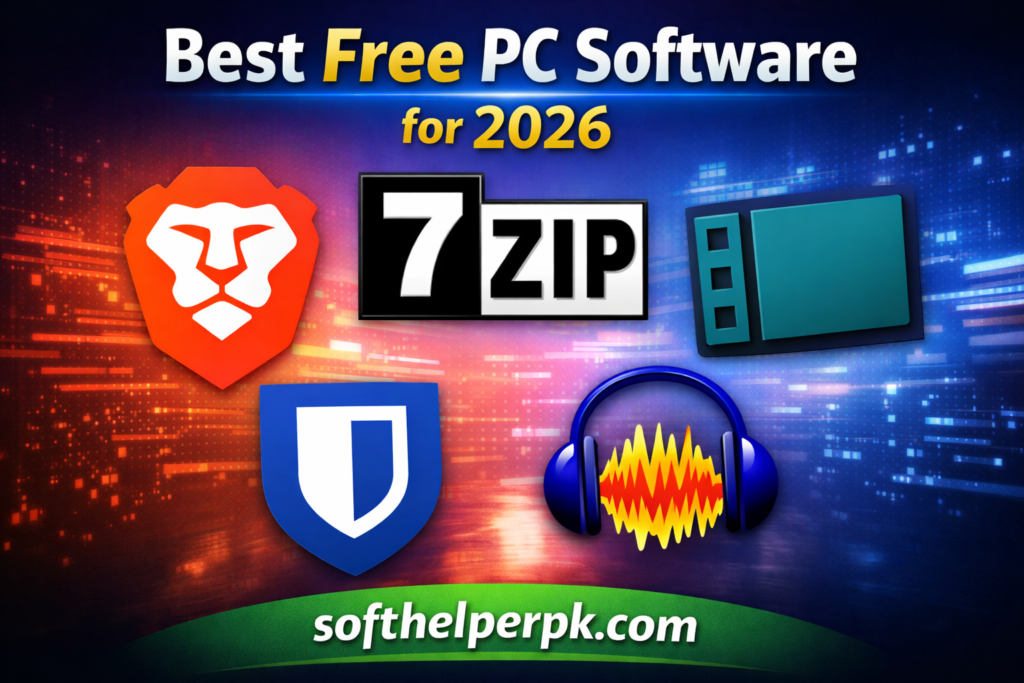
1. Brave Browser (Private & Fast Browsing)
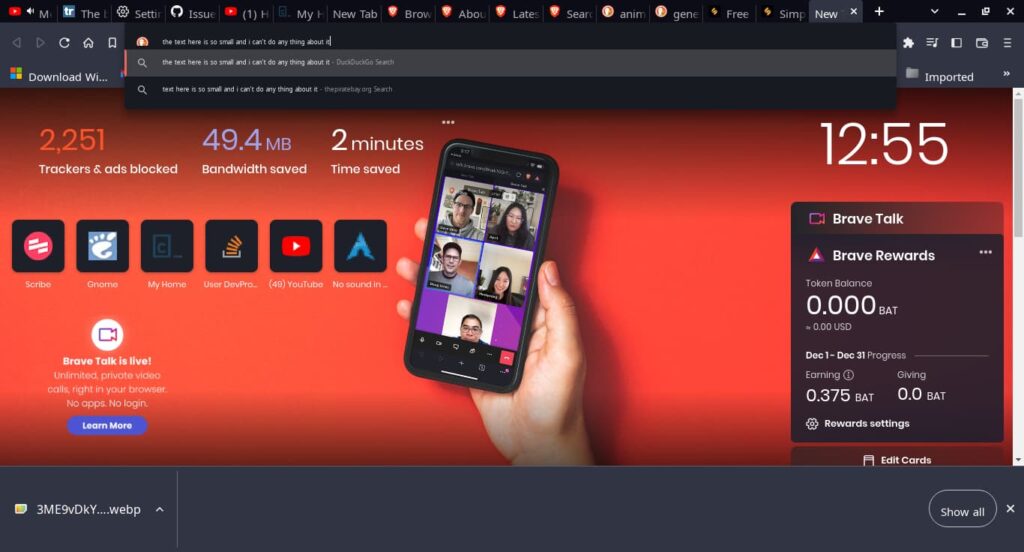
Where privacy is concerned when browsing the internet, one of the top choices in terms of free PC software is the Brave Browser.
Brave works differently from the normal browser, in that it automatically blocks any ads or trackers in order to increase page loading speeds.
I switched to Brave a year ago and the difference is real — pages load noticeably faster because all the ads are blocked by default. My laptop’s RAM usage also dropped compared to Chrome.
Key Features:
- Built-in ad and tracker blocking
- Faster browsing speed
- HTTPS Everywhere integration
- Private browsing with Tor
- Crypto wallet support
If online privacy is important to you, this is easily one of the best free PC software tools you should install in 2026.

2. 7-Zip (The Best Free File Archiver)
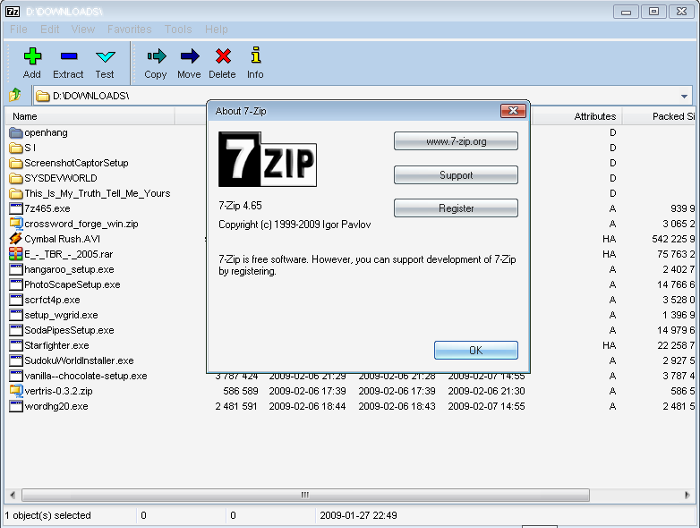
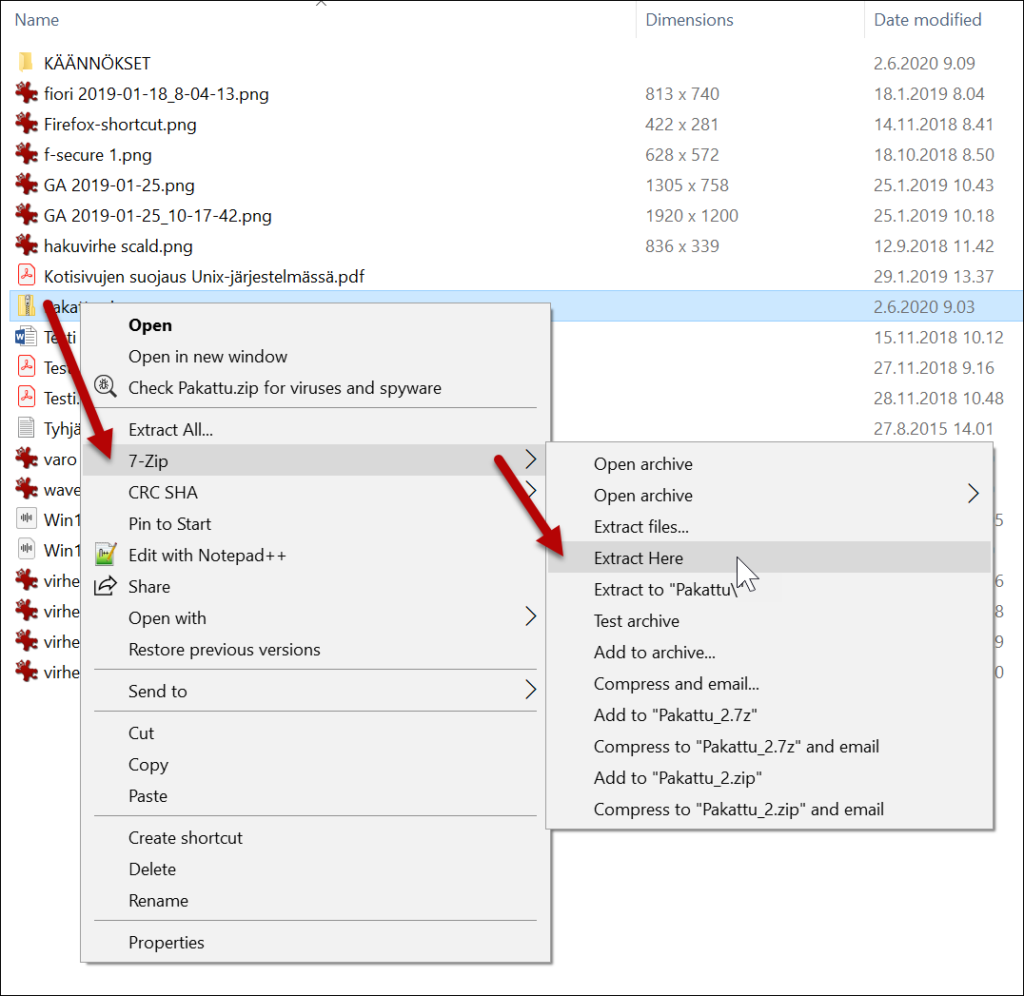
If you frequently handle compressed files, 7-Zip is a must-have. It’s widely recognized as the best free PC software for file compression and extraction.
It supports many different file formats such as ZIP, RAR, TAR, as well as the 7z format, which is highly efficient.
I have been using 7-Zip for many years, and it has always served me well. In comparison to WinRAR, 7-Zip can compress huge folders into very small files. Its password protection facility is fantastic for secure file sharing.
Why Use 7-Zip?
- High compression ratio
- AES-256 encryption for security
- Lightweight and fast
- Completely open-source
For students and professionals managing large files, 7-Zip remains one of the best free PC software utilities available.
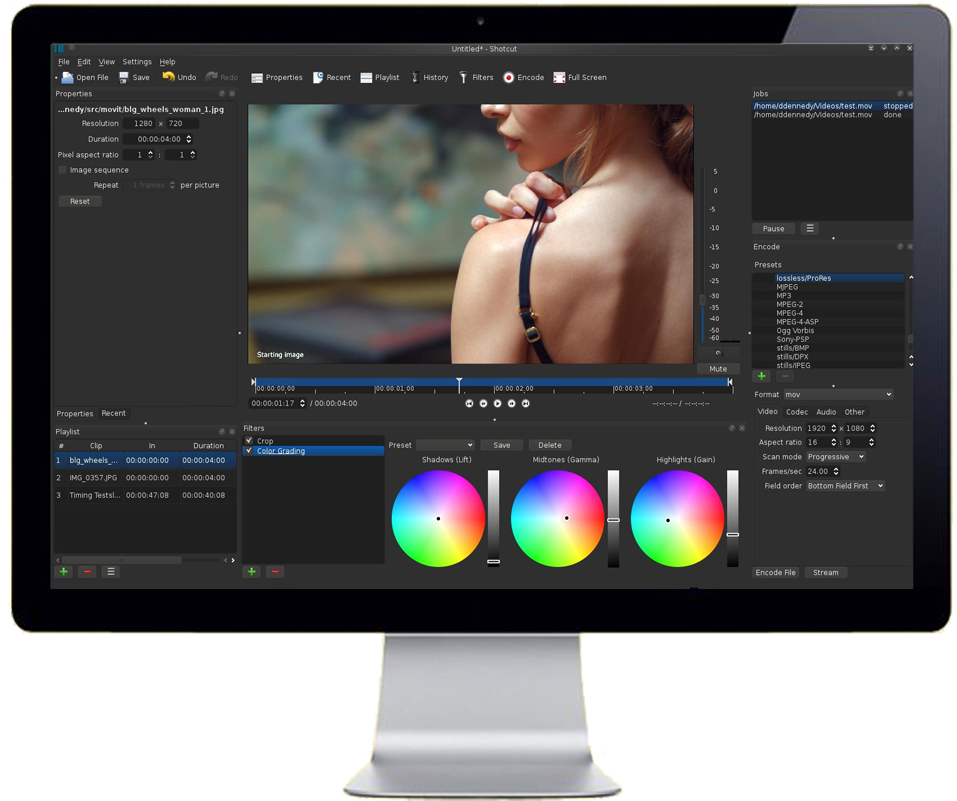
3. Shotcut (Powerful Free Video Editor)
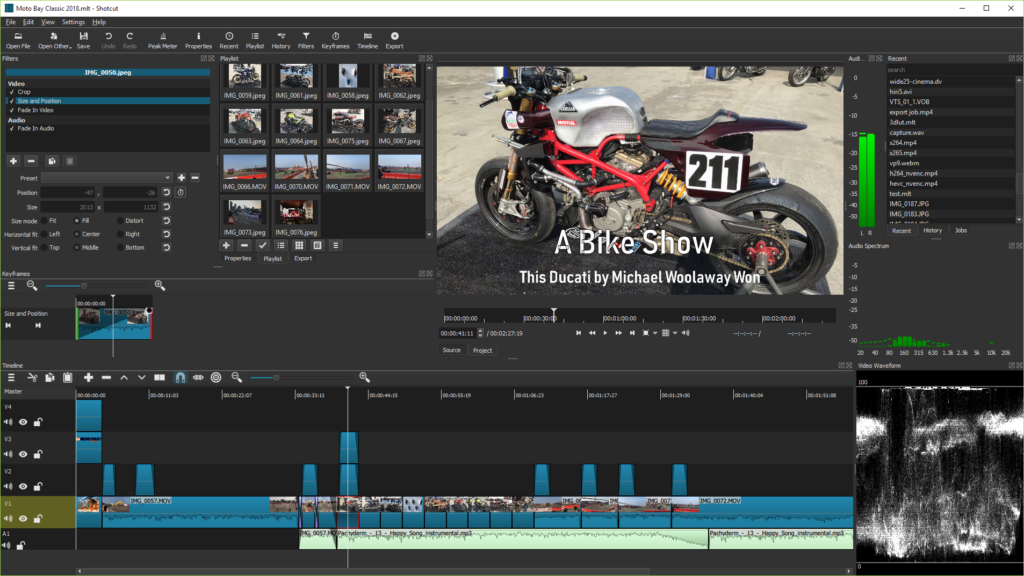
Video content is booming in 2026, and Shotcut is an excellent choice for beginners and students. It’s a professional-grade video editor that costs absolutely nothing.
As part of our best free PC software list, Shotcut delivers advanced editing features without watermarks.
I edited a few YouTube videos on Shotcut when I was starting out — no watermark and it handled 1080p fine on my mid-range PC. The interface takes a day to get used to, but after that it’s smooth.
Top Features:
- Drag-and-drop interface
- Multi-format timeline support
- 4K video editing
- Wide range of filters and transitions
- No watermark
If you’re a content creator, check out our internal guide:
👉 Read our student software guide: https://softhelperpk.com/essential-software-for-students
Shotcut proves that the best free PC software can compete with paid editors.
4. Bitwarden (Secure Password Manager)
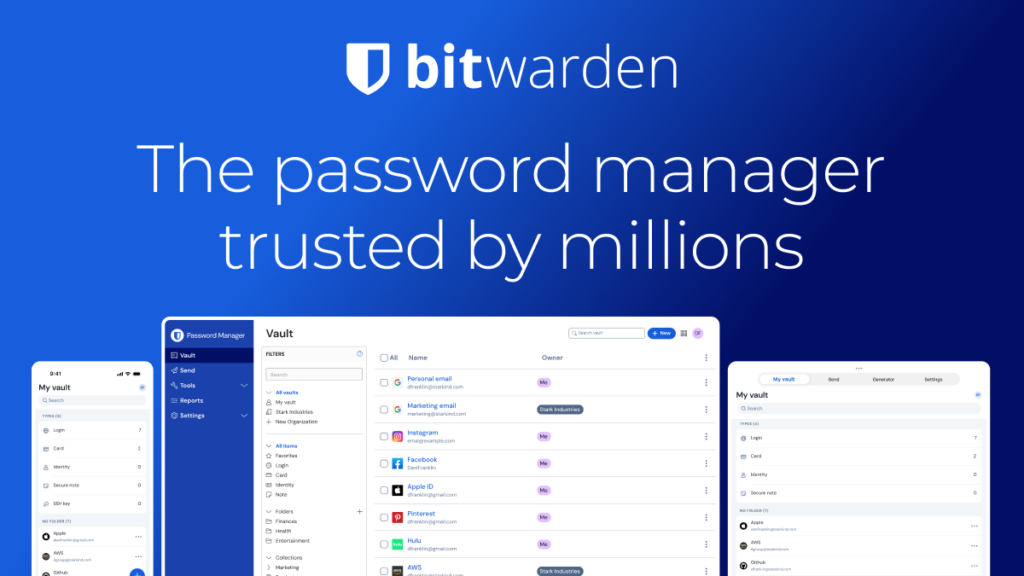
The threat level associated with cybersecurity issues is increasing every year, which makes Bitwarden one of the best free software tools for computers in 2026.
Firstly, all passwords are encrypted in the password vault by Bitwarden and help you create complicated passwords.
Having grown tired of forgetting passwords, I decided to use Bitwarden and could use my passwords on both my phone and PC for free.
Benefits:
- End-to-end encryption
- Secure password generator
- Cross-device syncing
- Open-source security model
Instead of reusing weak passwords, install Bitwarden and boost your online safety instantly. It’s truly one of the best free PC software tools for digital security.

5. Audacity (Free Audio Editing for Everyone)
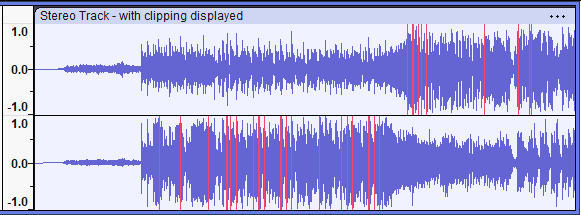
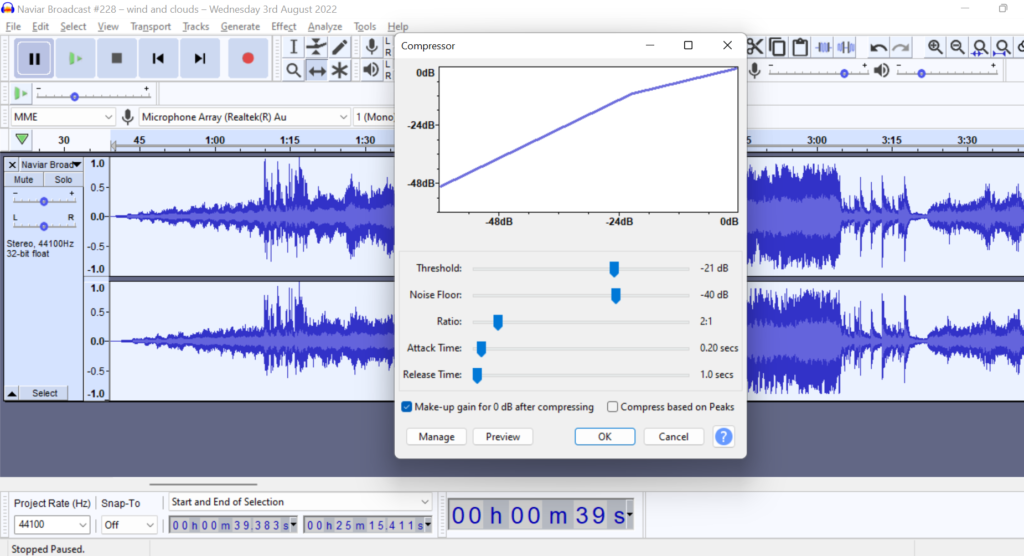
For podcasting, music production, or voice editing, Audacity remains a legendary name. It’s easily one of the best free PC software tools for audio editing.
I recorded my first few podcast episodes on Audacity. The noise-reduction tool alone is worth it — it cleaned up my cheap mic audio surprisingly well.
What Makes Audacity Great?
- Multi-track audio editing
- Noise reduction tools
- Plugin compatibility (VST, LADSPA)
- Best for podcasts and music production music
If you’re creating your podcast or lecture presentations, Audacity is one of the best software choices that you can find for free.
Choosing The Right Free Software Based On Your Requirements?
Not all software works for all purposes. In deciding which is the best free software for you, take into account:
- 🔍 Your end objective
- 💻 System compatibility
- 🔐 Security and privacy standards
- 📈 Long-term usability and updates
If you are not sure which software would suit your needs, do not hesitate to Contact Us for any assistance you might require:
👉 https://softhelperpk.com/contact-us
SoftHelperPK assists users in selecting the right free computer software according to their needs.
FAQs
1. Is free PC software safe to use?
Yes, if downloaded from official websites like the ones listed above. Always avoid third-party download sources.
2. Can free software replace paid software?
In many cases, yes. The best free PC software listed here offers features comparable to premium tools.
3. Does free software contain ads?
Some do, but tools like Brave block ads, and others like 7-Zip and Shotcut are completely ad-free.
4. How often should I update free software?
Make sure you always have your best free PC programs updated to make sure that there are no vulnerabilities and that new functionality is included.
Conclusion: Raise Your PC Game with Free Software
I use all five of them on my own PC currently, and they have replaced every single one of the programs that I had before. In 2026, you don’t have to spend money for softwaI run all five of these on my own PC right now, and they’ve replaced every paid tool I used to rely on. You don’t need expensive software in 2026 — these free ones do the job just as well.
At SoftHelperPK, we’re committed to bringing you trusted recommendations that boost productivity and security. Install these tools today and experience the power of the best free PC software — absolutely free.

6 responses to “Top 5 Best Free PC Software for 2026 (#1 Essential List)”