
Introduction
PDFs are everywhere, right? Job forms, bank papers, assignments, contracts — and the moment you actually need to change one, you hit a wall. Suddenly every website wants your money or your email just to edit one tiny line. So annoying.
I’ve been down this road plenty of times, hunting for free PDF tools that actually work without tricking you into a subscription. Some were rubbish. A few were genuinely great. So here’s my honest list of the best free PDF tools you can use in 2026 — to edit, merge, convert, sign, whatever you need. No cost, no nonsense.
If you’re setting up a new computer, you might also like our list of the best free PC software to go with these.
Why You Need Free PDF Tools in 2026
Here’s the thing. PDFs are great because they look the same on every device. But that’s also why they’re a pain to edit — they’re kind of locked by design. And honestly, paying a monthly fee just to merge two files or sign a form feels like a rip-off.
That’s exactly where free PDF tools save you. Whether you’re a student dealing with assignments or someone handling work documents, these let you do the job in seconds without spending a rupee. Let me show you the ones worth your time.
1. Smallpdf — Best for Quick Jobs
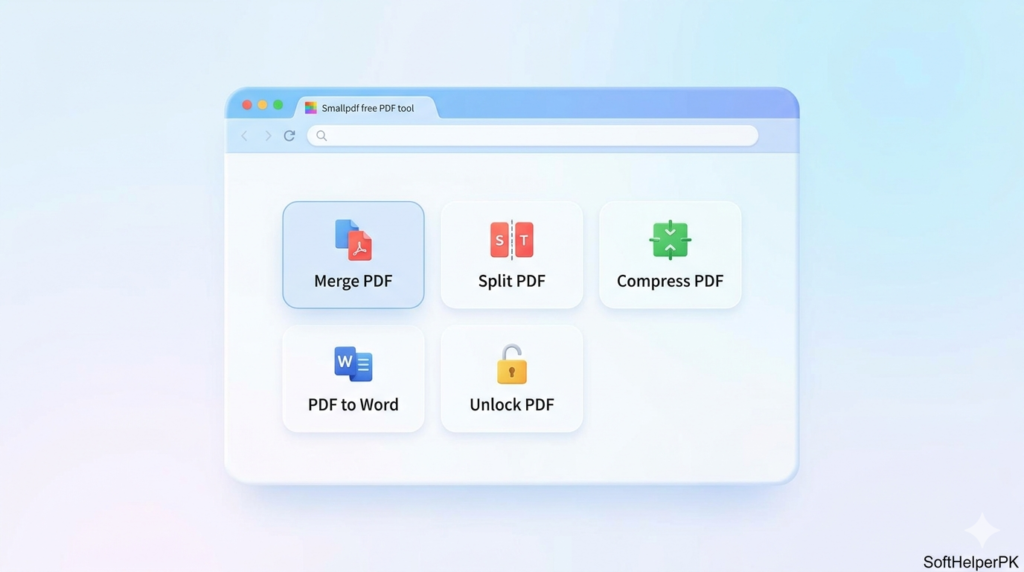
Smallpdf is the one I open when I just need something done fast. Compress a file, merge a couple of pages, convert to Word — it’s all right there in your browser, no install needed.
Honestly it’s stupidly easy to use. You drag your file in, click what you want, done. The catch? The free version limits how many tasks you can do per day. But for quick one-off jobs, it’s perfect.
2. iLovePDF — Best for Merging and Splitting
Despite the slightly funny name, iLovePDF is seriously good. It does pretty much everything Smallpdf does, but I find it shines at merging and splitting PDFs.
I used this to combine like ten separate scanned pages into one clean file for a job application, and it took about thirty seconds. Works in your browser or as an app. Same deal though — free has daily limits, and it’ll nudge you toward premium now and then.
3. PDF24 — Best Totally Free Option
This is my favorite for one big reason — it’s genuinely, completely free with no sneaky limits. PDF24 is a German tool that gives you a huge set of features online, plus a free desktop app for Windows.
I switched to this when I got tired of daily limits on other sites. Convert, merge, compress, edit — all free, no counting. The interface looks a tiny bit old-school, but who cares when it does everything for nothing.
4. Sejda — Best for Actually Editing Text
Most free tools let you merge and convert, but actually editing the text inside a PDF? That’s where most of them quit. Sejda doesn’t. You can click right on the text and change it.
I’ve fixed typos in finished PDFs with this more times than I can count. Really handy. The free version caps you at a few tasks per hour and a certain file size, but for small edits it’s brilliant.
5. PDF Candy — Best for Lots of Features
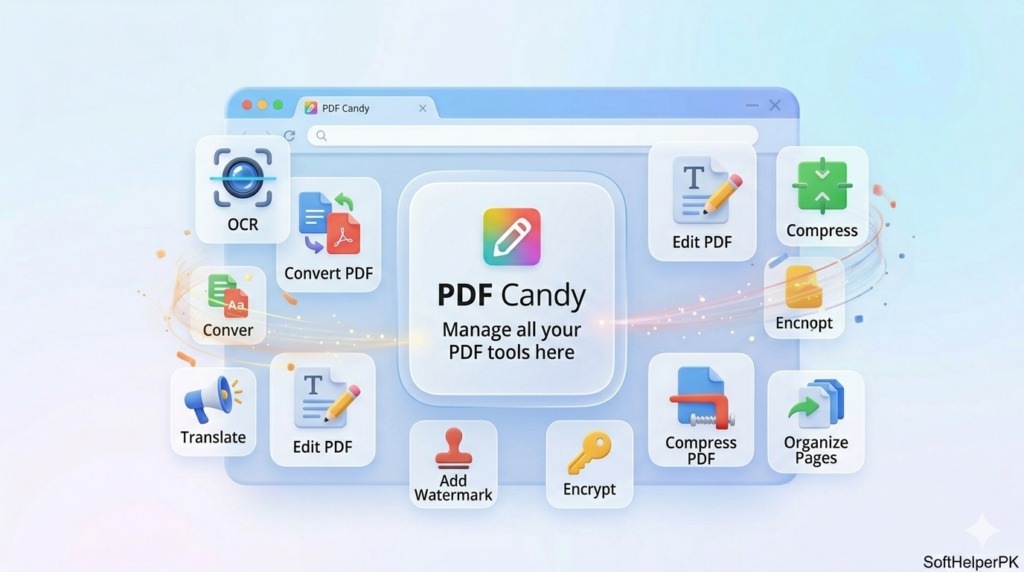
PDF Candy packs in a ridiculous number of tools — like 40-plus. OCR (turning scanned images into real text), conversions, editing, you name it.
I was honestly surprised how much it does for free. The OCR feature saved me once when I needed text out of a scanned document. Downside — free users wait a bit between tasks, and it’ll suggest the paid version. Still, hard to complain.
6. DocuSign Free — Best for Signing Documents
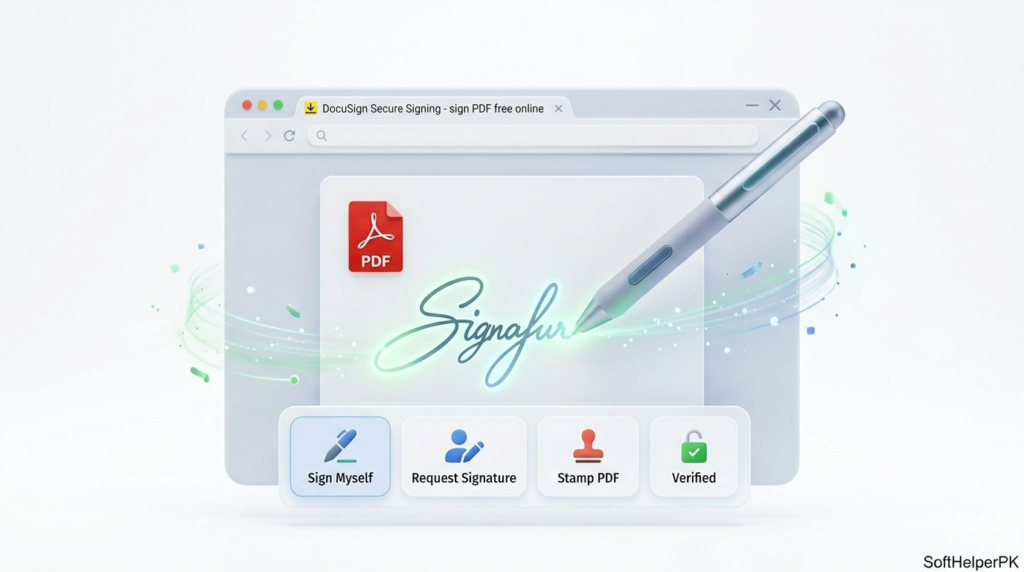
Need to sign a document but don’t want to print, sign, and scan like it’s 2005? DocuSign’s free plan lets you sign PDFs digitally, right from your screen.
I use this for contracts and forms all the time now. It’s clean, legal, and saves so much hassle. The free version limits how many documents you can sign per month, but for occasional signing it’s more than enough. You can check it out on the official DocuSign website.
Which One Should You Pick?
Don’t overthink it. Quick guide:
Just need a quick job done? Smallpdf. Merging or splitting files? iLovePDF. Want everything totally free with no limits? PDF24. Need to actually edit the text? Sejda. Want tons of features and OCR? PDF Candy. Signing documents? DocuSign.
Honestly, I keep PDF24 for daily stuff and Sejda for editing. Between those two I rarely need anything else. Students juggling assignments might also like our best free software for students.
Frequently Asked Questions (FAQs)
Are these free PDF tools actually safe?
Yes, all six are well-known, trusted tools. Just avoid uploading super sensitive documents to any online tool — for those, use an offline option like the PDF24 desktop app.
Can I edit a PDF for free?
Definitely. Sejda and PDF Candy both let you edit text inside a PDF for free, with small daily limits.
What’s the best totally free PDF tool with no limits?
PDF24 is the closest to truly unlimited free. It even has a desktop app you can use offline.
Can I sign a PDF without printing it?
Yes. DocuSign and Sejda both let you add a digital signature right on your screen — no printer needed.
Final Thoughts
You really don’t need to pay for PDF software anymore. These free PDF tools cover everything most people will ever need — editing, merging, converting, signing — without costing a thing.
My advice? Don’t install five of them. Just pick one that fits what you do most, bookmark it, and you’re sorted. Try one today and you’ll wonder why you ever put up with those annoying paywalls.
Tags: free PDF tools, edit PDF free, merge PDF, convert PDF, PDF editor 2026