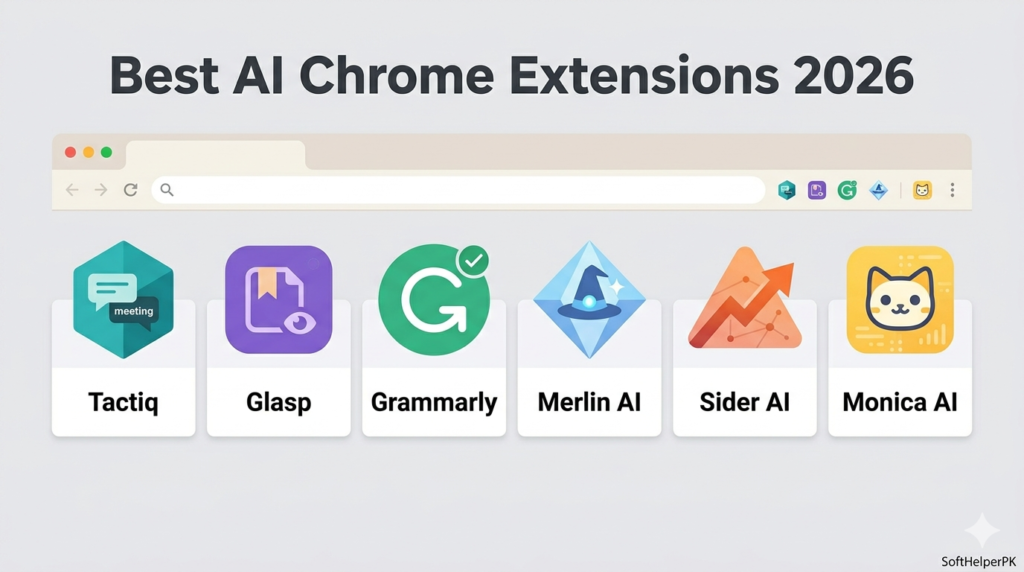
If you’ve been searching for the best free AI email writer tools in 2026 — you’ve probably just spent twenty minutes on an email that should have taken two, staring at a blank reply box trying to find the right tone.
A colleague of mine handles client communication for a small consultancy and used to draft the same kind of follow-up email dozens of times a month, rewriting nearly identical sentences each time because she didn’t want to sound robotic by copying her own old emails. She started using one of these tools mostly out of curiosity, and within a week her inbox time had genuinely dropped by almost half.
I went through four of the best free AI email writer tools that actually help with the part of email writing that eats the most time — not replacing your judgement, but clearing the blank-page problem and tightening up tone. Here’s what each one does well.
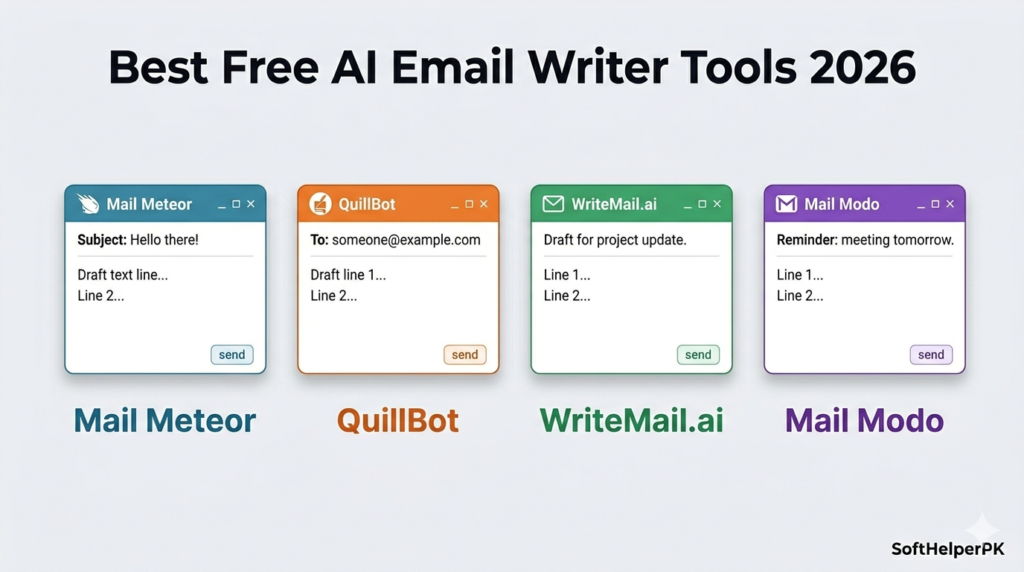
1. Mail Meteor AI Email Writer — Best for Quick First Drafts
Free tier available.
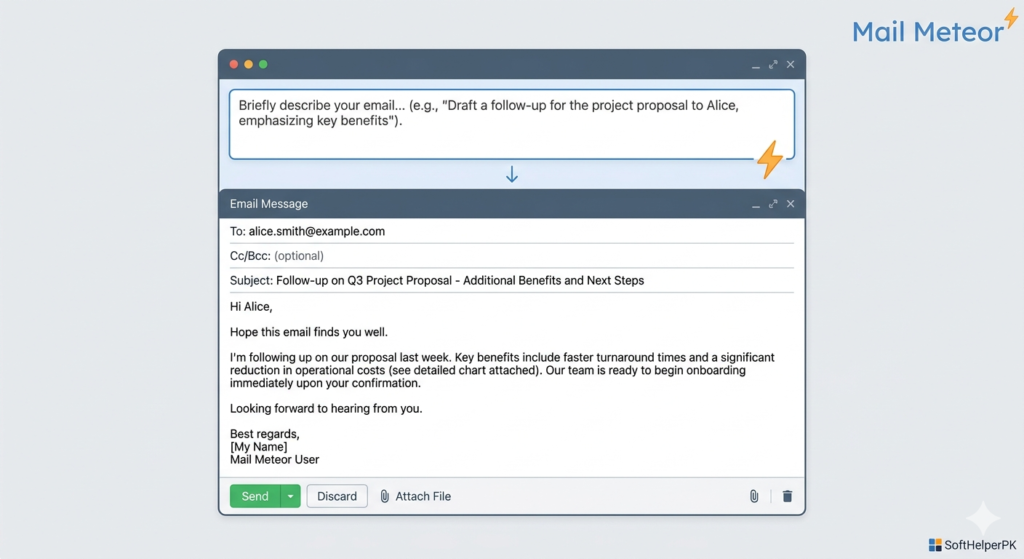
Mail Meteor’s email writer is built around speed above everything else. Type in your intent and a bit of context, and it generates a complete draft email within seconds. The advantage here is genuinely simple — when you’re stuck staring at a blank page, you get a usable starting point immediately rather than fighting writer’s block.
The honest trade-off is that you’ll still need to adjust tone, fill in specific details, and personalise it for whoever you’re actually sending it to. It’s not designed to produce a perfect, ready-to-send email untouched — it’s designed to get you past the hardest part, which is starting.
This suits professionals who send regular emails and would rather edit a solid first draft than write completely from scratch every time. Among the best free AI email writer tools, this is the one to reach for specifically when the blank page is your biggest obstacle.
2. QuillBot AI Email Writer — Best for Flexible Tone
Free tier available.
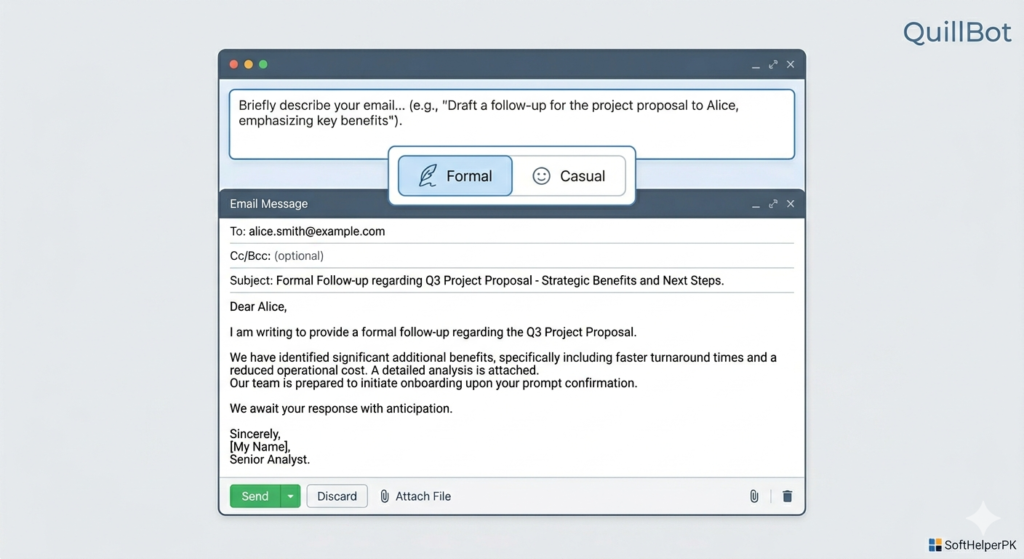
QuillBot’s email writer focuses heavily on tone flexibility — generating polished emails tailored for formal or casual contexts, whether you’re writing for work, clients, or personal use. It also supports multiple languages, which is genuinely useful if you regularly correspond with people who don’t write in English as a first language.
The interface is straightforward and friendly to use, and the main strength is how quickly you can switch between different tones for different situations without learning a complicated system. The honest limitation is that output sometimes needs editing to fully match your specific brand voice or handle more complex messages with multiple points to cover.
This suits writers, consultants, and freelancers who send varied types of emails and want quick assistance adapting tone rather than one rigid template. Among the best free AI email writer tools, QuillBot stands out specifically for tone control across different contexts.
3. WriteMail.ai — Best for Improving Existing Drafts
Free tier available.
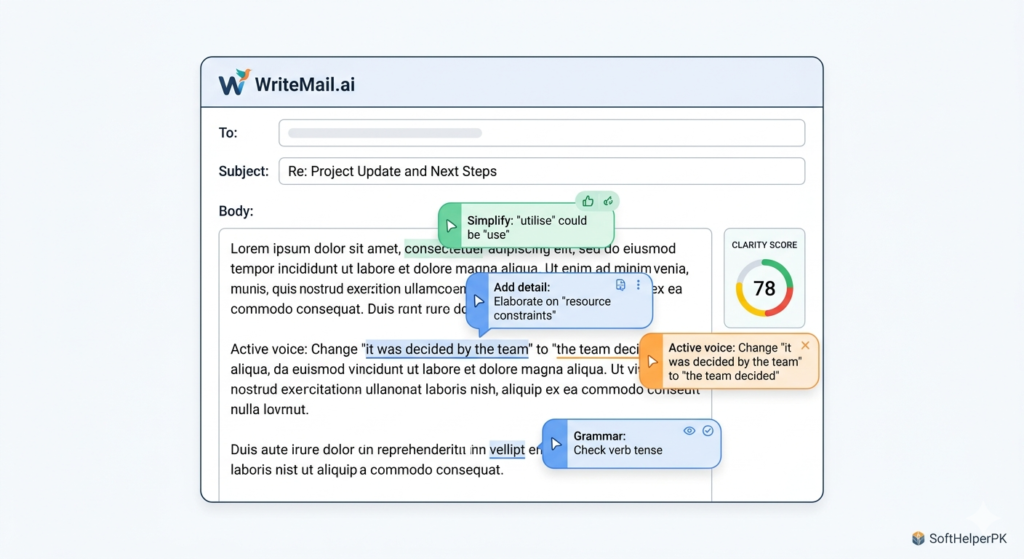
WriteMail takes a noticeably different approach from the others on this list — rather than primarily generating new emails from scratch, it analyses your existing draft for context, tone, and structure, then suggests specific improvements to clarity and effectiveness. It functions more like a writing coach sitting beside you than a generator producing content for you.
This makes it particularly useful if you already know roughly what you want to say but aren’t confident it reads well or hits the right tone. The honest trade-off is that if you need full draft generation from nothing, rather than refinement of something you’ve already written, one of the other tools on this list will serve you better.
This suits anyone who sends important emails and specifically wants reassurance that the message reads well and lands with the right tone before hitting send. Among the best free AI email writer tools, WriteMail is the one for refining rather than generating.
4. Mail Modo AI Email Writer — Best for Marketing and Sales Emails
Free tier available.
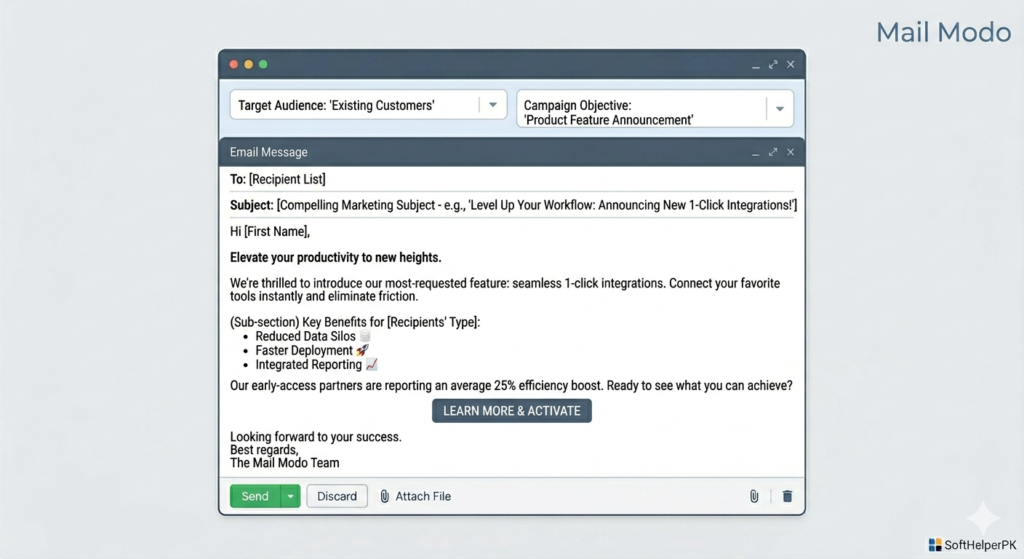
Mail Modo’s email writer is built specifically with professional and marketing-style emails in mind. You define your audience, tone, and objective — sales pitch, update, follow-up — and it generates a tailored draft built around that specific goal rather than a generic template.
The clear advantage is that it’s designed with marketing use cases in mind, including structuring genuinely persuasive content rather than just neutral information delivery. The honest limitation is that if your emails are purely internal or very informal, some of these marketing-focused features will feel like overkill for what you actually need.
This suits marketers, sales teams, and anyone writing email campaigns or client-facing messages where persuasion and structure genuinely matter. Among the best free AI email writer tools, Mail Modo is the clear pick specifically for marketing and sales-focused communication.
Which One Should You Actually Use?
Depends on your biggest email writing challenge right now.
If getting started is the hardest part — Mail Meteor, for fast first drafts.
If you write varied emails and need flexible tone — QuillBot, for adapting between formal and casual quickly.
If you already write your own drafts but want them refined — WriteMail.ai, for tightening clarity and tone.
If you write marketing or sales emails specifically — Mail Modo, for persuasive, goal-built drafts.
These best free AI email writer tools all solve slightly different parts of the same underlying problem — email writing taking longer than it should. None of them are meant to fully replace your own judgement about what to say; they’re meant to remove the friction around starting, tone, and structure so you can focus on getting the actual message right.
One practical tip — whichever tool you use, always read your draft out loud before sending, even a short one. AI-generated drafts can read fine on the page but sound slightly off when spoken, and that quick check catches awkward phrasing faster than rereading silently.
If you’re also looking to speed up other parts of your daily workflow, check out my guide on what AI automation is and how it works in 2026 — useful for automating what happens after the email is sent, not just the writing itself.
This article was researched and written with the assistance of AI tools and reviewed by Muhammad Usama.