If you’ve been searching for the best free AI presentation maker in 2026 — you’ve probably spent an evening before a deadline aligning text boxes and hunting for the right stock image, only to end up with slides that still look a bit boring anyway.
A colleague of mine used to spend three or four hours every month building the same kind of monthly update deck — same structure, same boring bullet points, just updated numbers. She assumed AI presentation tools were either gimmicky or hiding behind an expensive subscription. She tried one out of frustration before a deadline and had a genuinely usable first draft in about ninety seconds. Not perfect, but miles ahead of a blank slide.
I went through five tools claiming to be the best free AI presentation maker options available, and here’s the honest version — what’s actually free, what’s free with real limits, and what each one is genuinely good for.
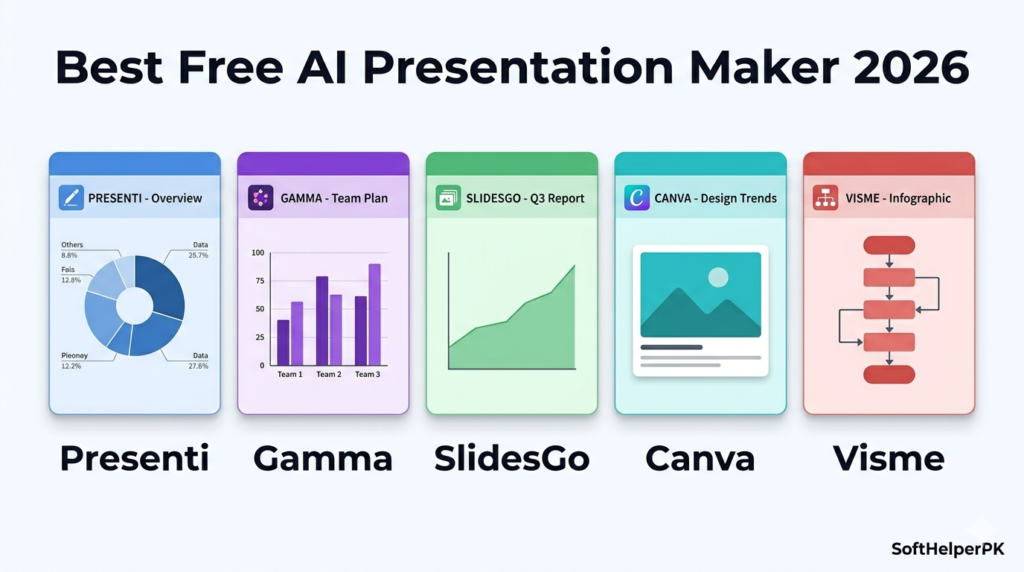
1. Presenti — Best Overall, Genuinely Generous Free Tier
Free to start. Paid plans from $6/month (Plus) up to $8/month (Pro, 60 slides per file, 200 AI images daily).
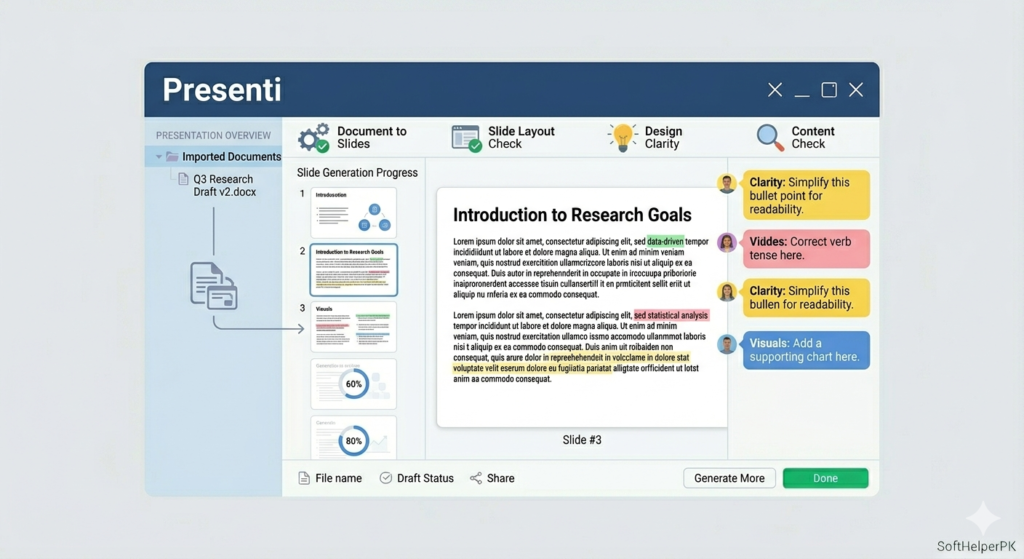
Presenti stands out specifically because of how flexible the input is. Most AI presentation tools only accept a short text prompt, but Presenti also takes a Word document, PDF, markdown file, plain text file, or even an XMI mind map and turns it directly into a structured deck. That’s genuinely useful if you already have notes or a document and don’t want to retype everything as a prompt.
It doesn’t stop at generating basic slides either — it builds a proper outline, organises your content logically, applies modern templates, and adds relevant images, icons, and layout suggestions automatically. Once the deck exists, everything is fully editable — fonts, colours, transitions, layouts — and there’s a built-in AI writing assistant that can rewrite text, simplify complex ideas, or translate slides into another language.
The interface can feel a bit feature-heavy for complete beginners at first, but the free tier is genuinely usable for real work, not just a teaser. For the depth of features against the price, this is consistently rated among the best free AI presentation maker tools available, and the paid tiers remain unusually affordable if you do need more.
2. Gamma — Best for Speed and Simplicity (Free Tier Limited)
Free version available with limited features. Paid plans start around $10/month.
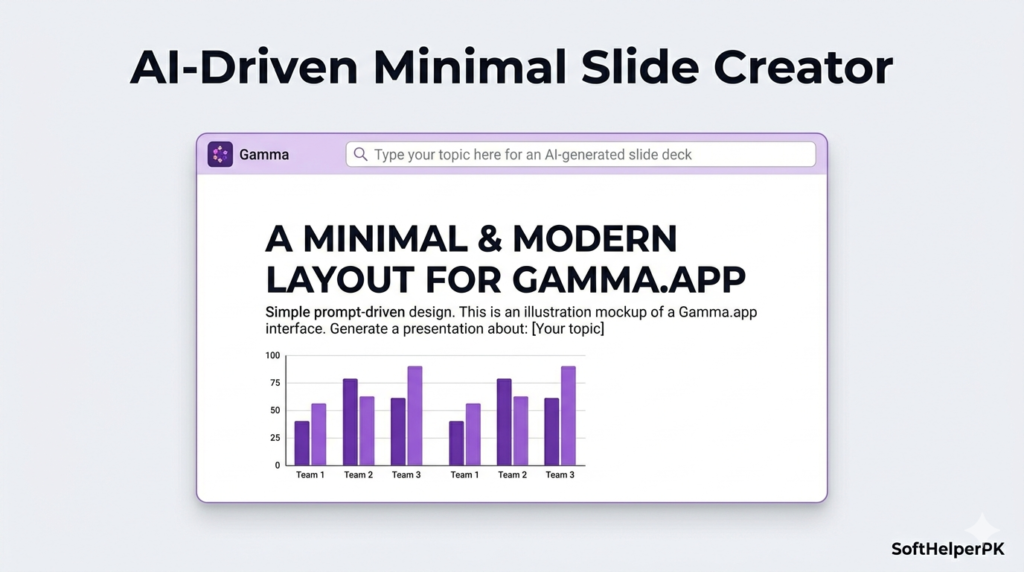
Gamma is built for one thing above all else — speed. Type in a topic and within seconds you have a clean, modern-looking deck with bold text, large visuals, and sleek minimal layouts. There’s very little setup required, which makes it especially good for startups, pitch decks, or quick business updates where you don’t want to spend hours on design decisions.
The honest trade-off is customisation — you can’t tweak slides nearly as extensively as you can with Presenti, and the genuinely free version comes with real limitations on what you can do before hitting a paywall. For people who want a polished deck fast without fussing over design details, that limitation rarely matters. For anyone wanting deep editing control, it will start to feel restrictive.
Among the best free AI presentation maker options, Gamma earns its spot specifically for beginners who want something that just works in seconds rather than something to fully customise.
3. SlidesGo — Best for Template Variety (Genuinely Free)
Free, with a large library of templates available at no cost.
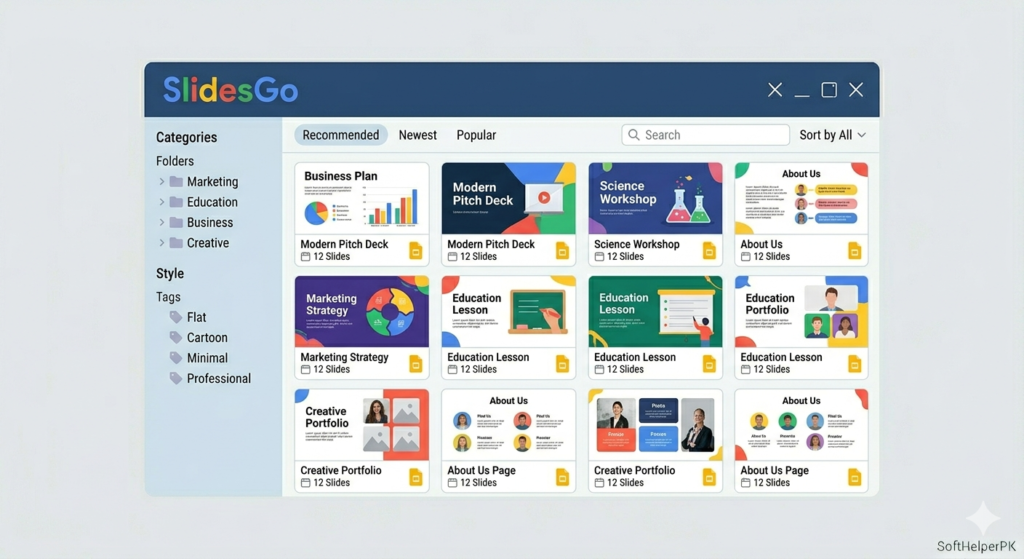
SlidesGo takes a different approach entirely — rather than generating a deck from scratch with AI, it’s essentially a massive library of presentation templates, with AI helping adapt your content to fit whichever theme you pick. Choose a category — business, education, creative, professional — and the AI suggestions help your content slot into that design.
This makes it particularly popular among teachers, students, and freelancers who want something that looks genuinely well designed without needing full AI automation to build it from nothing. The huge variety of templates is the real strength here, alongside easy integration into Google Slides or PowerPoint once you’ve picked something.
The honest limitation is that it’s not a true AI generator in the way Presenti or Gamma are — it leans heavily on pre-made designs rather than building structure from your content. If design variety matters more to you than raw AI generation, SlidesGo is one of the best free AI presentation maker options specifically because the free tier here is genuinely generous rather than a limited trial.
4. Canva AI Presentations — Best for Visual Assets (Free Tier Available)
Free tier available. Canva Pro unlocks the full premium asset library.
Canva’s AI presentation generator builds on a platform millions of people already use, and the AI layer makes it genuinely more capable. Enter a topic or outline and Canva’s AI creates a ready-to-go deck with matching fonts, layouts, and visuals automatically.
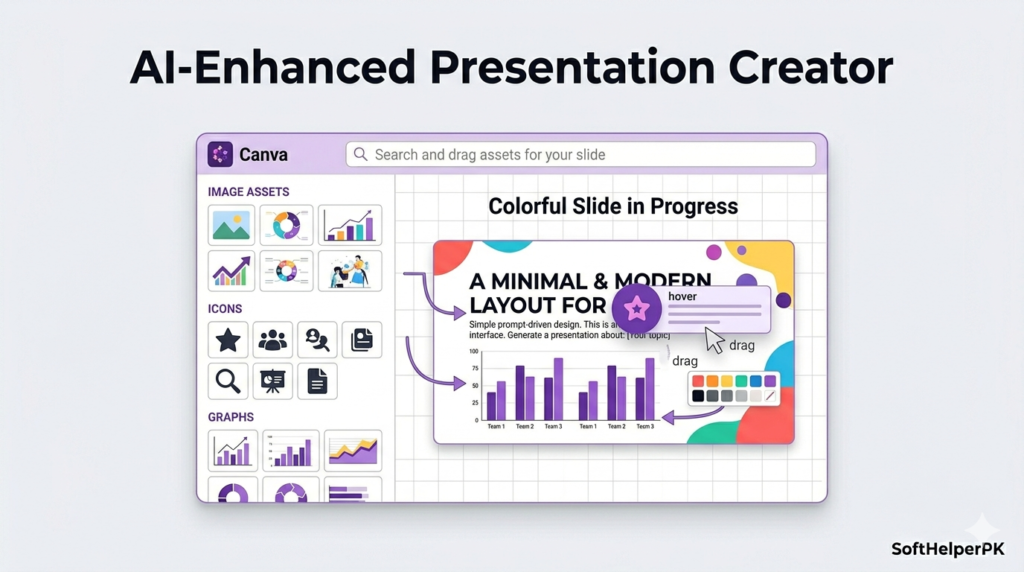
The real strength here is Canva’s enormous library of assets — icons, stock photos, videos, animations — all available to drag and drop directly into your slides. For anyone in marketing, content creation, or design-heavy work, this matters because you can combine presentations with graphics, video, and social content all inside one platform rather than switching tools constantly.
The honest catch is that AI-generated slides here sometimes need extra manual editing to feel finished, and the tool leans more creative than strictly business-focused. The free tier covers a genuinely usable presentation experience, though the deepest asset library sits behind Canva Pro. Among the best free AI presentation maker tools, this is the one for visual appeal and creative flexibility specifically.
5. Visme — Best for Data-Driven Business Reports (Free Tier Available)
Free tier available with usage limits. Paid plans needed for full export and brand features.
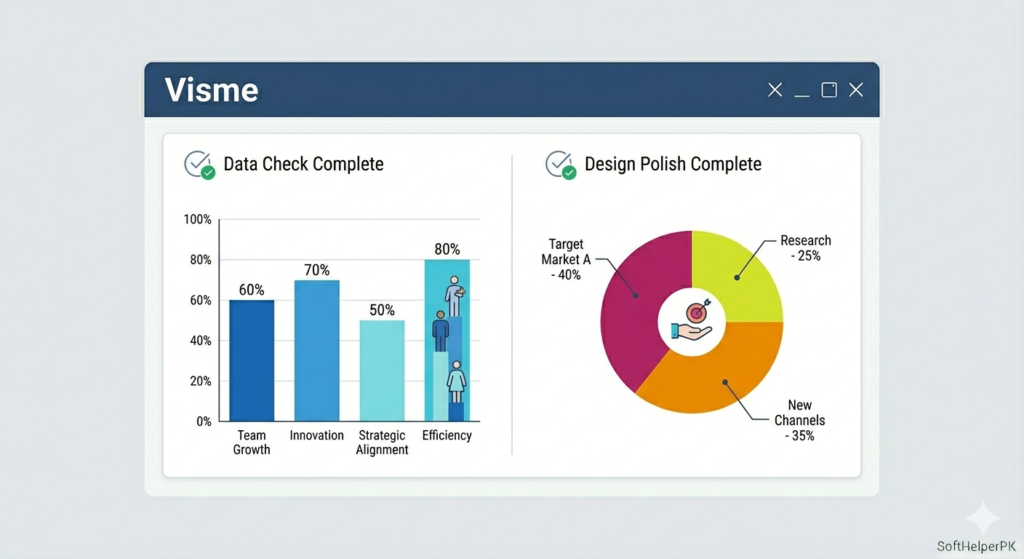
Visme is built specifically for business professionals rather than flashy creative decks — think financial reports, market analysis, and KPI dashboards rather than pitch decks. The AI helps generate structured slides, but what genuinely sets Visme apart is its data visualisation tooling — charts, infographics, and diagrams that look clean and professional rather than like a hastily inserted Excel screenshot.
This is a noticeably more advanced tool than the others on this list, which means it’s not the easiest starting point for complete beginners. But for anyone regularly building reports with real data that needs to look credible, that extra complexity buys genuine capability the simpler tools don’t offer.
The free tier lets you build and explore the data visualisation features, with paid plans needed mainly for full exports and advanced branding. For corporate, data-heavy presentations specifically, Visme is one of the best free AI presentation maker tools to start with, even though it asks a bit more of you upfront.
Which One Should You Actually Use?
Depends entirely on what you’re building and how much control you want over it.
If you want the most powerful free tier with real editing depth — Presenti.
If you want a polished deck in seconds and don’t mind limited free customisation — Gamma.
If you want huge template variety with a genuinely generous free tier — SlidesGo.
If you want creative visual freedom and already use Canva — Canva AI Presentations.
If you’re building data-heavy business reports specifically — Visme.
These best free AI presentation maker tools split fairly clearly between genuinely free options like SlidesGo and Canva’s free tier, and tools like Gamma where the free version is more of a limited preview before the real value sits behind a subscription. Neither approach is wrong, but knowing which category a tool falls into before you spend an hour building a deck saves real frustration.
One practical tip — whatever tool you use, export your finished deck in an editable format (like PowerPoint or Google Slides) rather than relying solely on the platform’s own viewer. If you lose access to a paid feature later or need to present from a different device, having an editable export means you’re never stuck.
If you’re also working on branding alongside your presentations, check out my guide on the best AI logo makers in 2026 — useful for keeping your decks and brand identity consistent.
This article was researched and written with the assistance of AI tools and reviewed by Muhammad Usama.