

Introduction
The best free AI tools in 2026 have changed how we work. A year ago, AI felt like something only tech companies used. Now it is on everyone’s phone and laptop, and honestly, if you are not using it yet, you are doing twice the work for no reason.
The best part? You do not have to pay for any of it. The best free AI tools in 2026 can write your emails, fix your code, do your research, and even design your graphics — all without a single rupee. I use a mix of these every single day, for work and for my own projects.
I tested a bunch of them and picked the 7 best free AI tools that are actually worth your time. No hype, just the ones that genuinely help. If you also want offline software to go with these, check out our list of the best free PC software for 2026.
Let us get into it.

Why You Should Be Using AI Tools in 2026
AI is not about replacing you — it is about doing the boring parts faster so you can focus on what matters. Whether you are a student writing assignments, a freelancer juggling clients, or someone just trying to get more done, the best free AI tools save you hours every week.
And the competition is fierce now, which is great news for us. Because so many companies are fighting for users, the free versions have become genuinely powerful — not the stripped-down trials they used to be.
1. ChatGPT — Best All-Rounder
ChatGPT is still the one most people start with, and for good reason. It writes, explains, brainstorms, and answers almost anything you throw at it.

Why people love it:
- Great for writing and rephrasing
- Explains hard topics in simple words
- Free version handles most daily tasks
- Huge community and plugins
I use ChatGPT mostly to draft emails and break down confusing topics. The free version has limits, but for everyday stuff it is more than enough.
Try it: chat.openai.com
2. Claude — Best for Writing and Long Documents
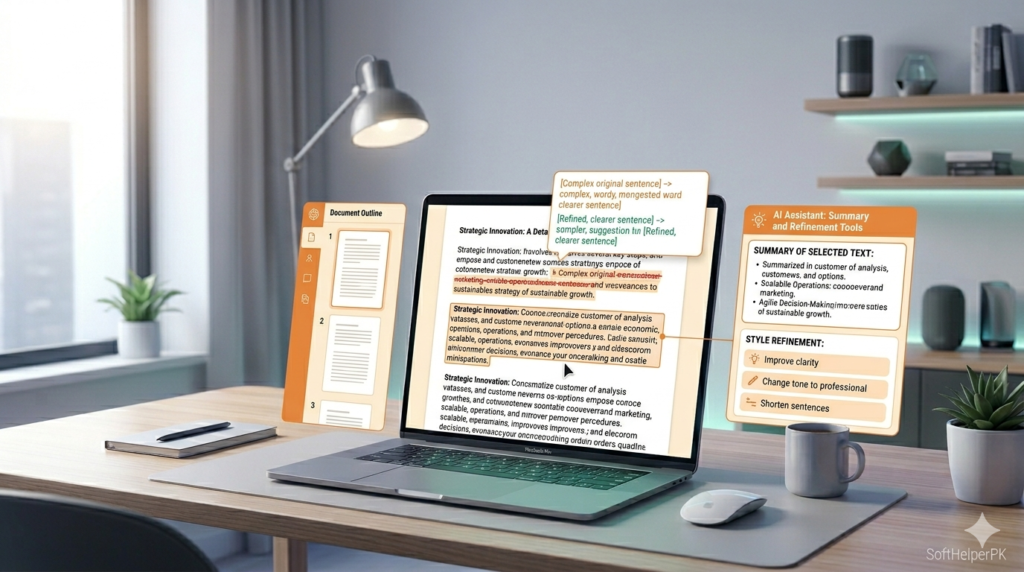
Claude, made by Anthropic, is the tool I reach for when I need writing that does not sound robotic. It handles long documents really well and its answers feel more natural than most.
Why people love it:
- Most human-sounding AI writing
- Handles very long documents and PDFs
- Great for editing and summarizing
- Free tier is generous
Honestly, when I need to clean up a long article or summarize a big PDF, Claude does it better than anything else I have tried.
Try it: claude.ai
3. Google Gemini — Best for Students
If you live inside Google Docs and Gmail like most students do, Gemini is a no-brainer. It is built right into Google’s apps, so it feels seamless.

Why people love it:
- Built into Gmail, Docs, and Drive
- Strong at research with real-time info
- Free and tied to your Google account
- Handles images, text, and files
For students, Gemini is the easy pick because it lives where you already do your work. I use it to summarize long research articles in seconds.
If you are a student, also check our guide on the best free software for students.” Link: https://softhelperpk.com/best-free-software-for-students/
Try it: gemini.google.com
4. Perplexity — Best for Research
Perplexity is different from the others — it is built for research. Instead of just answering, it gives you sources and citations, so you can actually trust what it says.

Why people love it:
- Shows real sources for every answer
- Great for assignments and fact-checking
- Pulls live information from the web
- Clean, simple interface
When I am writing something that needs facts, Perplexity saves me from digging through ten browser tabs. The citations alone make it worth using.
Try it: perplexity.ai
5. Microsoft Copilot — Best for Windows Users
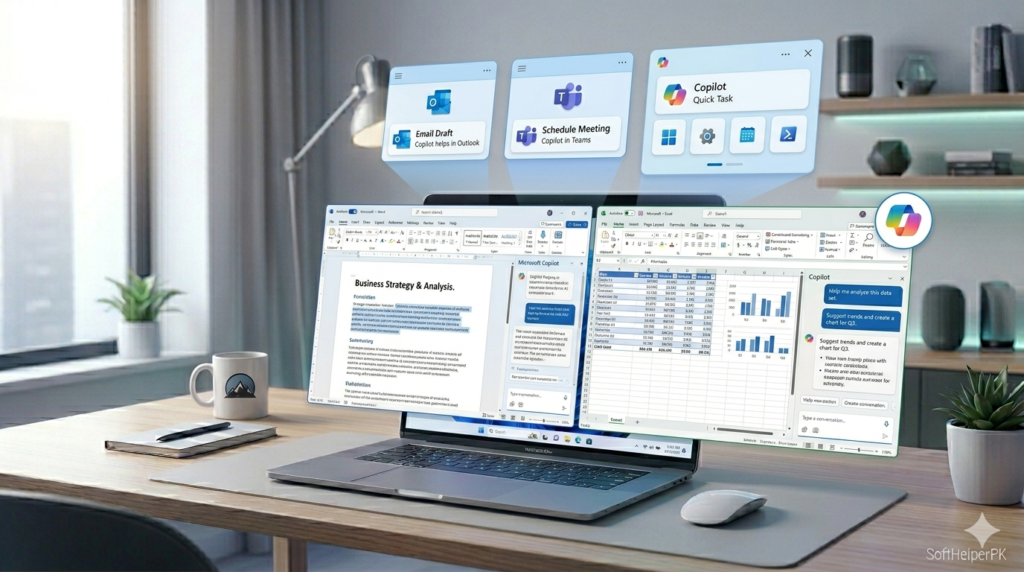
If you are on Windows, Copilot is already built into your system. It connects to the web, helps with Office files, and even generates images for free.
Why people love it:
- Built into Windows 11
- Free image generation
- Works with Word, Excel, and PowerPoint
- Real-time web answers
I use Copilot mostly for quick tasks while working in Office — it is right there, no extra app needed.
Try it: copilot.microsoft.com
6. DeepSeek — Best Free Tool for Coding
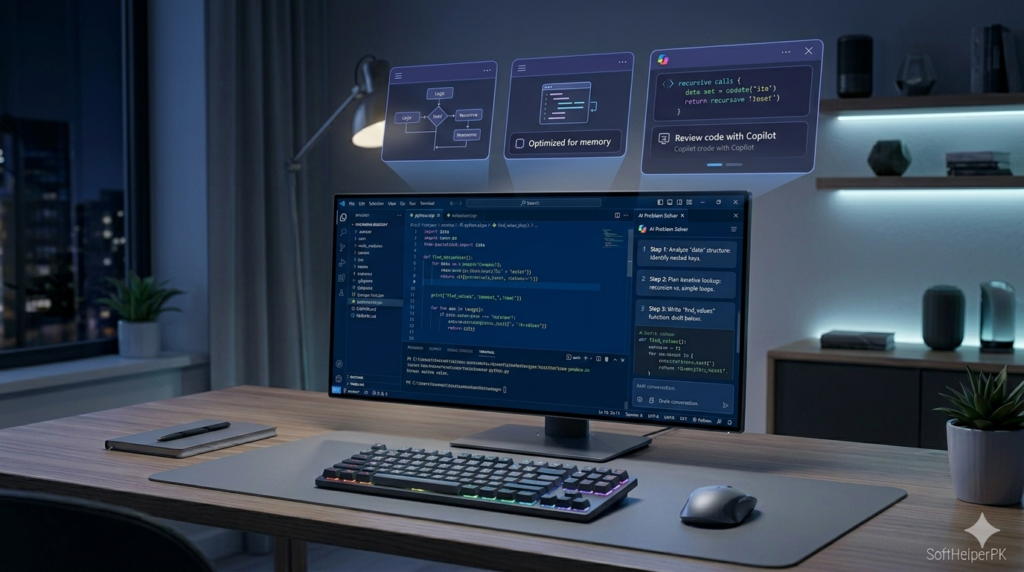
DeepSeek surprised a lot of people. It is completely free, has no strict message limits, and is genuinely strong at coding and step-by-step reasoning.
Why people love it:
- Completely free, no message caps
- Excellent at coding and math
- Shows clear step-by-step reasoning
- Fast responses
If you are learning to code or just need quick programming help without paying, DeepSeek is a hidden gem.
Try it: deepseek.com
7. Canva AI — Best for Design
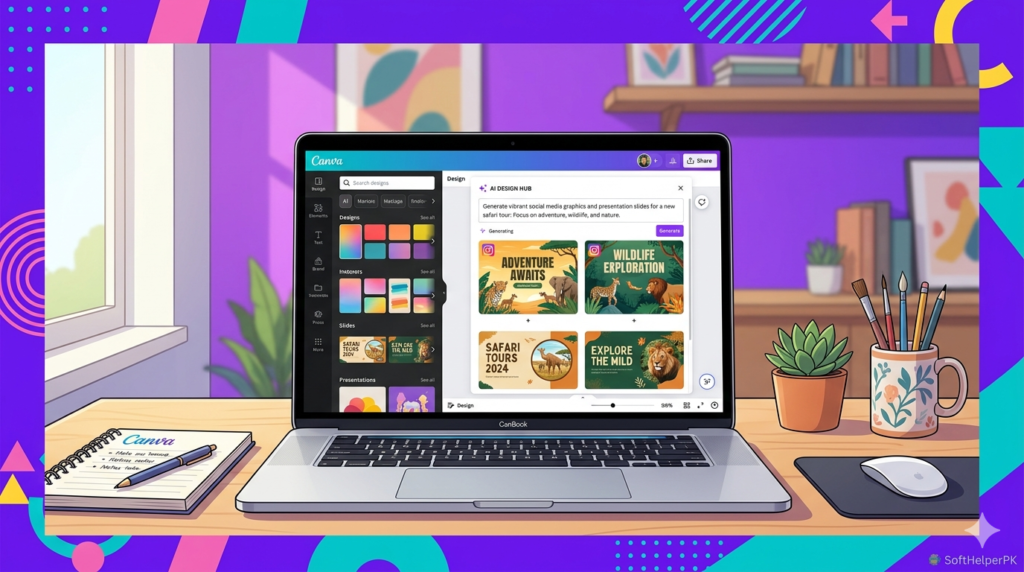
Canva added AI features that make designing almost effortless. Type what you want, and it generates posts, presentations, and graphics in seconds.
Why people love it:
- Turns text into designs instantly
- Thousands of free templates
- No design skills needed
- Great for social media and study projects
I make all my social media graphics on Canva. The AI features just make a great tool even faster.
Try it: canva.com
Which Free AI Tool Should You Use?
You do not have to pick just one — most people use a mix. Here is the simple rule:
- For everyday tasks? Start with ChatGPT
- For natural writing? Go with Claude
- A student? Gemini fits right into your Google apps
- Doing research? Perplexity and its citations
- On Windows? Copilot is already there
- Learning to code? DeepSeek, free with no limits
- Designing anything? Canva AI
Frequently Asked Questions (FAQs)
Are these AI tools really free to use?
Yes. All seven have free versions that cover most everyday needs. Some have paid upgrades, but you can do a lot without paying anything.
Which is the best free AI tool for students?
Gemini and Perplexity are great for students — Gemini for Google Docs work, and Perplexity for research with proper citations.
Do free AI tools have limits?
Most of the best free AI tools have daily message or usage limits.
Is it safe to use AI tools?
Yes, the tools listed here are from trusted companies. Just avoid sharing sensitive personal or financial information with any AI.
Final Thoughts
AI is not the future anymore — it is right now, and the best part is you can use it for free. I run a mix of these best free AI tools every day, and they genuinely save me hours of work each week.
My honest advice: do not try to learn all seven at once. Pick one that fits what you do most, get comfortable with it, then add another. Before you know it, you will wonder how you ever worked without them.
Try one today and see the difference for yourself.
[…] you want more AI tools beyond just images, check out our guide on the best free AI tools […]
[…] check our best free AI tools to boost your team’s […]
[…] if you want to explore more free tools beyond studying, check out my guide on the best free AI tools in 2026 — there are some genuinely useful ones for productivity and creative work […]
[…] if you want to keep exploring, check out my guide on the best free AI tools in 2026 — there are some genuinely brilliant ones beyond ChatGPT that most people walk straight […]