Introduction
The best project management software can be the difference between a team that hits its deadlines and one that drowns in messy emails and missed tasks. As a team grows, keeping everyone on the same page gets harder — and the right tool quietly fixes that.
I have watched a lot of teams work over the years, and honestly, how well they deliver almost always comes down to the app they use to stay organized. The wrong tool slows everyone down. The right one feels invisible.
So I put together this list of 5 of the best project management software options for 2026, broken down in plain language. Whether you run a small team or a growing company, there is something here for you.
Let us get into it.
What to Look for in Project Management Software
Before the list, here is what actually matters when picking a tool:
- Easy to use — if your team hates looking at it, they won’t use it
- Fits your work — visual teams, client work, and big projects all need different things
- Fair pricing — watch out for tools that make you pay for empty seats
- Reporting — knowing where time and money go is huge
Keep these in mind as you read.
1. Monday.com — Best for Visual Teams
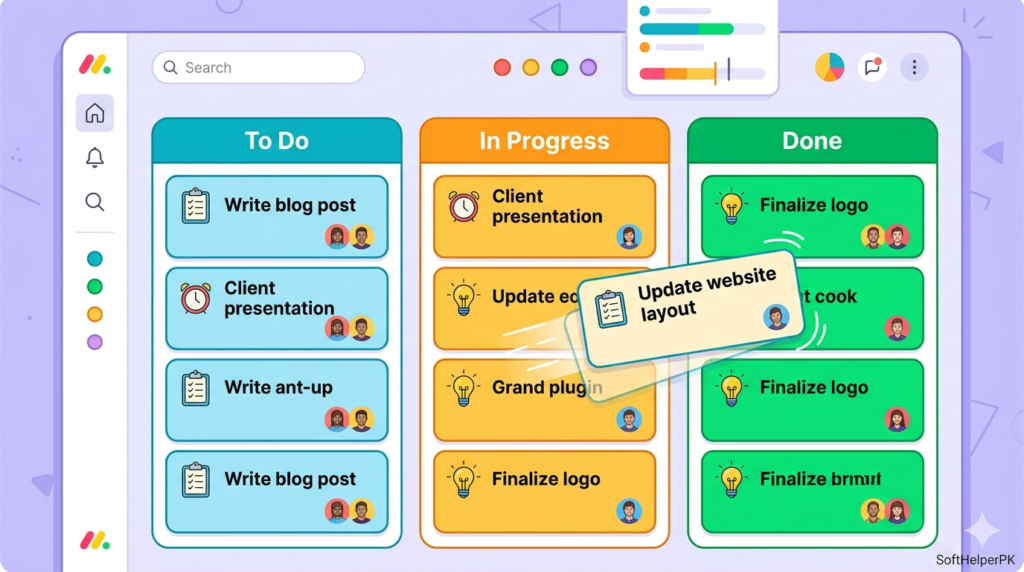
Monday.com is the one most people start with, and it is easy to see why. It does not feel like a boring old spreadsheet — it feels like a clean, colorful workspace you can shape however you want.
Why teams love it:
- Bright, easy-to-read boards you can drag and slide
- Automations that notify the next person when a task is done
- No extra emails needed — the app moves work along for you
- Highly customizable
When I tried it, the best part was the automation. Finish a task, and the next person gets pinged automatically — no chasing people over email.
A small heads-up on pricing: there is a free plan for 2 people, but most teams go for the Standard plan (around $12 per user/month billed yearly). Just know Monday sells seats in fixed groups, so you might pay for empty seats you do not need yet.
Best for: Teams that want a pretty, flexible tool that is fun to look at.
2. Celoxis — Best for Big, Complex Projects
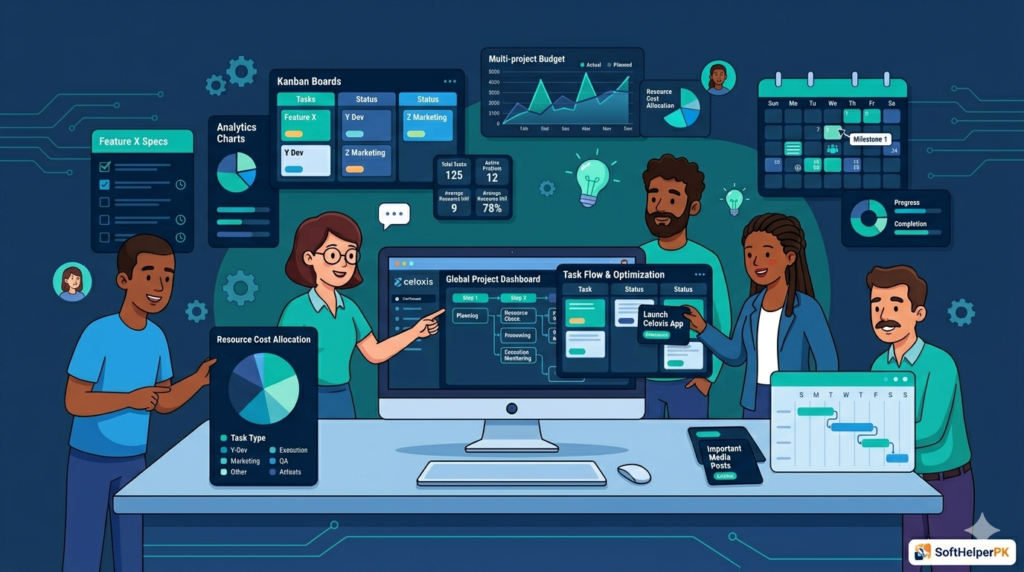
If Monday feels too playful and you need something heavy-duty, Celoxis is the powerhouse. It handles the hard stuff — tracking workers, counting project budgets, and showing deep details that simpler apps skip.
Why teams love it:
- Tracks budgets and exact time spent on client tasks
- Clean, detailed reports and charts
- Available online or on your own office computer (extra security)
- Built for large, money-heavy projects
Honestly, if you deal with big budgets or need to know the exact minutes spent on a client, this is where Celoxis shines. The reports are genuinely impressive.
Pricing is clear — it starts around $15 per user/month online. One warning: with so many buttons, your team might need a couple of weeks to get comfortable.
Best for: Companies juggling large, complex projects that need deep detail.
3. Easy Projects — Best Middle-Ground Tool
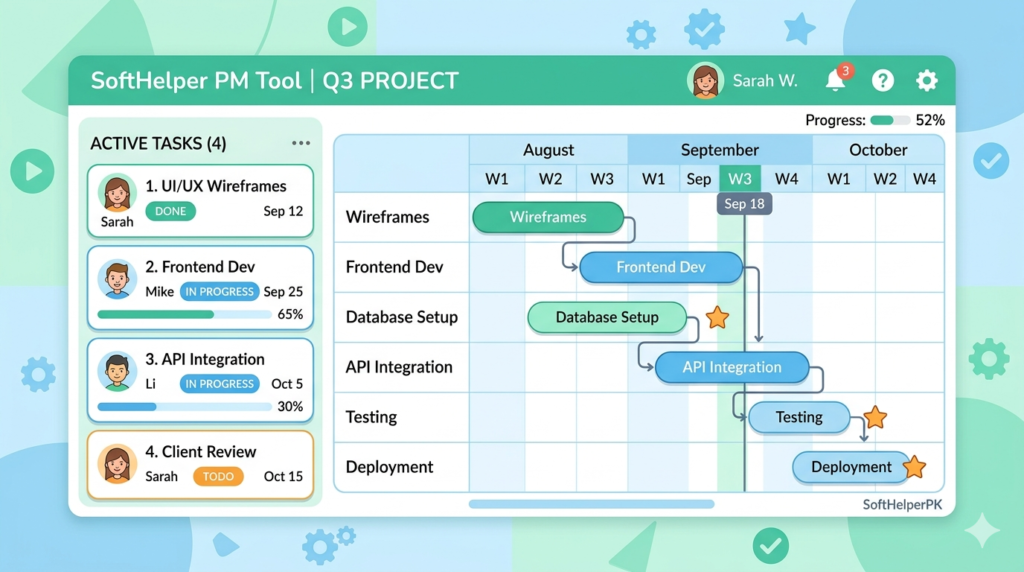
Easy Projects sits nicely between simple and powerful. It is built on an open system called Redmine but cleaned up to work well for modern businesses.
Why teams love it:
- Has the regular tools (timeline charts, task boards)
- Also tracks risks and handles customer support messages
- Lets project managers and tech support talk easily
- You can buy it once and own it forever (rare these days)
What I like most is the option to actually own the software with a one-time payment instead of paying monthly forever. The online version runs around €6.90 per user. You can pick just the pieces you need, so you do not waste money on extras.
Best for: Teams that want a practical tool without paying for things they won’t use.
4. Wrike — Best for Fast-Growing Companies
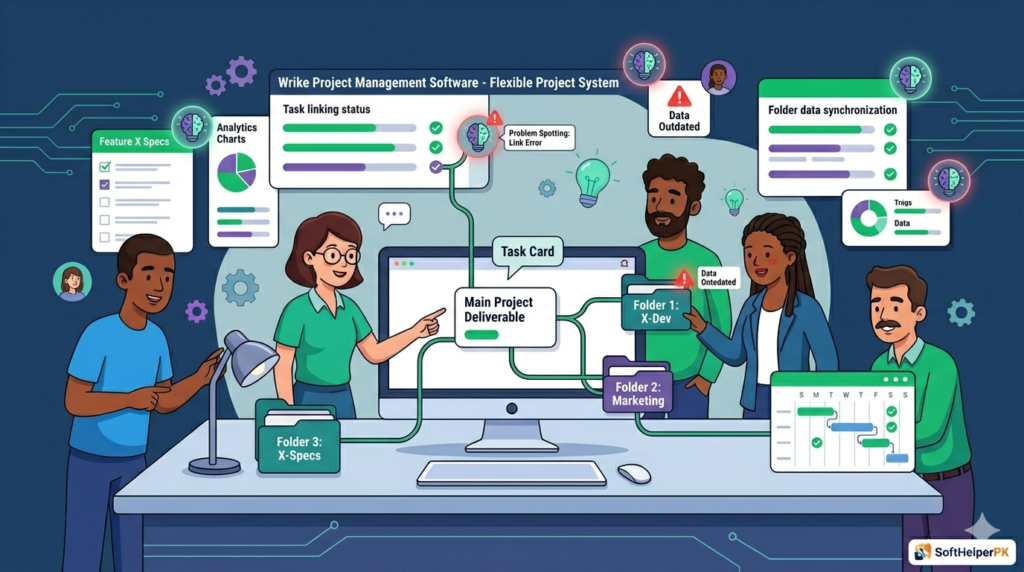
If your company is scaling fast and you need a tool that grows with you, Wrike is hard to beat. It works for both small ad campaigns and big company projects.
Why teams love it:
- One task can sit in three or four folders at once — no copies needed
- Great when two teams work on the same job
- Smart tools that spot problems before they happen
- Free plan for tiny groups
That “one task in multiple folders” feature is genuinely useful — it saves a ton of duplicate work when different departments share a project.
Pricing starts free, then moves to the Team plan around $9.80 per user. The deeper Business plan (scheduling, custom workflows) costs about $24.80. It can get pricey as you add tools, and the screen looks a bit crowded at first because it does so much.
Best for: Teams that want to grow together over the long term.
5. Teamwork — Best for Client-Based Businesses
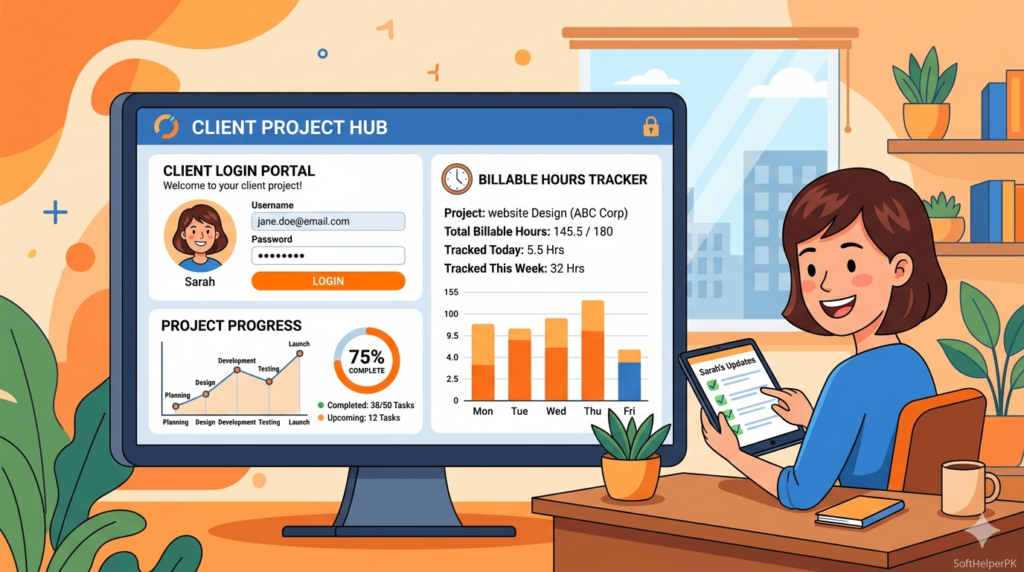
Teamwork is built for businesses that spend most of their time on client work. It is great at tracking billable hours and keeping clients happy with progress updates.
Why teams love it:
- Client login portal — clients see status without reading private team chats
- Tracks billable hours and billing
- Reports showing if you are actually making money
- Free plan for 5 people, easy mobile app
The client portal is a smart touch — it keeps your business looking clean and professional while clients stay in the loop.
Pricing is fair: free for 5 users, and the Deliver plan (with time tracking and billing) costs around $10.99 per user. The mobile app works really well for checking tasks on the go.
Best for: Agencies and businesses whose daily life is all about client work.
Which One Should You Choose?
At the end of the day, you just need a tool your team does not mind opening every morning. Quick guide:
- Love visual setups? Monday.com
- Big, complex projects? Celoxis
- Want a balanced, own-it-forever tool? Easy Projects
- Growing fast? Wrike
- Drowning in client work? Teamwork
My honest advice — pick two that feel right and test them free this week. Most offer free trials. Just dive in and see which one your team actually enjoys using.
Frequently Asked Questions (FAQs)
What is the best project management software for small teams?
Monday.com and Teamwork both have free plans that work great for small teams just starting out.
Is there free project management software?
Yes. Monday.com (2 users), Wrike (tiny groups), and Teamwork (5 users) all offer free plans to get you started.
Which tool is best for client work?
Teamwork is built for client-based businesses, with a client portal and billable hours tracking.
How do I choose the right one?
Think about your main need — visual boards, big projects, or client work — then test two free options before committing.
Final Thoughts
The best project management software is simply the one your team will actually use every day. A fancy tool nobody opens is useless.
If you work better with visuals, go with Monday.com. If you are drowning in client projects, Teamwork is your answer. For everything in between, the other three each have their strengths.
My advice: pick two that feel right, test them free this week, and just dive in. Your future, way-less-stressed self will thank you.
Also check our best free AI tools to boost your team’s productivity
Tags: best project management software, project management tools 2026, Monday.com, Wrike, Teamwork, team management software