If you’ve been wondering how to use ChatGPT free in 2026
My neighbour knocked on my door last month looking genuinely stressed. She’d been hearing about ChatGPT everywhere — her colleagues at work using it, her kids using it for school, even her GP apparently using some version of it. “I tried to sign up,” she told me, “and it kept asking me to pay.” She’d given up and assumed it wasn’t free anymore.
It absolutely still is. She just hit the wrong button. Twenty minutes later she was using it and wondering why she’d waited so long.
That’s what this guide is for. Because how to use ChatGPT free in 2026 is one of those things that should take five minutes to figure out — and somehow doesn’t, because the signup flow is a bit confusing and there’s a lot of noise online about paid plans. Let me cut through all of that.
1. Is ChatGPT Still Free in 2026?
Yes. Completely.
Still free. Has been for a while and nothing’s changed on that front. You get GPT-4o on the free plan — no card, no trial period, no “your subscription starts in 7 days” nonsense. Just make an account and use it.
Where people get tripped up is OpenAI’s own website. They push the Plus upgrade pretty hard — it’s one of the first things you see. So people land on the pricing page, assume the whole thing costs money, and leave. It doesn’t cost anything. That button is just there hoping you’ll click it.
How to use ChatGPT free in 2026 is simpler than most people think — you just need to know where to look and what to click. Which is exactly what the next section covers.
Learning how to use ChatGPT free in 2026 takes less than five minutes once you know where to click.
2. How to Sign Up for ChatGPT Free
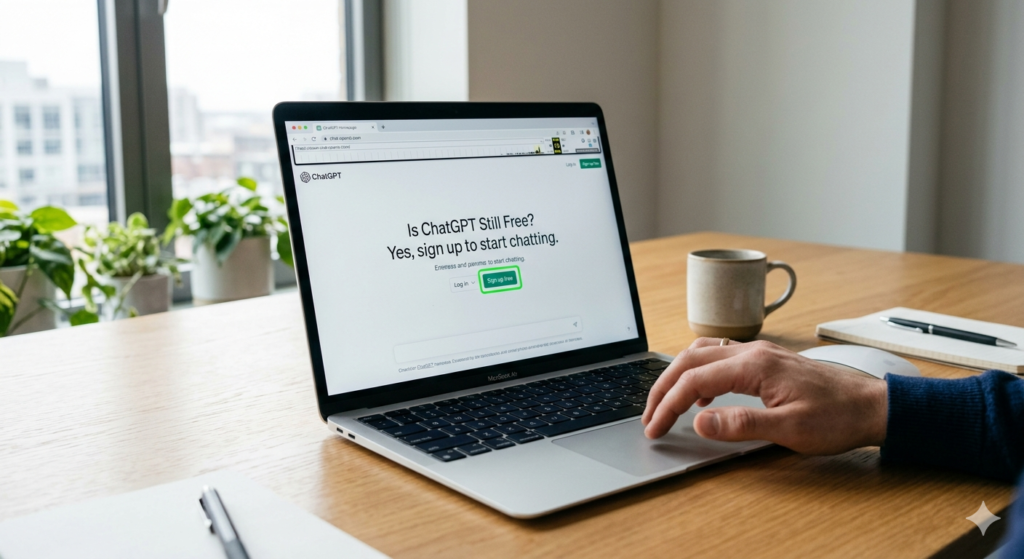
This is where most people get confused, so I’m going to go step by step.
Go to chat.openai.com in your browser. You’ll land on a page with two buttons — “Log in” and “Sign up.” Click Sign up.
You can create an account with your email address, or use Google or Microsoft to sign in faster. Most people just use Google — it takes about thirty seconds.
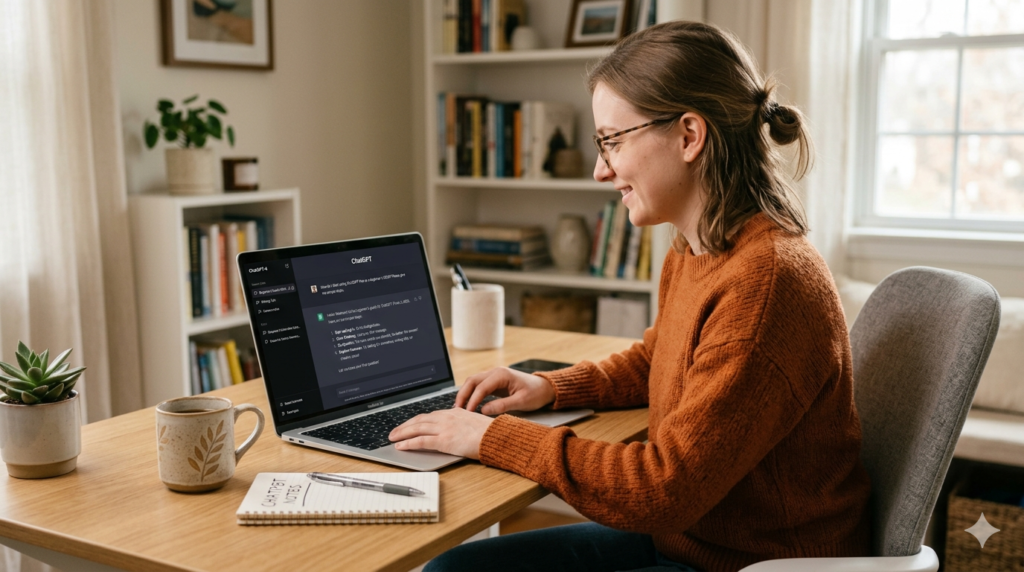
Once you’re in, you’ll see the chat interface. There’s a text box at the bottom. That’s it. Type something and press enter.
You might see a prompt asking if you want to upgrade to Plus. Just close it or click “Stay on free plan” — it appears a lot but it’s easy to dismiss.
One thing worth knowing — OpenAI did introduce a login-free option in 2024 where you can use ChatGPT without an account at all. It’s more limited, but if you just want to try it without signing up, go to chatgpt.com and start typing without logging in.
3. How to Use ChatGPT Free on Mobile
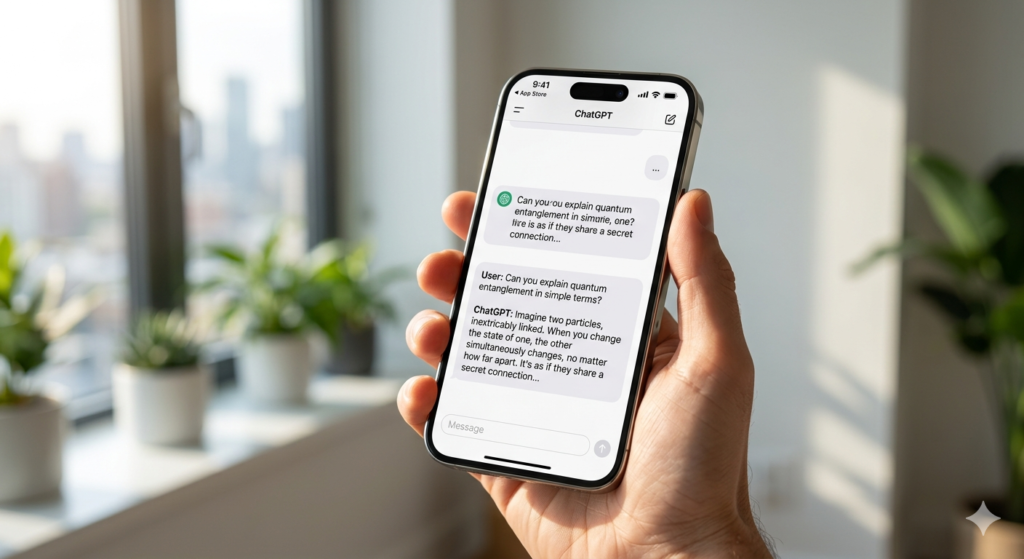
Most people learning how to use ChatGPT free in 2026 end up on the app more than the website. Phone’s always there anyway.
Search “ChatGPT” in the App Store or Google Play — the real one is by OpenAI, simple blue logo. Sign in with the same account you made on desktop and you’re straight in, nothing extra to set up.
Voice mode is something I didn’t think I’d use but genuinely do now. Tap the headphone icon, talk normally, it responds back. Really good when you’re thinking something through and typing feels like too much effort.
One thing — there are loads of fake ChatGPT apps in both stores, some charging weekly fees. Always check the developer name says OpenAI before downloading anything.
4. What Can You Actually Do With the Free Version?
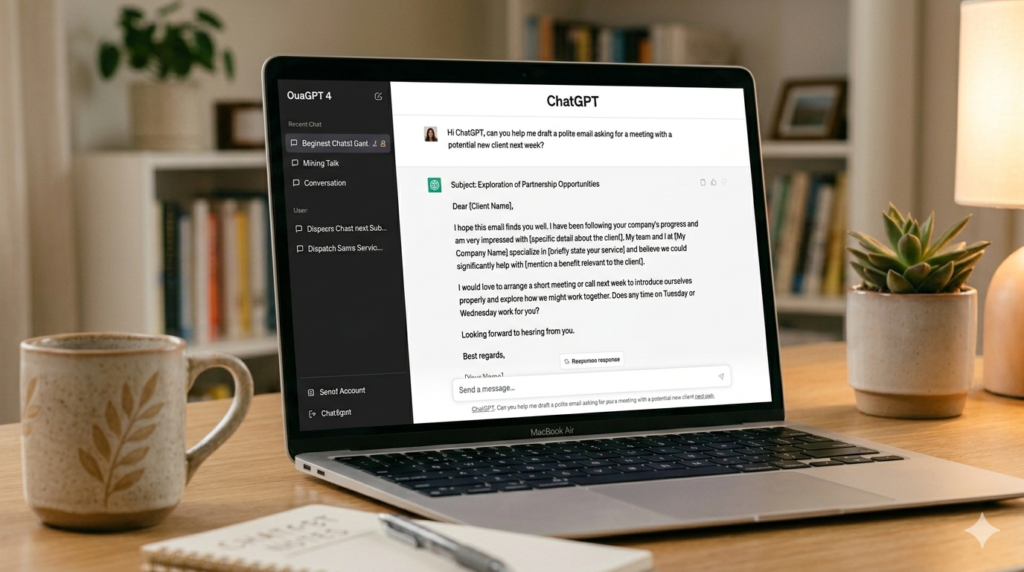
Honestly — a lot more than people expect.
The free tier in 2026 runs on GPT-4o. Same model that Plus subscribers pay for. The only real difference is usage limits, and for most people those limits just don’t come up in normal daily use.
So what’s actually useful? Let me tell you what I personally use it for and what I’ve seen others use it for.
Writing is the obvious starting point. Not just “write me an email” — though it does that too. I mean the stuff that takes forever when you do it yourself. A cover letter for a job you’re not sure how to pitch yourself for. A complaint email to a company where you want to sound firm but not aggressive. A caption for something you’re posting but can’t find the right words for. You give it the situation, tell it the tone, and it gives you a solid first draft in seconds. Most people tweak it a bit. That’s fine. The blank page problem disappears.
Explaining complicated things is where it genuinely surprised me. Ask it to explain how a mortgage works. Or what the difference between a limited company and sole trader actually means for your taxes. Or why your knee hurts when you go down stairs. It doesn’t talk to you like a textbook. It just explains it like a patient person would, and if you don’t get something, you ask a follow-up and it adjusts.
Pasting in long things to get a summary — this one I didn’t expect to use as much as I do. Long contract you don’t want to read fully. A forty-page report your boss sent. A research paper. Paste it in, ask for the key points, done in thirty seconds.
Coding — even if you’re a complete beginner. Paste in something that’s broken and ask what’s wrong. Ask it to write a simple Python script that does X. It shows you the code and explains what each part does. I’ve seen people with no technical background build genuinely useful little tools this way.
The one thing to know — after very heavy use in one sitting, it might slow down or tell you to come back in a few hours. Happens occasionally. For most people’s normal use though, it just doesn’t come up.
5. ChatGPT Free vs Plus — Is It Worth Paying?
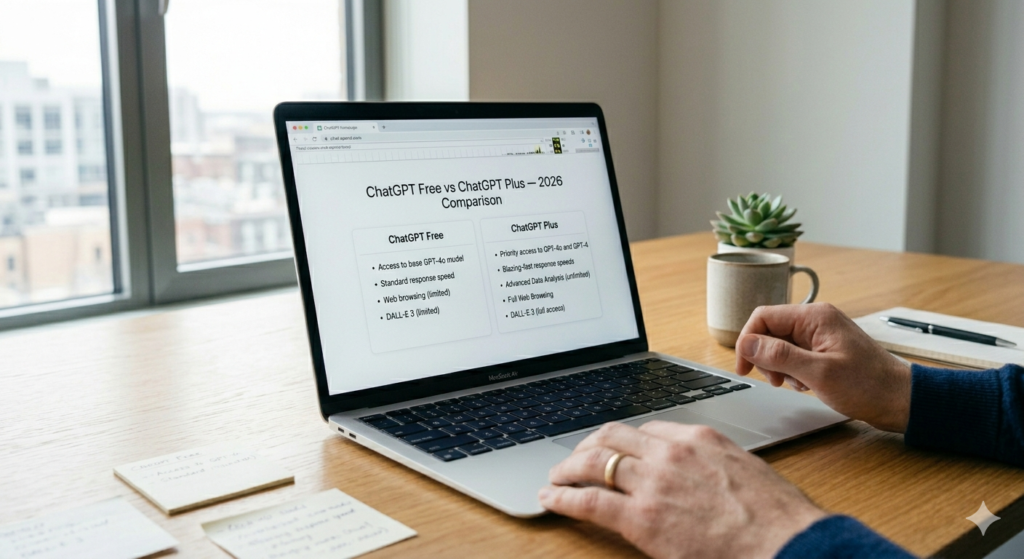
For most people — no. And I say that having used both.
Free covers everything the average person needs. Writing help, research, answering questions, summarising things, brainstorming — all of it works fine without paying a penny.
Plus makes sense if you’re in it for hours every day — big documents, constant back and forth, image generation, or you need it to respond fast when servers are busy. Twenty dollars a month is reasonable for a daily work tool. But if you’re not hitting the limits on free, there’s genuinely no point upgrading yet.
The best way to use ChatGPT free in 2026 — start free, use it for a few weeks. If you start noticing it slowing you down, then think about Plus. Most people never get there.
Which One Is Right For You?
Brand new and just want to try it — free plan, chatgpt.com, sign in with Google. Two minutes.
Prefer using your phone — download the OpenAI app, same login works.
Using it all day every day for work — Plus at $20/month is probably worth it then.
A Few Things People Always Ask
Knowing how to use ChatGPT free in 2026 starts with just an email — no card needed.
Do I actually need a credit card to sign up? Nope. Not even close. Free plan is genuinely free — just an email or Google account and you’re in. No card, no trial, no “cancel anytime” trap.
So what’s the actual difference between free and Plus? Both run on GPT-4o — so the core model is the same. Plus gives you higher limits before it slows down, faster responses when the servers are busy, and a few extras like more image generation. At $20 a month it’s reasonable if you’re using it all day for work. For casual use, free is completely fine.
Can I just use it without signing up at all? Yeah you can. Go to chatgpt.com and start typing — no login required. It’s a bit more limited and it won’t remember previous conversations, but for a quick question it works fine.
Does the mobile app cost money? The app itself is free to download. The free plan works on mobile exactly the same as desktop. Just watch out for fake apps — always check the developer is OpenAI before downloading.
Does it work in the UK? Fully. Works across the UK, most of Europe, US, Canada, Australia — basically everywhere except a small handful of restricted countries.
One thing I’d tell anyone just starting out — be specific with what you ask it. “Write me an email” gets you something generic. “Write me an email to my landlord asking him to fix the boiler, firm but polite, under 100 words” gets you something you’d actually send. The more detail you give, the more useful the output. Takes a bit of getting used to but once it clicks, it clicks.
And if you want to keep exploring, check out my guide on the best free AI tools in 2026 — there are some genuinely brilliant ones beyond ChatGPT that most people walk straight past.