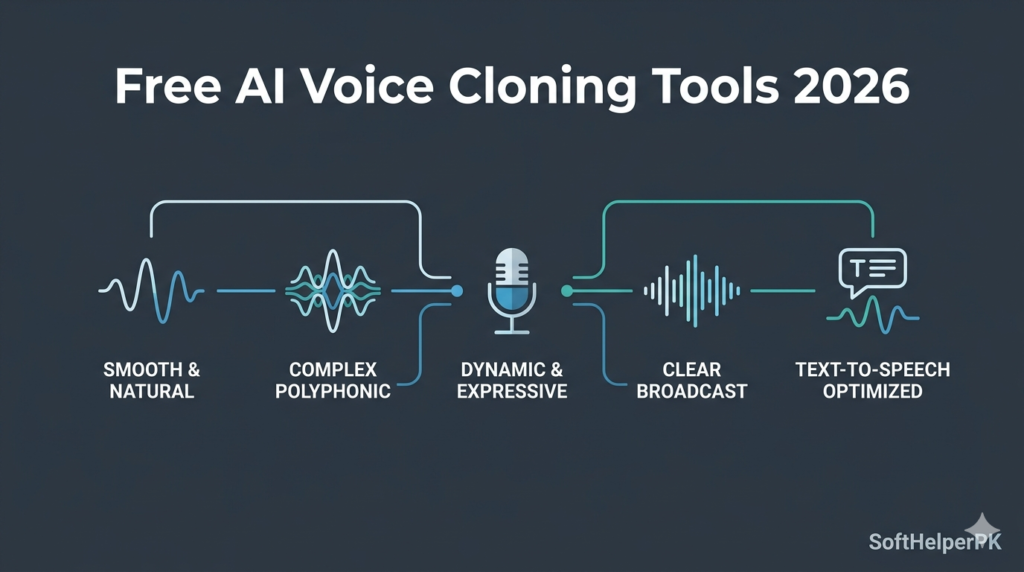
If you’ve been looking for free AI voice cloning tools in 2026 because ElevenLabs got too expensive for a side project — you’re definitely not alone.
A friend of mine makes narration videos for his small YouTube channel and was paying for ElevenLabs every month just to generate maybe twenty minutes of voiceover. The cost made sense when the channel was earning, but during a slow month he genuinely considered quitting the whole project rather than keep paying for something that used to be free or far cheaper a year earlier.
What he didn’t know is that a proper local setup can do almost everything ElevenLabs does — long-form narration, voice cloning, fully custom voice design — without an ongoing subscription. The trade-off is that these free AI voice cloning tools install on your own computer rather than running entirely in a browser, so there’s a bit more setup involved than just signing up for an account. It’s worth it once it’s running, but it’s not quite as instant as a paid web tool.
One important note before anything else — voice cloning should only ever be used on voices you actually have permission to clone, including your own. Cloning someone else’s voice without consent isn’t just ethically wrong, it can cause real harm and may be illegal depending on how it’s used. Keep it to your own voice or voices you’ve been explicitly given permission to work with.
1. Pinokyo — The Platform That Runs Everything Else
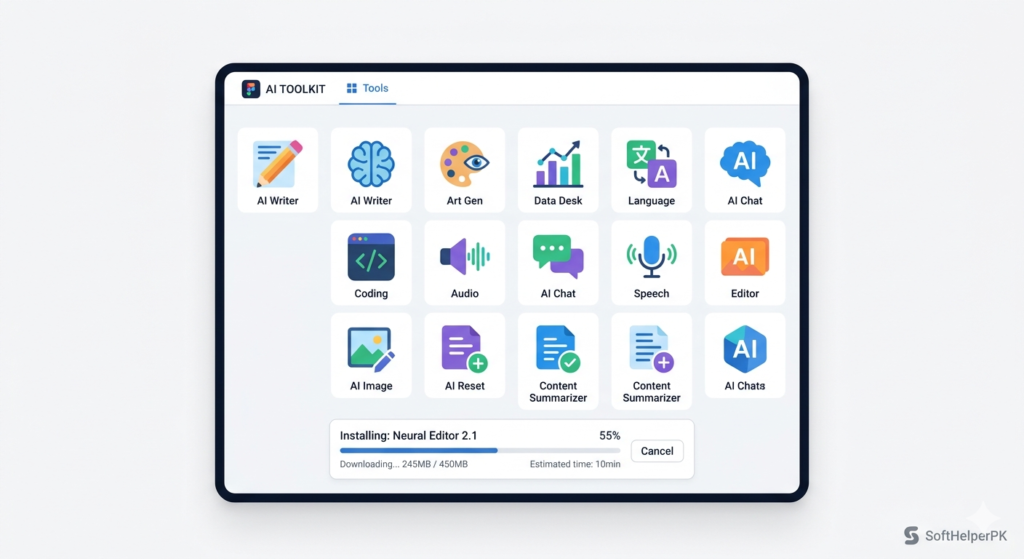
Free. Installs locally on Windows, Mac, or Linux.
Pinokyo isn’t a voice tool itself — it’s the platform that lets you install and run the other tools on this list without needing separate technical setups for each one. Think of it as an app store specifically for free AI models that would otherwise require manually configuring Python environments and dependencies.
Download it for your operating system, install it, and you’ll land on a simple home screen. From there, you browse and install whichever model you want — you only need to do the install once per tool, and after that it sits ready to open whenever you need it. It handles the technical download process in the background while you wait.
Worth knowing — your computer’s specs matter here since everything runs locally rather than on someone else’s servers. If you’re not sure what hardware you have, a free tool like CPU-Z can show you your specs so you know what to expect before installing anything heavier.
2. Ultimate TTS Studio — Best for Long-Form Narration
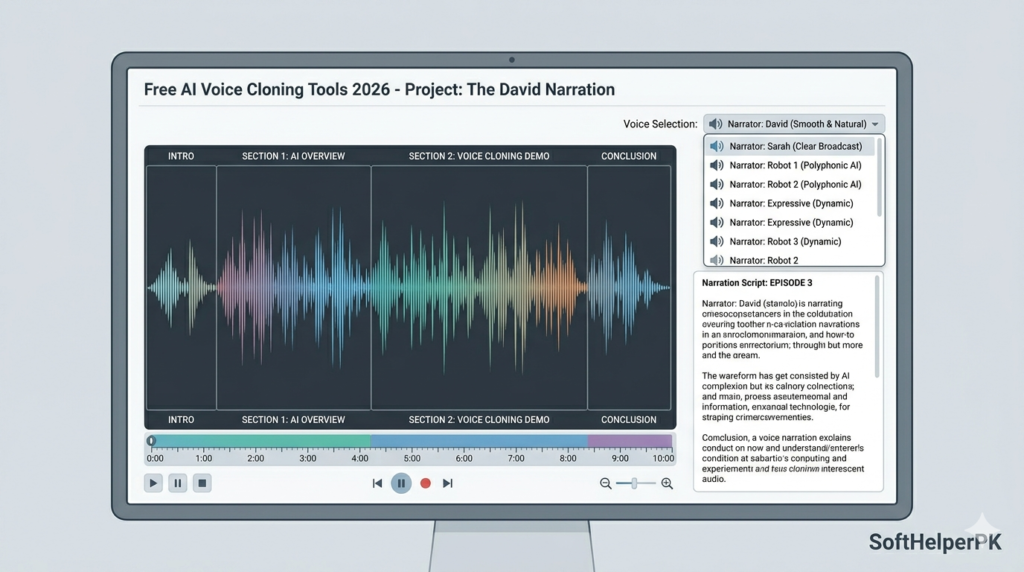
Free via Pinokyo. Moderate hardware requirements.
If you’re narrating YouTube videos, audiobooks, or anything that needs more than a couple of sentences of speech, this is built specifically for longer output. Once installed through Pinokyo, you get a library of pre-made voices to choose from, plus the ability to paste a full script and have the entire thing converted into one continuous audio file.
There’s no awkward limit forcing you to generate in short chunks and stitch them together yourself — paste your script, pick a voice, and it processes the whole thing in one go, easily handling recordings well over ten minutes.
Among free AI voice cloning tools, this is the one to reach for specifically when length matters more than voice customisation.
3. Qwen-3-TTS — Best All-in-One Option
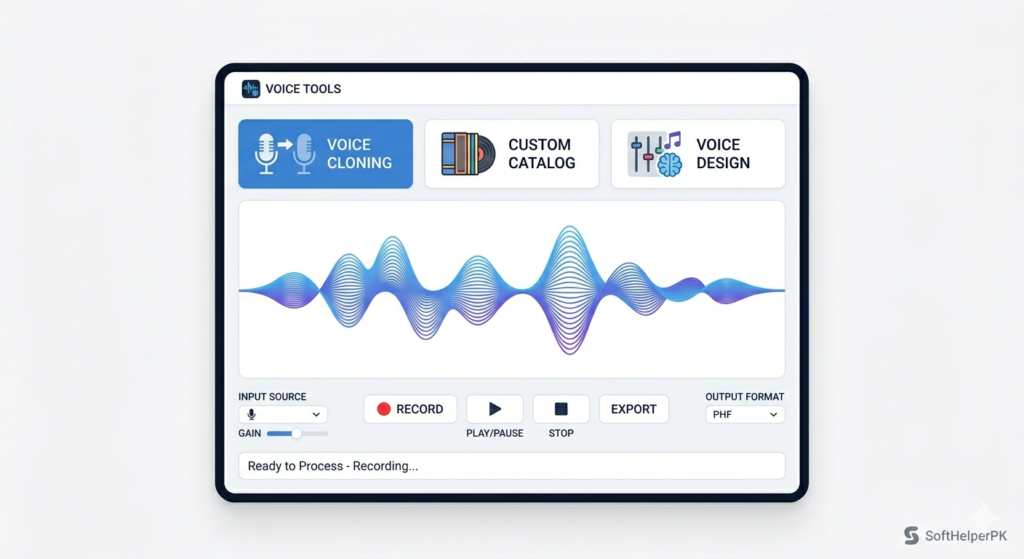
Free via Pinokyo. Higher hardware requirements for the full feature set.
This is the closest thing to a complete ElevenLabs replacement in one tool. It handles voice cloning, custom voice selection from a built-in catalog, and voice design from scratch, all in a single interface — useful if you’d rather not install multiple separate tools.
For cloning, you upload an audio clip of a voice you have permission to use — just a few seconds is enough for the model to analyse and replicate the tone and style. Type any text afterward and it converts to speech in that cloned voice with no length restriction once it’s set up correctly. If you’d rather not clone a specific voice, the custom voice catalog gives you a solid range of pre-built options to pick from instead.
This does need a genuinely capable computer to run smoothly, which is exactly why the next three tools exist — lighter alternatives that do one job each really well on more modest hardware.
4. E2/F5-TTS — Best Lightweight Voice Cloning
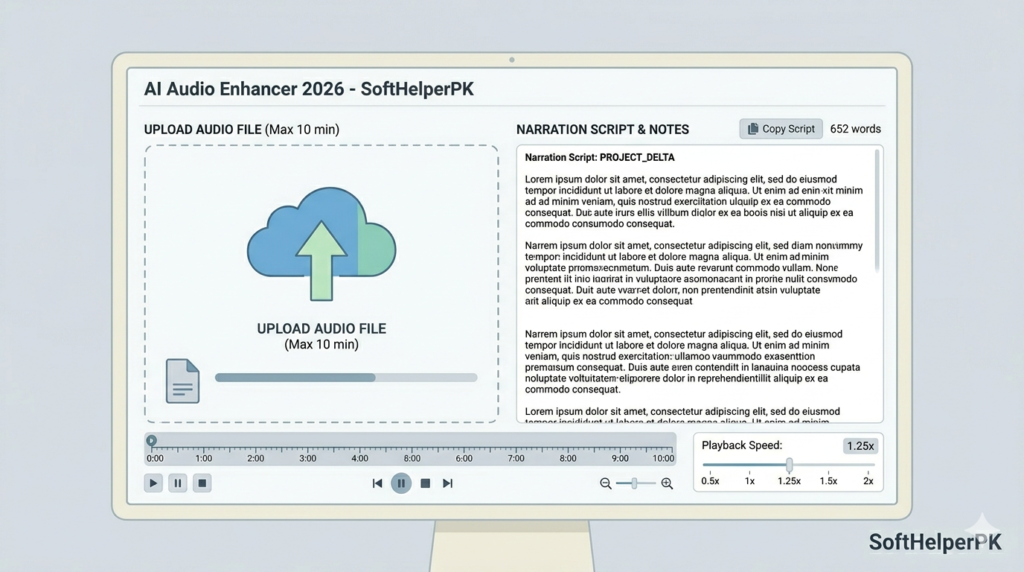
Free via Pinokyo. Runs on most computers, lower requirements than Qwen-3-TTS.
If voice cloning specifically is what you need and your computer isn’t powerful enough for the all-in-one option above, this is the dedicated, lighter alternative. It does one thing — clone a voice from an uploaded sample — and does it efficiently without demanding heavy hardware.
Upload your audio sample, add the text you want spoken, and generate. There’s an advanced settings panel where you can adjust things like speaking speed if the default pacing doesn’t sound quite right. Among free AI voice cloning tools built for accessibility on regular hardware, this is consistently one of the most reliable.
5. Open Audio and Zonos — Best for Multilingual and Fully Custom Voices
Free via Pinokyo. Lower requirements, run on most modern computers.
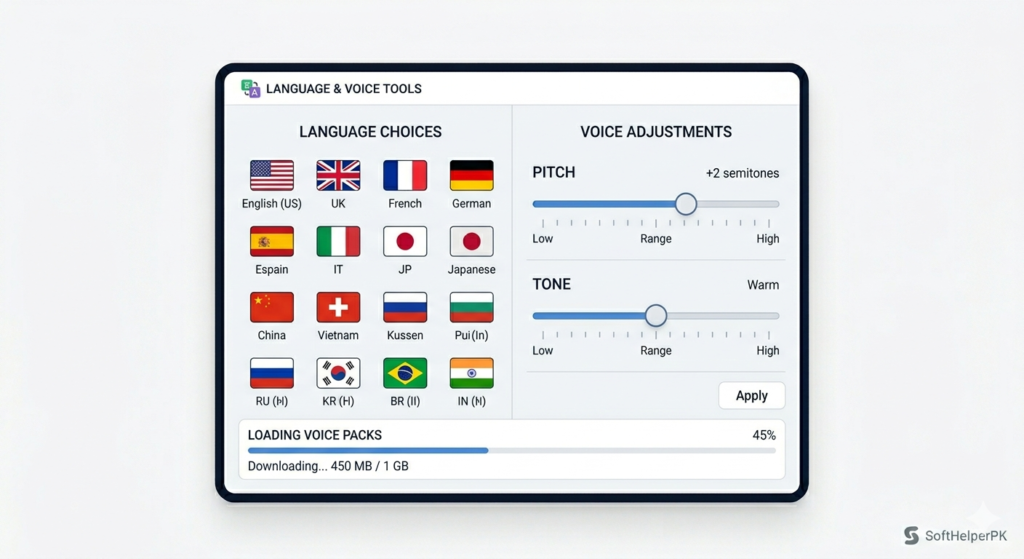
These two round out the list for slightly different needs. Open Audio is built for multilingual output — type text in essentially any language and it generates accurate-sounding speech without you needing to configure anything extra. If your content reaches an international audience, this solves a problem the other tools on this list don’t directly address.
Zonos takes a different approach entirely — rather than cloning an existing voice, you build one from scratch using sliders that adjust tone, pitch, and style until you land on something that sounds exactly how you imagined it. Paste your text, generate, and you get a fully custom voice with no source audio required at all.
Both tools let you download whatever voice you create and feed it back into the cloning tools above if you want to reuse that same voice for longer scripts later.
Which One Should You Actually Install?
Depends on your hardware and what you actually need.
If you want one tool that does everything and your computer can handle it — Qwen-3-TTS.
If you mainly need long narration and don’t need cloning — Ultimate TTS Studio.
If you need voice cloning specifically on a lighter computer — E2/F5-TTS.
If your content needs multiple languages — Open Audio.
If you want a fully custom voice built from nothing — Zonos.
These free AI voice cloning tools genuinely cover what most people were paying ElevenLabs for, without the recurring cost. The honest trade-off is setup time — installing Pinokyo and your first model takes longer than signing up for a paid web app, and your results depend partly on your own computer’s hardware rather than someone else’s powerful servers. But once it’s running, there’s no monthly bill watching over your shoulder.
One practical tip — once you generate a voice you actually like, download the audio sample immediately and keep a backup copy outside any single tool. You can feed that same sample back into the cloning tools to generate unlimited future scripts in that exact voice, so it’s worth protecting once you’ve found one that works.
If you’re building full video content around your narration, check out my guide on the best free AI video generators in 2026 — pairs naturally with voice work for a complete content workflow.