
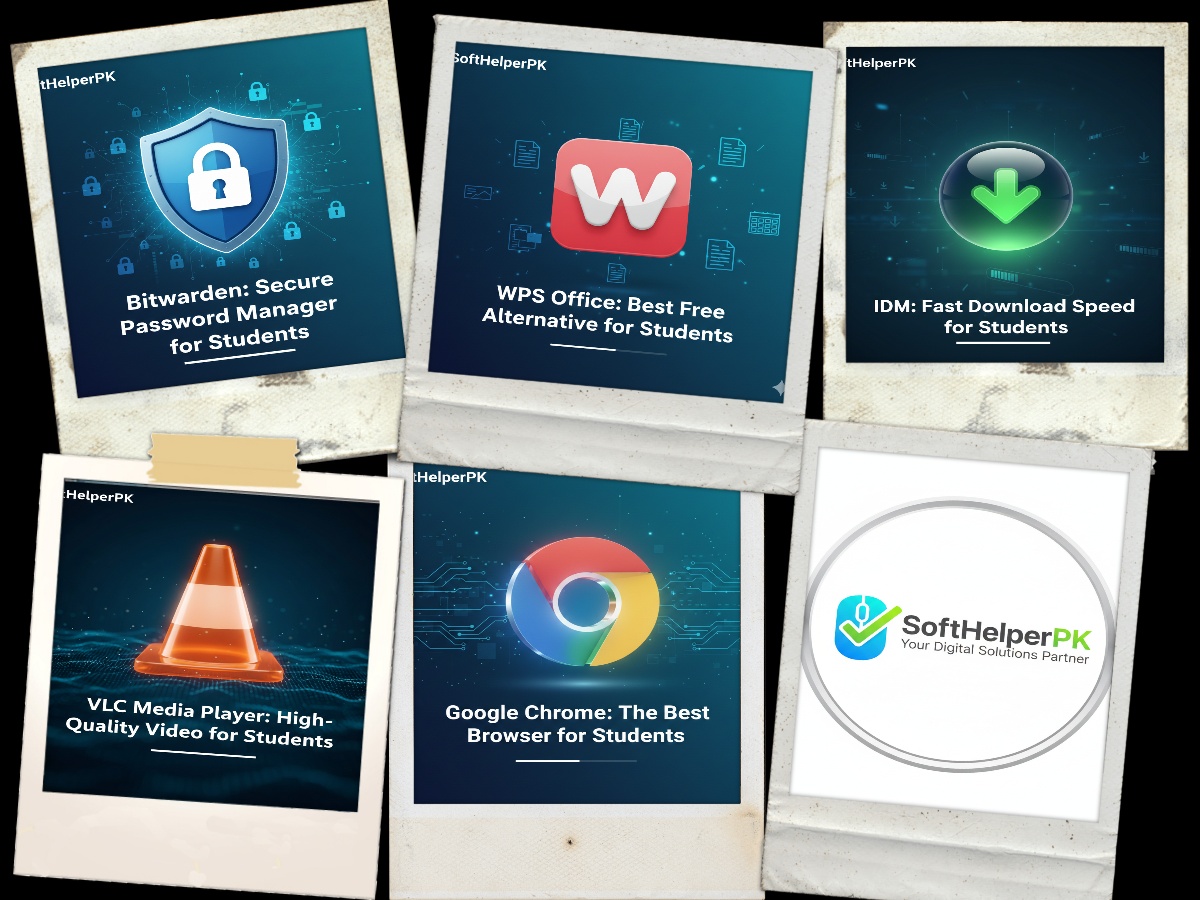
I’ve spent my whole student life hunting for free tools that actually work — and these five are the ones I still use every single day. You don’t need a powerful PC or paid software to stay productive, just the right tools. At SoftHelperPK, we provide the best digital solutions to ensure your academic success.
Why Does Everyone Need Such Tools by 2026?
With the advancement in the year 2026, the demands that are made of a learner in terms of digital technology have also increased dramatically. It is no longer sufficient to make basic notes; it has become imperative for you to be able to deal with huge databases, take high-quality video lectures, and ensure that your online identity is protected from any cyber attack.
1. Google Chrome (The Best Browser for Research)
Google Chrome is still a necessity for studying purposes since it helps to sync your study data on any device used by you. Be it your laptop or tablet, your bookmarks and open tabs will be available there. To get the newest Chrome version from 2026, visit the Official Google Chrome Page.
As for me, Chrome is synced with my phone and computer, so that all my studying data follows me. Though, there is one drawback – Google Chrome consumes RAM, which is why I need to close all unnecessary tabs.
2. VLC Media Player (High-Quality Video Lectures)
For watching recorded university lectures or educational documentaries, VLC is the top choice globally. It is a completely free essential software for students that supports almost all video formats without any lag or codec issues. You can get it from the VideoLAN Official Site.
VLC has played every weird lecture file format I’ve thrown at it without ever asking for a codec. I’ve never had to install anything extra in years of using it.

3. IDM – Internet Download Manager (Fast Downloads)
Students often need to download large software files and lecture videos quickly. IIDM is a very important software for students because its speed in downloading files can reach 5 times higher than normal speed, which saves your time at exam periods where every second matters.
During exam season IDM saved me hours — it downloaded a 2GB lecture series in minutes when my browser kept failing halfway. The resume-broken-download feature is a lifesaver on weak internet.
4. WPS Office (Best Free Alternative to MS Office)
Creating professional assignments and presentations is a daily task. WPS Office can be described as a must-have program for students allowing editing of Word, Excel, and PPT documents absolutely free. The advantage of WPS Office is its compatibility with MS Office file formats.
When I couldn’t afford MS Office, WPS handled all my Word and PowerPoint assignments perfectly. It opens .docx files cleanly — just export as PDF before submitting to be safe.
5. Bitwarden (Secure Password Manager)
Keeping your university portal and social media accounts safe is vital in 2026. Bitwarden helps students store all their passwords in one secure encrypted vault. It is a must-have essential software for students to prevent data breaches and forgotten password issues.
I used to reuse the same password everywhere until Bitwarden. Now it generates strong ones and syncs them across my devices, and the free plan covers everything a student needs.
Detailed Benefits of Our Top Picks in 2026
- Maximum Productivity: Using tools like WPS Office ensures you can open any file format sent by teachers. It is a highly essential software for students who want to save money on expensive subscriptions.
- Efficient Time Management: With IDM, you can download your study materials in seconds instead of waiting for hours. This makes it a top-rated essential software for students.
- More Secure: You can rely on Bitwarden to guarantee that all of your research papers and portal access at university will be behind one master password.
- Reliable Multimedia: VLC helps avoid any errors that may arise from the inability to open videos due to the format not being supported, and this is why it is vital for students.
How Do You Pick the Most Suitable Software for Your PC?
Make sure that the programs you download do not weigh your computer down. All of the software we mention above is rigorously tested for performance and security purposes. We suggest you keep them up-to-date by updating them to the newest versions of 2026.
Frequently Asked Questions (FAQs)
Are these essential software for students free to use? Yes, all the tools mentioned in this list, including VLC, Chrome, and WPS Office, are 100% free and safe for students to use on their PC in 2026.
Will these programs slow down my laptop? No, these are lightweight applications designed to run smoothly on most laptops and desktop computers without affecting performance.
How can I get more help with installation? If you face any issues while setting up these tools, you can Contact Us directly for expert support.
One response to “5 Best Essential Software for Students to Boost Productivity in 2026”