

Want to remove background from image free? Okay, real talk — we’ve all had that one photo.
Here’s the thing though — you don’t need Photoshop or any money to fix it. I’ve been doing this for years. ID photos, stuff I sold online, even slapping a suit and tie onto a photo for a document once (long story). So let me show you how to remove background from image free in 2026, with tools your grandma could figure out.
If you mess with images a lot, you might also like our list of the best free PC software.
How to Remove Background from Image Free: Why Bother?
Loads of reasons, honestly. A clean white background makes passport and ID photos actually get accepted. If you sell on Daraz or eBay, clean product pics just sell better, no question. And sometimes? You just don’t want your messy bedroom showing up behind your face on a video call.
Whatever your reason, the tools below sort it out fast. Some literally do it in one click. Let me walk you through them. Whatever your reason, these tools remove background from image free in seconds.
1. Remove.bg — Easiest One-Click Tool
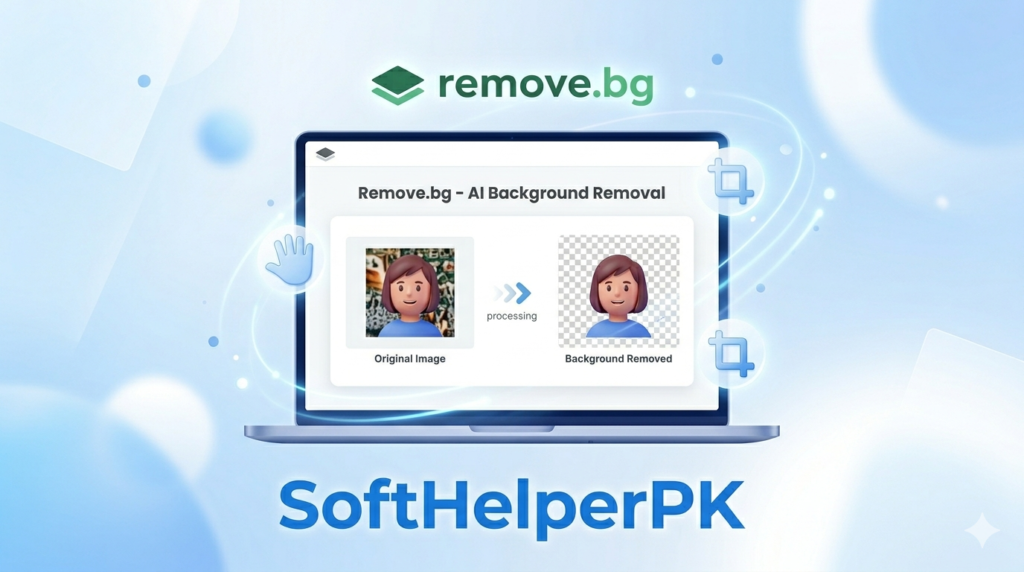
This is always my first stop. You upload a photo, wait like three seconds, and boom — background’s gone. No fiddling, no skill, nothing.
I’m not gonna lie, it felt like magic the first time I used it. Works great on people and products. The downside? Free downloads come out a bit lower quality, and the crisp high-res ones want credits. But for everyday stuff, the free version is totally fine. Click On Remove.bg
2. Photopea — Best for Full Editing
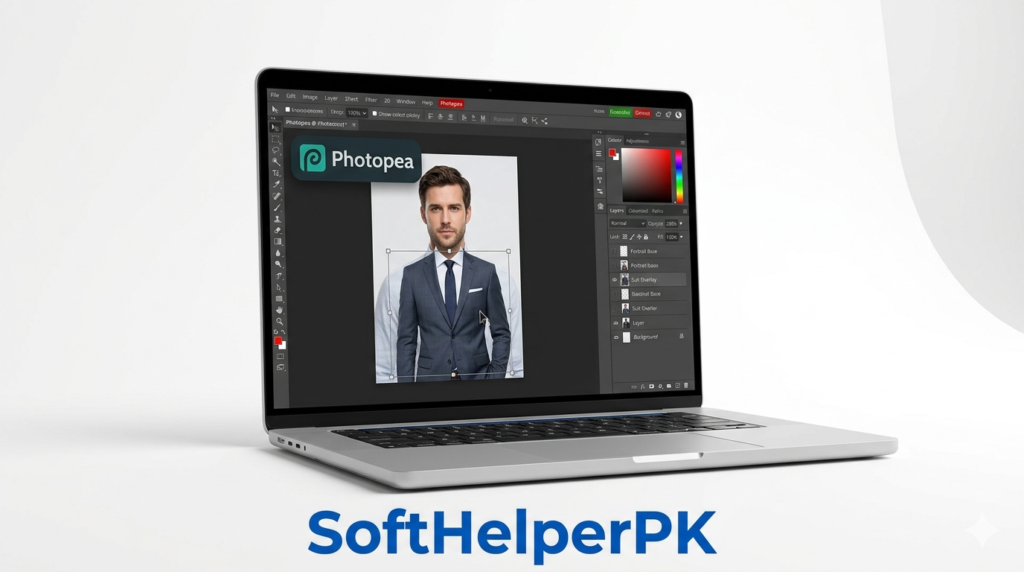
Photopea is basically Photoshop, but free and right in your browser. Nothing to download. If you want to yank out a background AND then add something — a suit, a tie, a whole new background — this is the one.
This is what I grab when I actually need control. You can rub out the background by hand, stack new layers, even edit a proper suit and tie onto someone for a court or office document. There’s a bit of a learning curve, won’t lie, but for free? It’s ridiculous how powerful it is.
3. Canva — Best for Beginners
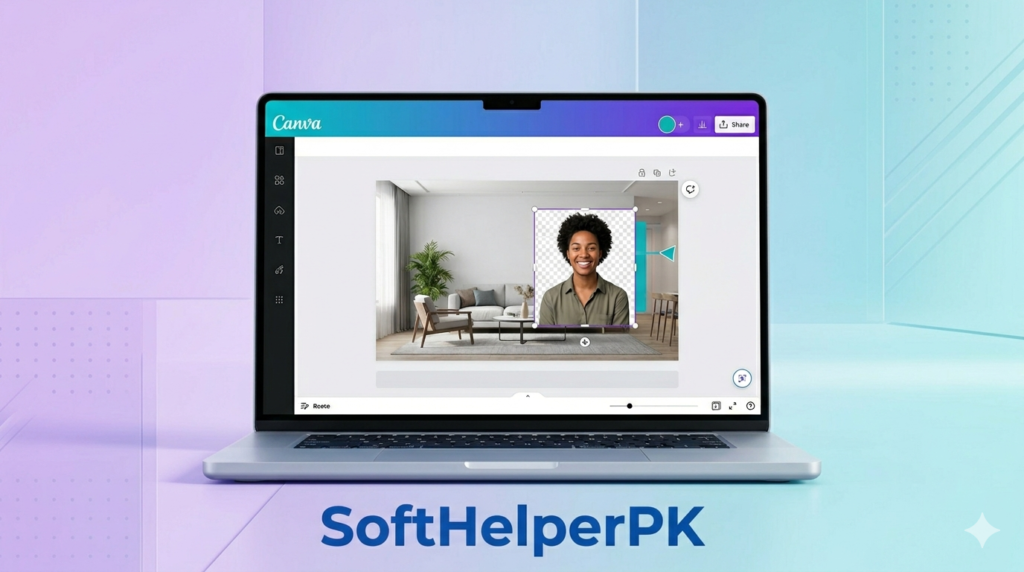
If Photopea looks scary, go with Canva instead. Way friendlier. Its background remover is basically one click, and then you can plop your photo onto any design or fresh background in seconds.
I always point non-techy friends here. It’s clean and you’ll make a decent profile pic or post in minutes. Heads up though — that one-click remover sometimes needs Canva Pro, but loads of the other stuff is free.
4. Microsoft Paint (Built-In)
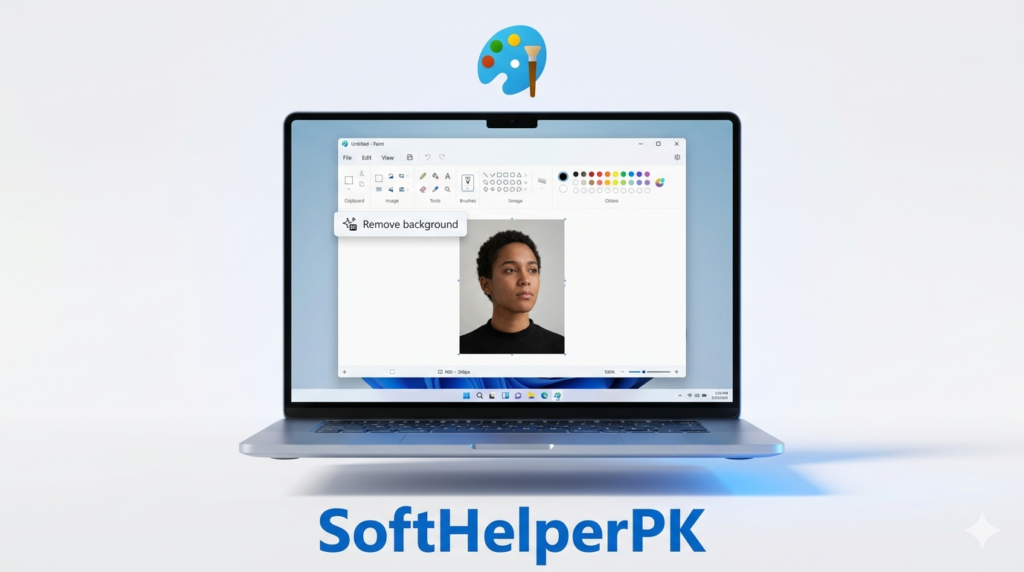
Bet you didn’t know this one — newer Windows has a background remover baked right into Paint. Zero download. Open your image, hit “Remove background,” done.
Honestly shocked me how decent it is for something built in. Perfect for when you can’t be bothered opening a website. It’s basic, sure, but it’s free and already sitting on your PC, so who’s complaining.
5. Pixlr — Best Online Alternative
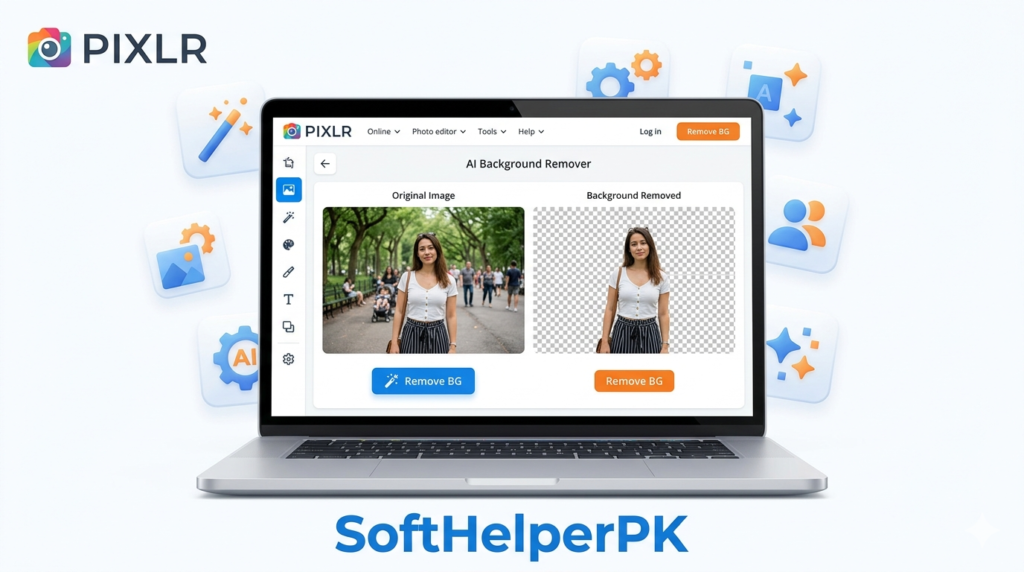
Pixlr sits right in the middle — easier than Photopea, more powerful than Remove.bg. It’s got an AI background remover plus actual editing tools.
I go here when Remove.bg’s free quality isn’t cutting it but I can’t be bothered with Photopea. Nice middle ground. There are ads and a few locked bits in the free version, but the background removal works fine. You can try it on the official Pixlr website.
How to Add a Suit or Tie to a Photo
Since people keep asking — yep, you can stick a formal suit and tie onto a photo for free. Here’s the lazy way: knock out the background with Remove.bg first, then open Photopea, drop a suit-and-tie image in as a new layer, and slide it under the face. Tweak the size till it fits and boom — formal photo, no actual suit required. Takes a couple tries to get right, but anyone can do it.
Which Tool Should You Use?
Don’t overthink it. Quick rundown:
Just want it gone fast? Remove.bg. Need to add a suit, tie, or new background? Photopea. Total beginner? Canva. Don’t wanna open a website? Microsoft Paint. Want something in between? Pixlr.
Honestly, Remove.bg plus Photopea handles almost everything I ever throw at it. Students editing project pics might also like our best free software for students.
Frequently Asked Questions (FAQs)
Can I really remove a background for free?
Yes, you can remove background from image free with all these tools.
What’s the best free tool to remove background?
For one-click speed, Remove.bg. For full editing and adding stuff like a suit and tie, Photopea wins.
Can I add a suit and tie to a photo for free?
Yeah. Pull the background out first, then use Photopea to drop in a suit-and-tie layer and line it up. Free, and it works for formal or document photos.
Does Windows have a built-in background remover?
It does. Newer Windows has a “Remove background” button right inside Paint — no download needed.
Final Thoughts
Removing a background used to mean expensive software and real skill. Not anymore, thank god. These tools let you remove background from an image free, whether it’s a passport photo, a product shot, or a sneaky suit-and-tie edit.
My advice? Use Remove.bg when you’re in a hurry, and keep Photopea around for when you actually need to edit something in. Just pick one and try it on a photo right now — you’ll be surprised how easy it got.
[…] that goes nicely with this one. And if you need to clean up a screenshot before sending it, removing the background from an image comes in handy more than you’d […]