

Introduction
Look, starting a YouTube channel sounds way harder than it is. I overthought it for months before I even uploaded anything — biggest mistake. You really do not need fancy gear or a studio.
I started mine with just my phone and some free editing app. No budget, nothing fancy. And yeah, my first few videos were honestly pretty bad — but that’s just how it goes when you start.
If you also want a good free editing tool to go with this, check out our list of the best free video editing software for PC in 2026.
Let us keep it simple and start from zero.
What You Need to Start a YouTube Channel
You need way less than you think. Here is the honest list:
- A smartphone or a basic PC
- A quiet room with decent light (a window works fine)
- A free editing app
- A free YouTube account
- One idea you actually care about
That is it. No expensive mic, no ring light, no DSLR. You can add those later once your channel grows.
My “studio”? Just my bedroom, curtains open for light, that’s it. One thing I figured out fast — the sound matters way more than how the video looks. So I’d just make sure the room was dead quiet before recording.
How I actually make my videos
Long videos (the normal landscape ones) are still the heart of YouTube. If you want to learn how to make YouTube videos that people actually watch, here is how to do it without stress.
Step 1 — Pick a Simple Topic
Don’t try to make some perfect video on day one — trust me, that pressure kills it. Just pick something easy to talk about. A tutorial, a quick review, a “here’s how I did this” type thing. Simpler is always better.
My first video? I recorded it like three times because I kept fumbling my words. It’s normal. Nobody nails it the first go, so honestly, don’t stress over it.
Step 2 — Then I just record it
Use your phone or screen recorder. Keep these in mind:
Honestly, when I started I ignored half of this. My first videos had bad audio and I learned the hard way — sort your sound out before anything else.
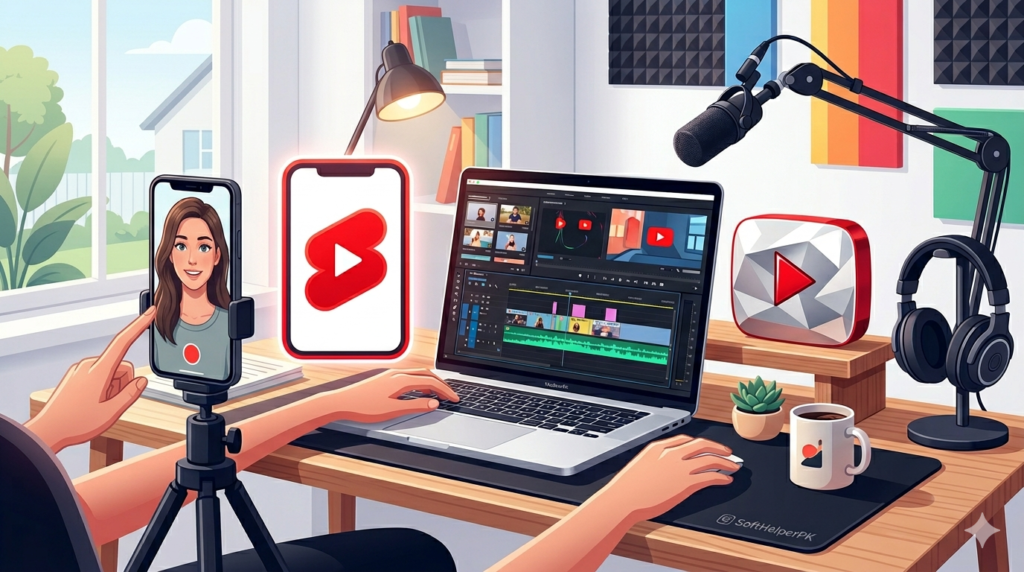
For recording, a few things matter. Face a window so the light hits your face — sounds obvious but most people skip it. Keep the phone horizontal for normal videos. And here’s the one that changed everything for me: record in short clips instead of one long take. I used to do one long recording and then waste hours cutting out my mistakes. Now I just stop and restart whenever I fumble. Way less painful, and editing is ten times faster.
Step 3 — Editing comes next
This is where your video comes alive. Cut out the boring parts, add captions, and keep it moving. You do not need paid software — free tools like DaVinci Resolve, CapCut, or Shotcut do the job perfectly.
When I edit, I cut every long pause. Viewers lose interest fast, so a tight video keeps them watching.
Editing scared me at first. I thought I needed expensive software. Turns out a free tool and one afternoon of messing around was all it took.
Step 4 — The thumbnail matters a lot
A good thumbnail gets the click. Use a clear image, big readable text, and bright colors. The title should be simple and tell people exactly what they will get.
Step 5 — I upload it
Go to YouTube, click the upload button, add your title, description, and a few tags. Pick a thumbnail and hit publish. Done.
How to Make YouTube Shorts (The Fast Way)
Shorts are the quickest way to grow in 2026. They are short, vertical videos under 60 seconds, and YouTube pushes them to a lot of new viewers.
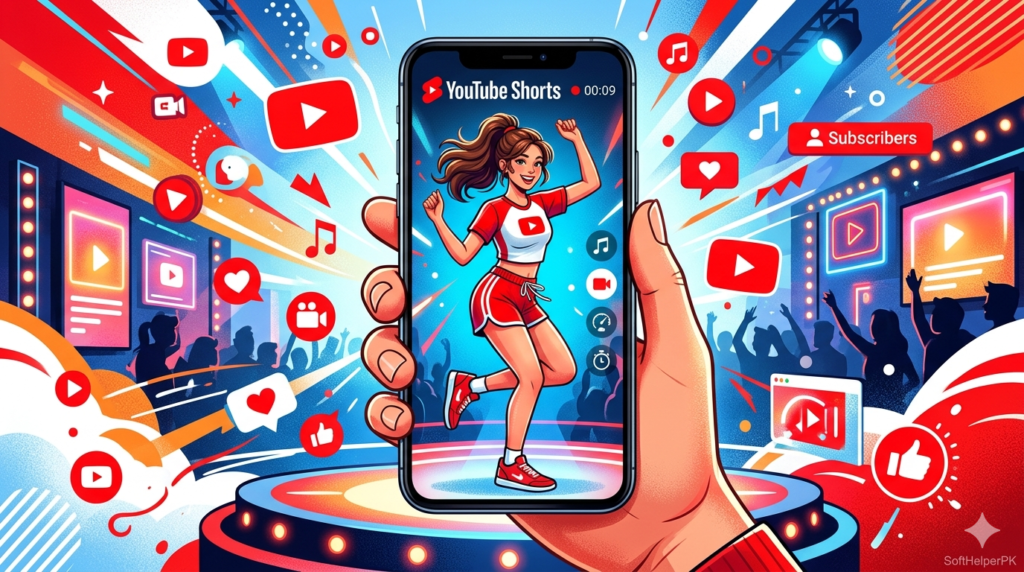
Honestly, my Shorts started doing better than my long videos within a month. Cutting clips from one video into 4-5 Shorts saved me so much time.
What Makes a Good Short
- Vertical format (9:16 — film your phone upright)
- Under 60 seconds
- Hook the viewer in the first 2 seconds
- One clear idea per Short
- Add captions (most people watch on mute)
I make Shorts by cutting clips out of my longer videos. One 10-minute video can give me 4 or 5 Shorts. It saves a ton of time and feeds people back to the main video.
Quick Steps for a Short
- Film vertically or grab a clip from a long video
- Trim it to under 60 seconds in CapCut
- Add auto-captions and a trending sound
- Upload — and add
#Shortsin the title or description
That #Shorts tag helps YouTube know it is a Short and show it in the Shorts feed.
How to Get Your YouTube Channel Monetized in 2026
This is the part everyone asks about — when do you start earning? YouTube has rules, and you have to meet them before you can make money.

It took me about 8 months to hit monetization, posting once a week. Some weeks I almost quit at 200 subscribers — glad I did not.
YouTube Partner Program Requirements
To turn on monetization, your channel needs to hit these targets:
- 1,000 subscribers, AND
- 4,000 watch hours in the last 12 months (for long videos), OR
- 10 million Shorts views in the last 90 days (the Shorts path)
Once you cross either path, you can apply for the YouTube Partner Program and start earning from ads.
Other Rules You Must Follow
YouTube is strict about a few things. Break these and you can lose monetization or even your channel:
YouTube is strict about a few things, and breaking them can cost you. First, no copyright music or clips — I learned this the hard way when a video got demonetized over one song. Just use royalty-free stuff or YouTube’s own free audio library. Your content also has to be original, not just other people’s videos downloaded and re-uploaded. Stick to the community guidelines too — nothing misleading, harmful, or spammy. And try to keep it advertiser-friendly, because heavy swearing or violence will quietly eat into your ad money.
Honestly, the copyright rule trips up most beginners. I once used a popular song in a video and it got demonetized instantly. Now I only use free music from YouTube’s own library — problem solved.
Quick Tips to Grow Faster
A few things that genuinely helped me grow:
- Post regularly. One video a week beats five in one month and then nothing.
- Use Shorts as a funnel. Shorts bring new viewers, long videos keep them.
- Reply to comments. It builds a real audience early on.
- Study your analytics. See where people stop watching and fix that part next time.
- Once you know how to make YouTube videos consistently, growing your channel becomes much easier.
Growth is slow at the start for everyone. Do not quit at 50 subscribers — almost every big channel started exactly there.
Frequently Asked Questions (FAQs)
Do I need an expensive camera to start YouTube?
No. A modern smartphone shoots great video. Focus on good lighting and clear audio instead of an expensive camera.
How long should my YouTube video be?
When you are learning how to make YouTube videos, 6 to 10 minutes is a good starting length for normal videos. For Shorts, keep it under 60 seconds.
Can I make money from Shorts?
Yes. Shorts now count toward monetization through the 10 million views path, and YouTube shares Shorts ad revenue with creators.
How long does it take to get monetized?
It depends on how often you post and how your videos perform. Some channels take a few months, others take over a year. Consistency is the biggest factor.
Final Thoughts
Making YouTube videos in 2026 is easier than ever — the tools are free, your phone is enough, and Shorts give brand-new channels a real chance to grow. The only thing stopping most people is waiting for the “perfect” setup that never comes.
My honest advice: record something today, edit it with a free tool, and upload it. Your first video will not be perfect, and that is completely fine. You improve with every single upload.
Pick your idea, hit record, and start your channel. The best time to start was a year ago — the second best time is right now.
Tags: how to make YouTube videos, YouTube Shorts guide, YouTube monetization 2026, start a YouTube channel, free video editing