

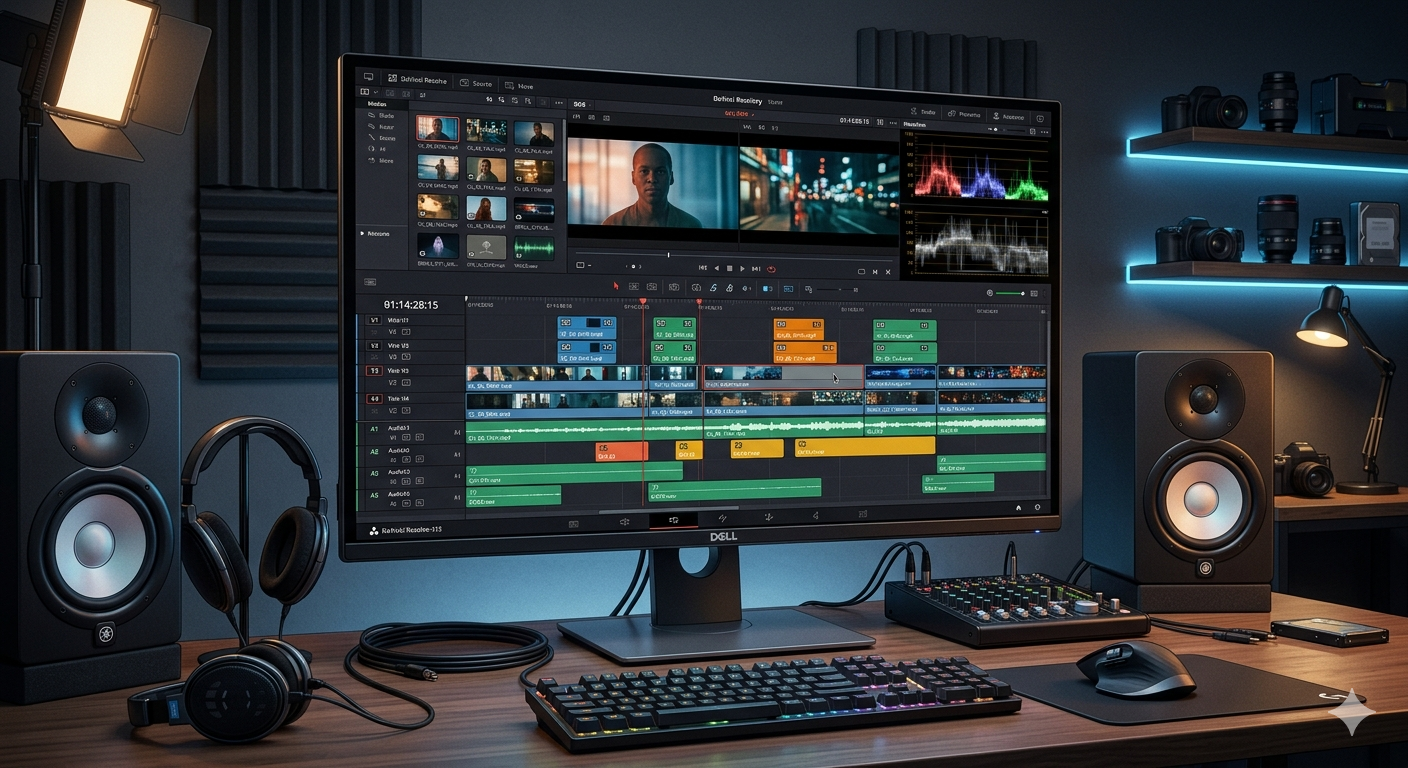
Looking for the best free video editing software for PC in 2026? Here are 5 powerful tools you can download today — no watermark, no cost.
Introduction
You do not need to spend hundreds of dollars to edit videos like a pro. In 2026, some of the best video editing tools are completely free — and they work beautifully on any Windows PC.
Whether you are a student making school projects, a content creator starting a YouTube channel, or just someone who wants to trim and polish home videos, this list is for you. If you are also setting up your PC, check out our guide on the best free PC software for 2026.
We tested dozens of tools and picked the 5 best free video editing software programs that are powerful, beginner-friendly, and totally free.
1. DaVinci Resolve — Best Free Video Editing Software
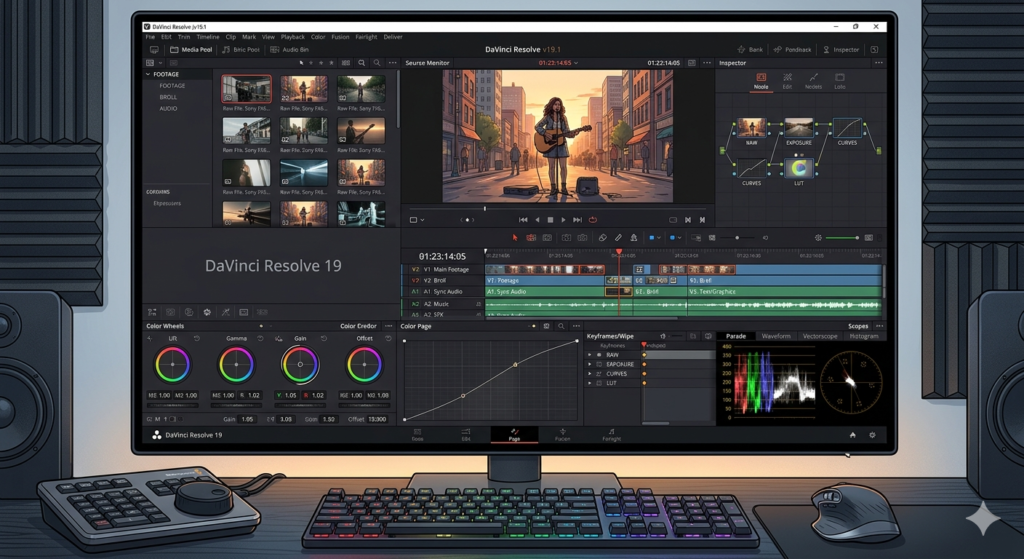
DaVinci Resolve is the most powerful free video editor available today. Hollywood movies and TV shows are edited with this same software — and the free version gives you almost everything.
Why people love it:
- Professional color grading tools
- Built-in audio editing
- No watermark on exported videos
- Works on Windows, Mac, and Linux
Who should use it:.I personally ran this on an 8GB RAM laptop and 1080p editing was smooth, though older PCs may struggle a bit. It’s slightly tricky for beginners at first, but you get used to it after a few YouTube tutorials.
Download: blackmagicdesign.com
2. CapCut for PC — Best for Beginners and Social Media
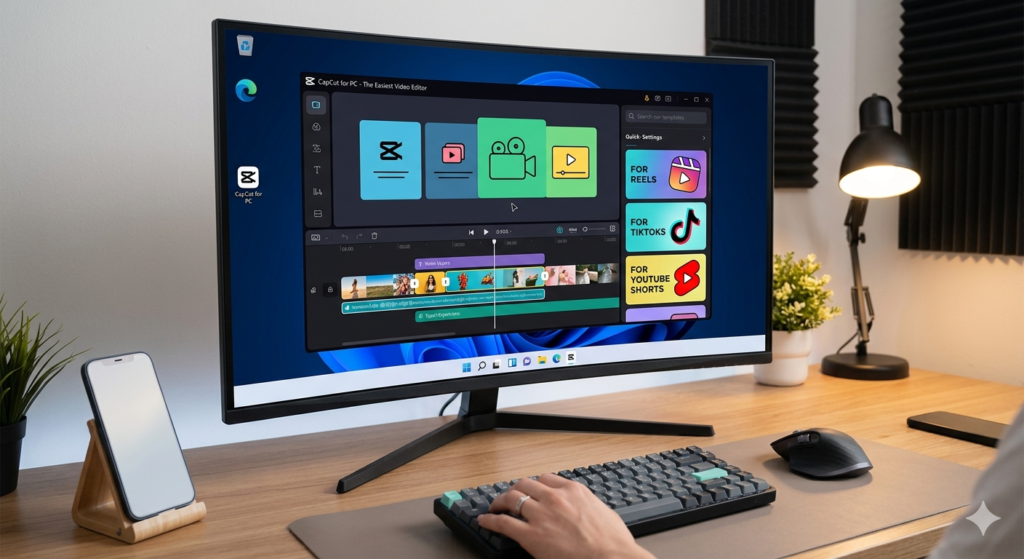
Why people love it:
- Drag and drop editing — no experience needed
- Hundreds of free templates and effects
- Auto-captions in multiple languages
- One-click background removal
Who should use it: I use this almost daily for reels and shorts, and the auto-caption feature honestly saves me a ton of time. Just keep in mind it needs an internet connection and some effects load online.
Download: capcut.com
3. Kdenlive — Best Open Source Editor
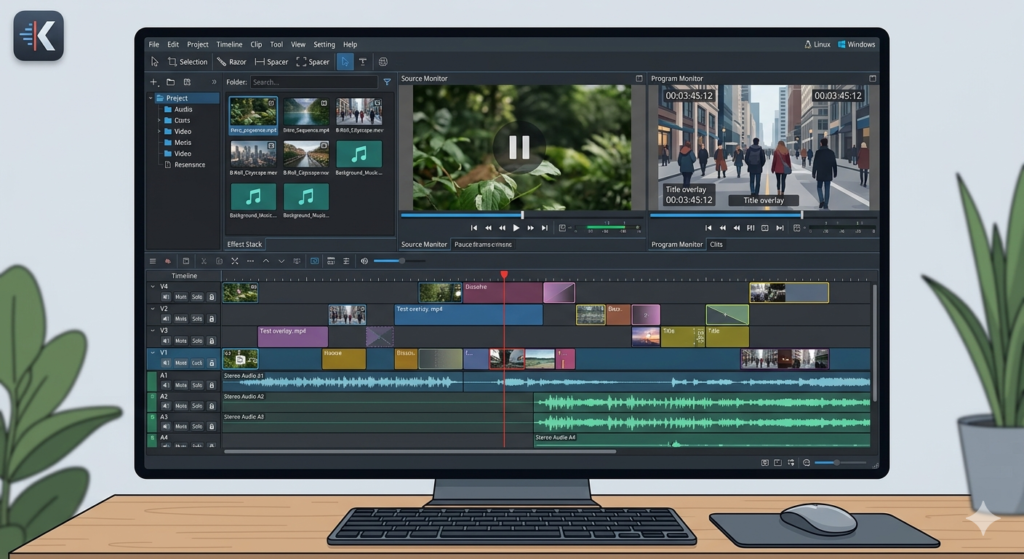
Kdenlive is a completely free and open source video editor that has been trusted by creators for over a decade. It looks professional, runs smoothly, and has no hidden costs ever.
Why people love it:
- Completely free, forever — no premium version
- Supports almost every video format
- Multi-track editing with transitions and effects
- Regular updates from an active community
Who should use it:What I like most is there’s never any “premium upgrade” pressure. I even tested it on a 4GB RAM system and basic editing ran just fine.
Download: kdenlive.org
4. OpenShot — Best for Absolute Beginners
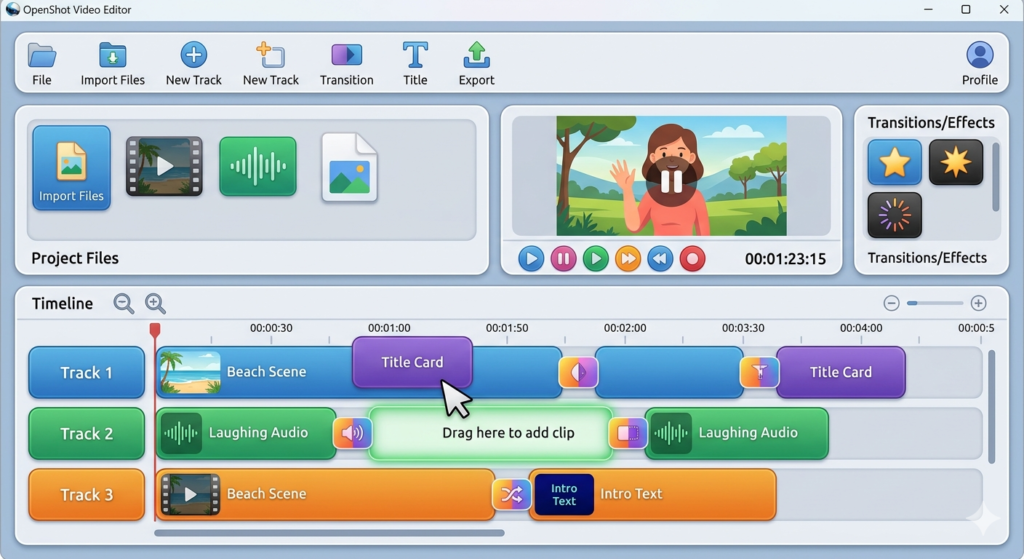
OpenShot was built with one goal — make video editing easy for everyone. The interface is clean, the learning curve is almost zero, and it gets the job done without any confusion.
Why people love it:
- Extremely simple interface
- Drag and drop everything
- Free 3D animated titles
- Works on Windows, Mac, and Linux
Who should use it: If you’ve never edited a video in your life, start here. The interface is so clean you’ll figure it out in about 10 minutes. The only downside — it can get a little slow on very long videos.
Download: openshot.org
5. VSDC Free Video Editor — Best for Windows Only
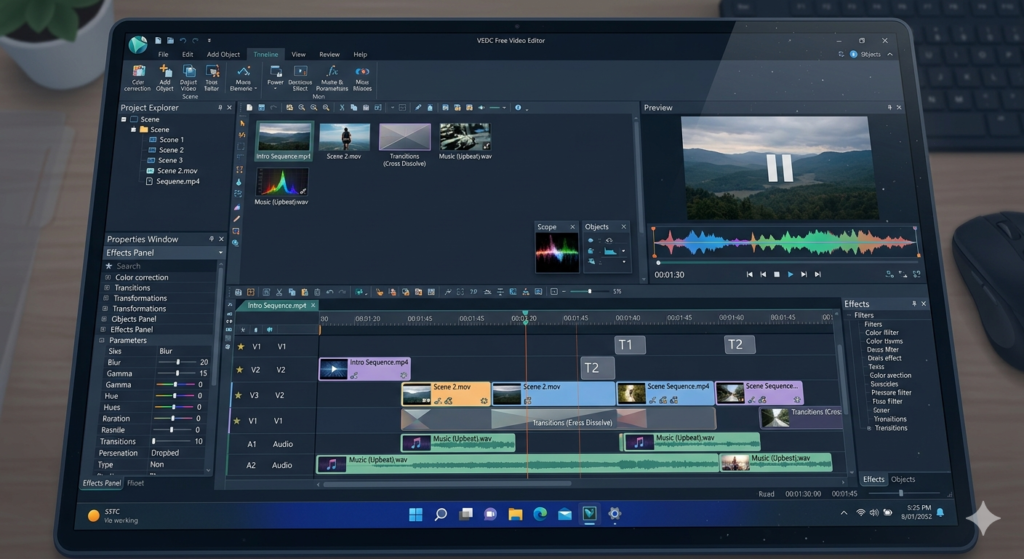
VSDC is a hidden gem that many people do not know about. It is Windows-only but that makes it highly optimized for PC performance. It supports advanced effects that most free editors do not offer.
Why people love it:
- Non-linear editing for more creative control
- Built-in video converter and screen recorder
- Supports 4K video export for free
- Very light on system resources
Who should use it: This is my personal pick for older Windows PCs. It’s light on resources and gives free 4K export. The interface looks a bit dated, but feature-wise it punches well above its weight.
Download: videosoftdev.com
Best Free Video Editing Software — Quick Comparison
| Software | Best For | Skill Level | Watermark |
|---|---|---|---|
| DaVinci Resolve | Professional editing | Intermediate | No |
| CapCut | Social media videos | Beginner | No |
| Kdenlive | Open source lovers | Intermediate | No |
| OpenShot | First-time editors | Beginner | No |
| VSDC | Windows power users | Intermediate | No |
Which One Should You Download First?
- Complete beginner? Start with OpenShot or CapCut
- Want professional results? Go with DaVinci Resolve
- Making YouTube Shorts or Reels? CapCut is your best friend
- Want free forever with no strings? Kdenlive is the answer
Final Thoughts
Any one of these five tools is good enough to run a full YouTube channel. My advice — start with CapCut or OpenShot, then move to DaVinci once you’re comfortable.
Pick one, download it today, and start creating. The best time to start was yesterday — the second best time is right now.
Tags: free video editing software, best video editor for PC, free video editor 2026, no watermark video editor, video editing software for beginners
[…] If you also want a good free editing tool to go with this, check out our list of the best free video editing software for PC in 2026. […]
[…] you make videos, you might also like our guide on the best free video editing software to go with […]