If you’ve been looking for the best free AI coding tools for beginners in 2026 — you’ve probably noticed that coding in 2026 looks nothing like the tutorials from a few years ago. The tools themselves now do a meaningful chunk of the actual typing.
A cousin of mine started learning web development a few months back and assumed AI coding tools were only for experienced developers who already knew what they were doing. She avoided them entirely for her first month, typing everything manually and getting stuck constantly on syntax errors she didn’t understand. Once she actually tried one of these tools, she said it felt like having someone patiently explain what she’d done wrong instead of just staring at a red error message with no idea why.
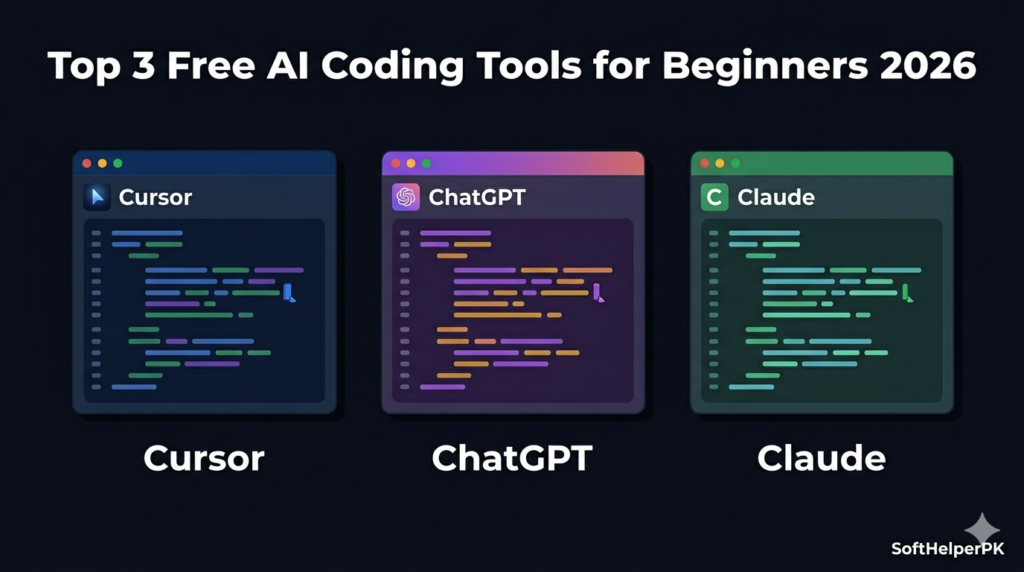
I went through three of the best free AI coding tools for beginners that genuinely don’t require any payment to be useful — no trial periods that quietly expire, just real free tiers. Here’s what each one actually does well.
1. Cursor — Best Free AI Code Editor
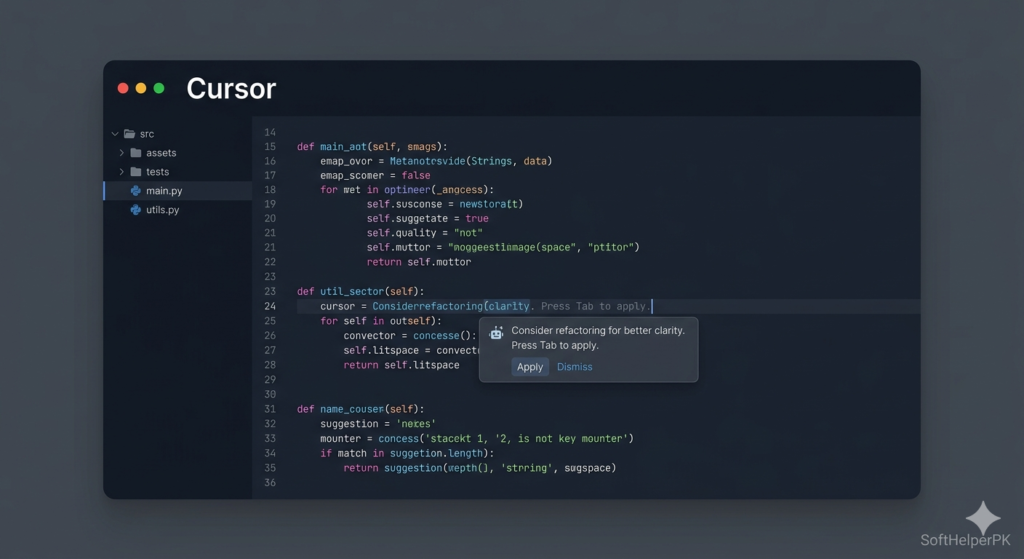
Free tier: 2,000 code completions per month, 50 premium AI requests.
Cursor is essentially VS Code rebuilt with AI built into its core rather than bolted on as an extension. Press tab for smart code completions as you type, or use a command shortcut for inline edits to existing code. It includes four distinct modes depending on what you need — an agent mode for autonomous multi-line edits, a plan mode for working out an approach before writing anything, a debug mode specifically for fixing bugs, and an ask mode for read-only exploration when you just want to understand code without changing it.
For beginners specifically, the appeal is that it feels familiar if you’ve ever used VS Code, while quietly handling a lot of the typing and explaining for you. The free tier’s 2,000 completions a month sounds limiting on paper, but for learning and small personal projects, it genuinely covers what most beginners need.
Among the best free AI coding tools for beginners, this is the one I’d recommend installing first if you want AI woven directly into your actual coding environment rather than a separate chat window.
2. ChatGPT — Best for Learning and Exploring Ideas
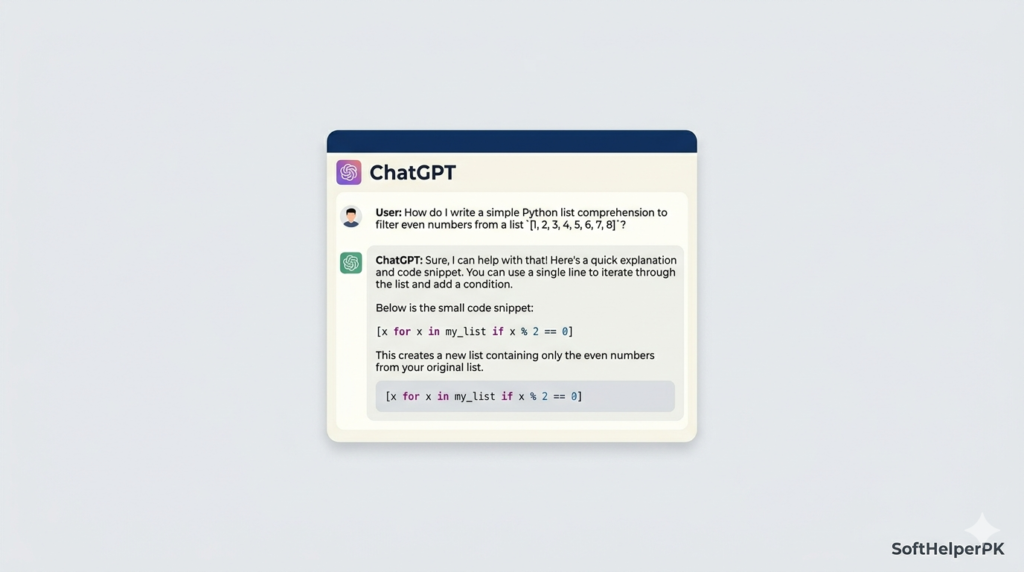
Free tier with daily usage limits.
ChatGPT remains the most flexible, general-purpose option for beginners specifically because it’s not narrowly specialised for coding alone. It’s genuinely useful for exploring ideas, learning unfamiliar frameworks, or just getting unstuck when you don’t even know what question to ask yet.
The conversational format works particularly well for beginners because you can ask follow-up questions in plain language — “why did you write it that way,” “explain that line again,” “what would happen if I changed this” — without needing to know the right technical terminology upfront. It’s not the most specialised coding tool on this list, but its broad knowledge and patience with basic questions make it genuinely valuable while you’re still learning fundamentals.
It’s completely free to use with a daily limit, which for most beginners writing small amounts of code at a time is rarely an issue.
Among the best free AI coding tools for beginners, ChatGPT works well as your first stop when you’re not even sure what to ask yet
3. Claude — Best for Understanding Complex Logic
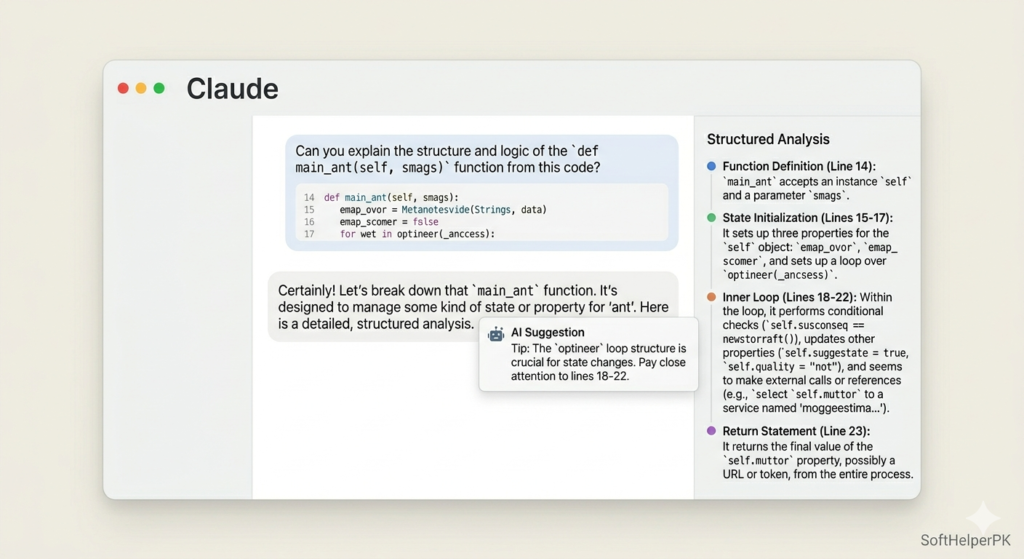
Free tier with daily usage limits.
If you want one AI assistant specifically for coding rather than general-purpose chat, Claude is worth prioritising. It tends to be more deliberate and considered in its responses compared to faster alternatives, and it’s noticeably better at handling longer context — useful once you’re working with bigger files or trying to understand how multiple pieces of code connect together.
For beginners, this shows up in a practical way — when you paste in a chunk of confusing code and ask what’s happening, Claude tends to walk through the reasoning rather than just spitting out a fix. That’s genuinely more useful when the goal is actually learning rather than just getting unstuck as fast as possible.
It’s free with a daily limit, same as the other conversational tools on this list. The practical trick worth knowing — if you hit the daily limit on one tool, you’ve still got other free options to switch to rather than waiting around.
If you’re comparing the best free AI coding tools for beginners side by side, Claude tends to win on patience with longer, more confusing code.
Which One Should You Actually Start With?
Depends on what kind of learner you are.
If you want AI built directly into a familiar code editor — Cursor.
If you want to ask questions in plain language while learning fundamentals — ChatGPT.
If you want more deliberate, detailed explanations for complex logic — Claude.
These best free AI coding tools for beginners all genuinely work without payment, though each has daily or monthly limits worth knowing about upfront. Most beginners end up using two of these together rather than relying on just one — Cursor inside the editor for the actual typing, and ChatGPT or Claude in a separate tab for deeper explanations when something doesn’t make sense.
Three things worth doing from day one that make a real difference. First, ask the AI to outline a clear plan before writing any code rather than jumping straight to “build me this” — a few minutes of planning saves significant time and confusion later. Second, if you find yourself repeating the same project details every session, write them down once in a simple notes file and reference it, rather than re-explaining your setup every single time. Third, ask the AI to confirm what you actually want before it starts generating code rather than letting it guess — this single habit eliminates a huge number of half-finished solutions that miss what you actually needed.
If you’re also exploring AI tools beyond coding specifically, check out my guide on what AI automation is and how it works in 2026 — useful once you’re comfortable enough to start automating parts of your own workflow.
This article was researched and written with the assistance of AI tools and reviewed by Muhammad Usama.