“If you’ve been hunting for the best AI Chrome extensions in 2026, here’s the honest version, not the polished one.
Okay so I’ll be honest, I ignored Chrome extensions for years. Felt like clutter. My toolbar was already a mess of half-used icons I installed once and forgot about. Then a colleague showed me what she’d been using during back-to-back calls and I genuinely felt behind.
She used to type frantic notes during every single meeting. Half-listening, typing fast, missing details. Then she’d spend her evening trying to remember what was actually agreed three hours earlier. Classic. I do the same thing honestly, except I don’t even bother typing, I just hope I remember. One extension fixed her version of this problem in literally a day.
So I went and tried six best AI Chrome extensions that people keep mentioning in 2026. Not all of them stuck. Here’s what’s actually worth your toolbar space and what each one does.
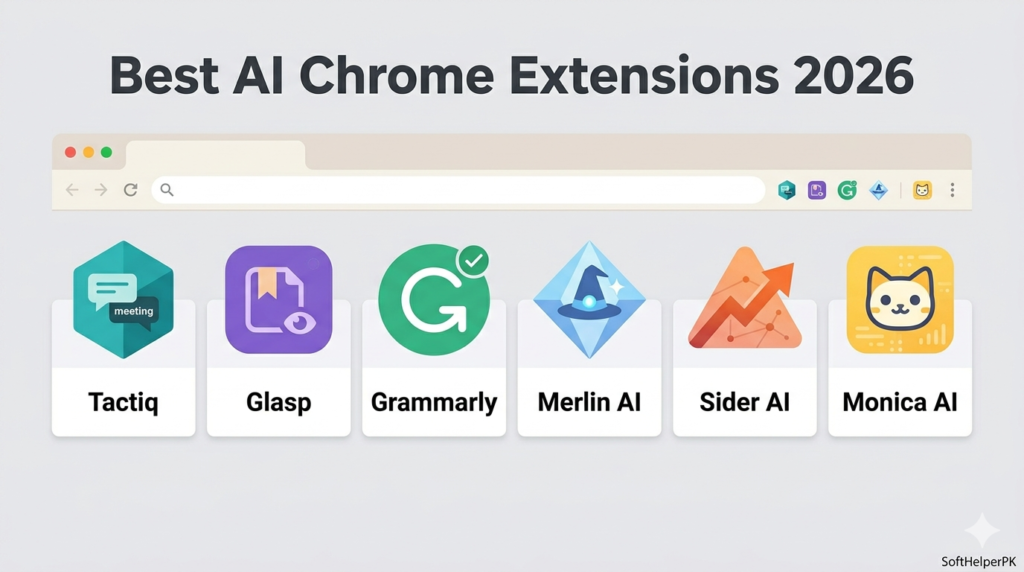
1. Tactiq — For When You’re Sick of Typing Notes Mid-Call
Free tier. Chrome extension.
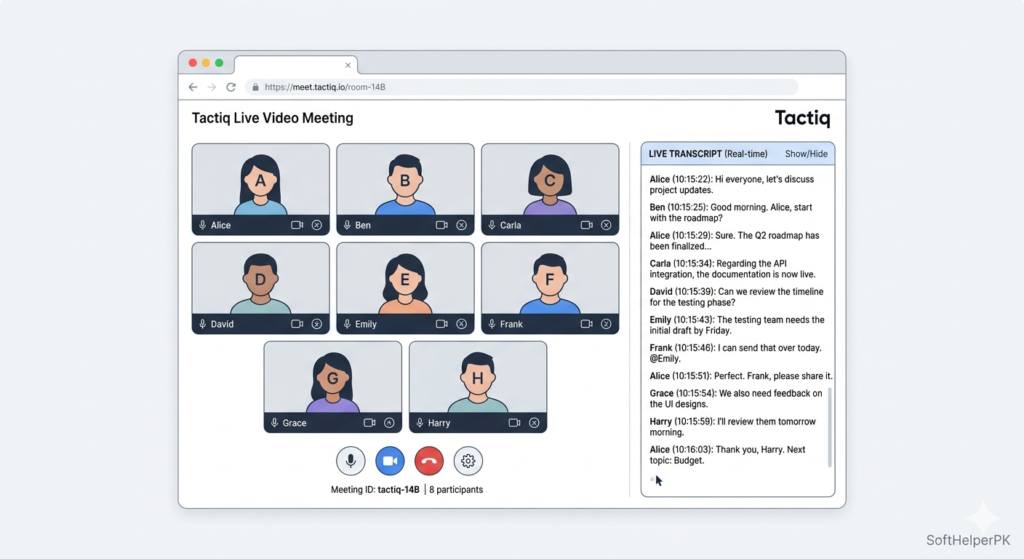
This one’s for anyone who lives in Google Meet, Zoom, or Teams calls. It quietly transcribes the whole meeting, summarises it afterward, and pulls out action items without you lifting a finger. Genuinely.
The thing that sold me wasn’t the transcript itself — it’s that you can actually just listen during a call instead of splitting your brain between listening and typing. Students, freelancers, anyone doing client calls or interviews. This is one of the best AI Chrome extensions if your calendar looks like back-to-back boxes all day.
👉 Install Tactiq from the Chrome Web Store
2. Glasp — For People Who Forget Everything They Read
Free. Chrome extension.
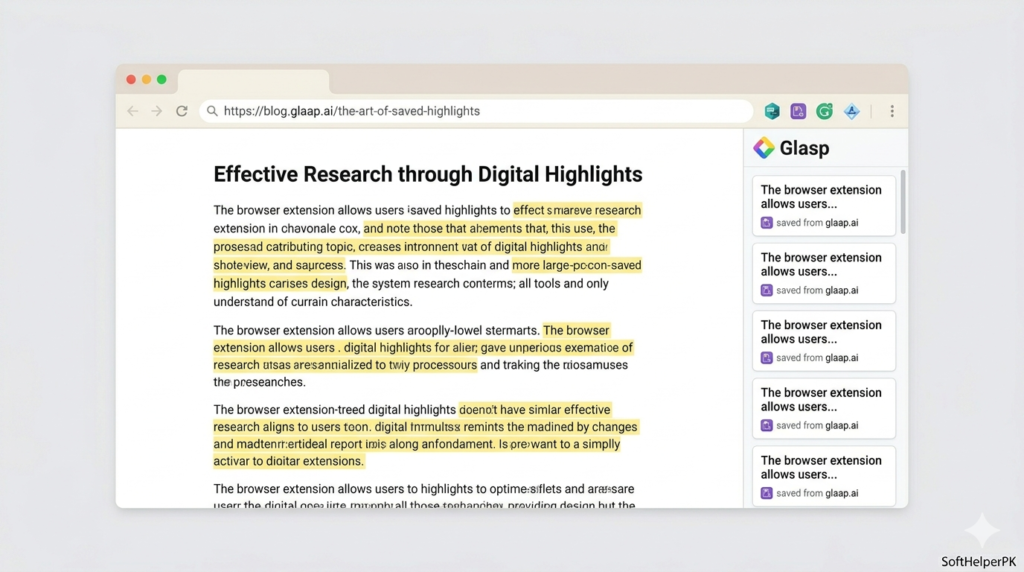
I read something useful online maybe twice a week and then completely forget where I saw it by the weekend. Glasp solves exactly that — highlight text on any page, save it, organise it, and it’s there later when you actually need it for an essay or a script or whatever.
Students, writers, researchers, YouTubers pulling sources from a dozen tabs — this is built for that exact chaos. Among the best AI Chrome extensions out there, this is the quiet one that nobody talks about enough.
👉 Install Glasp from the Chrome Web Store
3. Grammarly — Yeah, It’s Still Good
Free tier. Chrome extension.
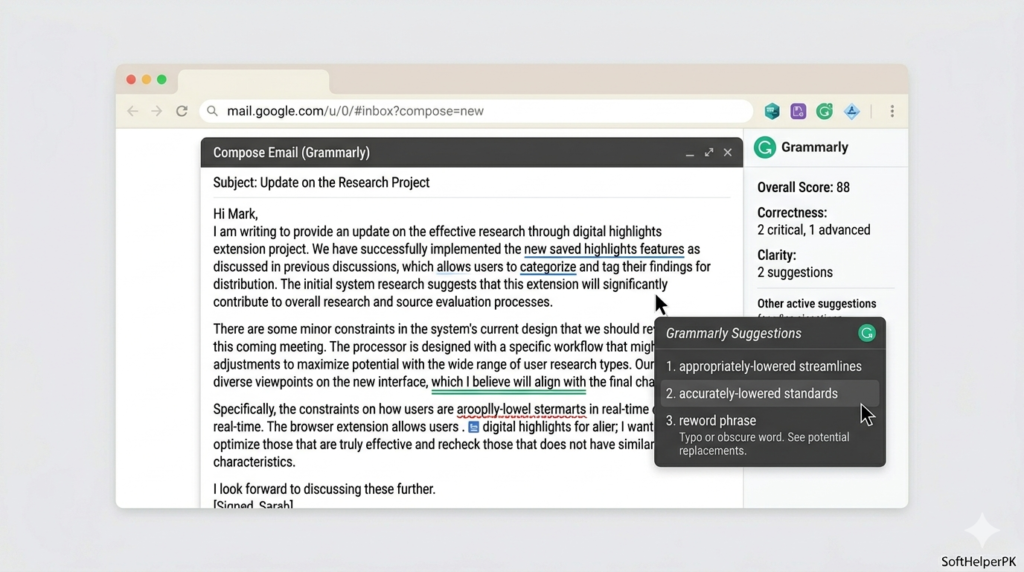
Everyone already knows Grammarly exists. I’m including it anyway because it’s still genuinely one of the best AI Chrome extensions for writing, full stop. Catches grammar, awkward phrasing, tone issues — works across emails, comments, assignments, basically anywhere you type.
If English isn’t your first language it’s even more useful, since it smooths things out so your writing reads naturally instead of slightly off. Not exciting. Still essential.
👉 Install Grammarly from the Chrome Web Store
4. Merlin AI — One Tool Instead of Five Tabs
Free tier. Chrome extension.
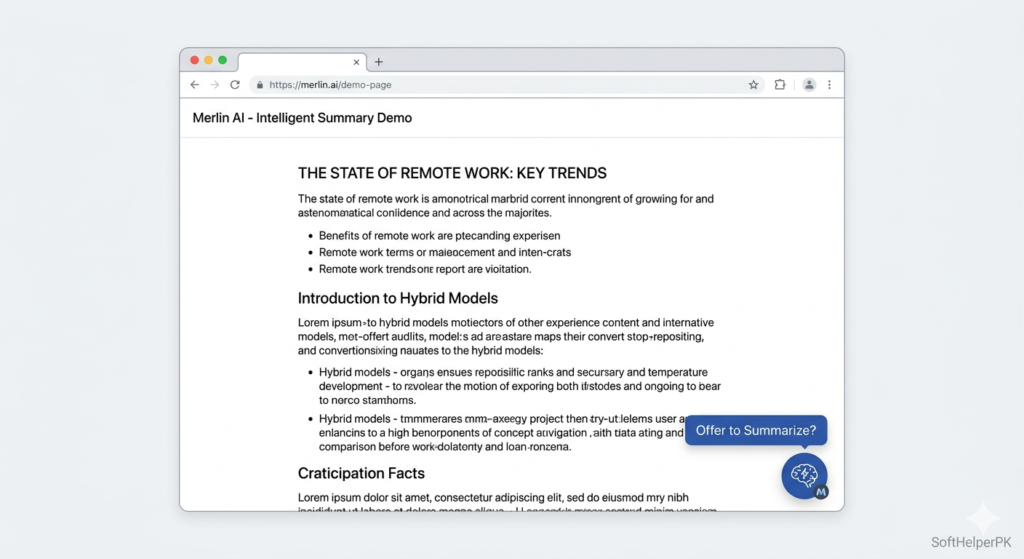
Merlin works across pretty much any website — summarise an article, rewrite something clunky, explain a confusing paragraph, draft a reply. All without opening a new tab. That’s basically the whole pitch and honestly it delivers.
If you’re tired of having five different AI tools bookmarked for five different jobs, this collapses most of that into one. Solid pick among the best AI Chrome extensions if convenience matters more to you than specialisation.
👉 Install Merlin AI from the Chrome Web Store
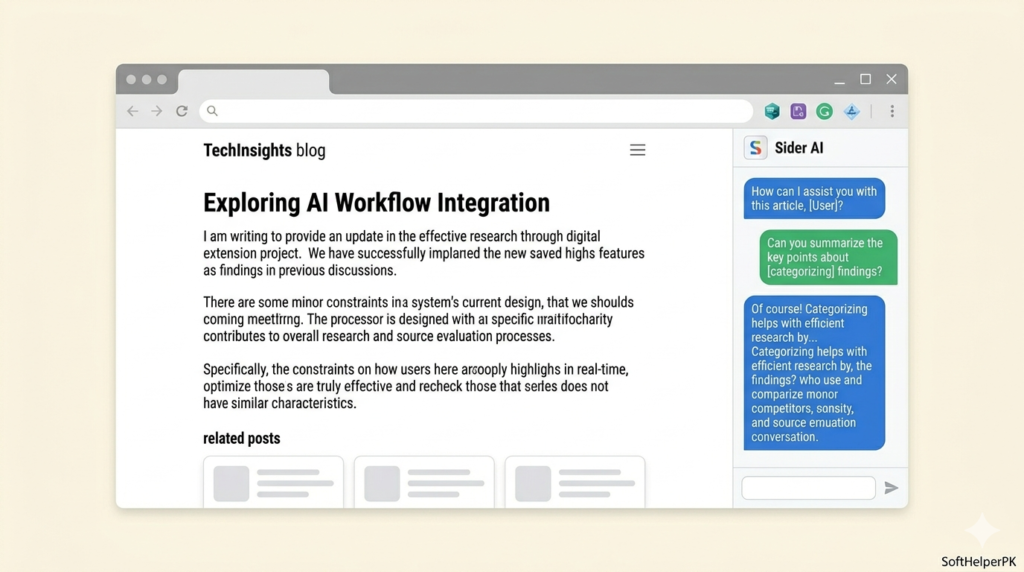
5. Sider AI — The Sidebar That Just Sits There Being Useful
Free tier. Chrome extension.
Sider lives in a sidebar next to whatever you’re already reading. Long article? Summarise it without leaving the page. Confusing paragraph? Simplify it right there. Writing an email? Get a better draft without switching tabs.
It’s not flashy. It just removes the annoying step of copying text into a separate AI website every time you need help with something. Among the best AI Chrome extensions, this is the one that quietly saves the most clicks per day.
👉 Install Sider AI from the Chrome Web Store
6. Monica AI — If You Only Want One
Free tier. Chrome extension.
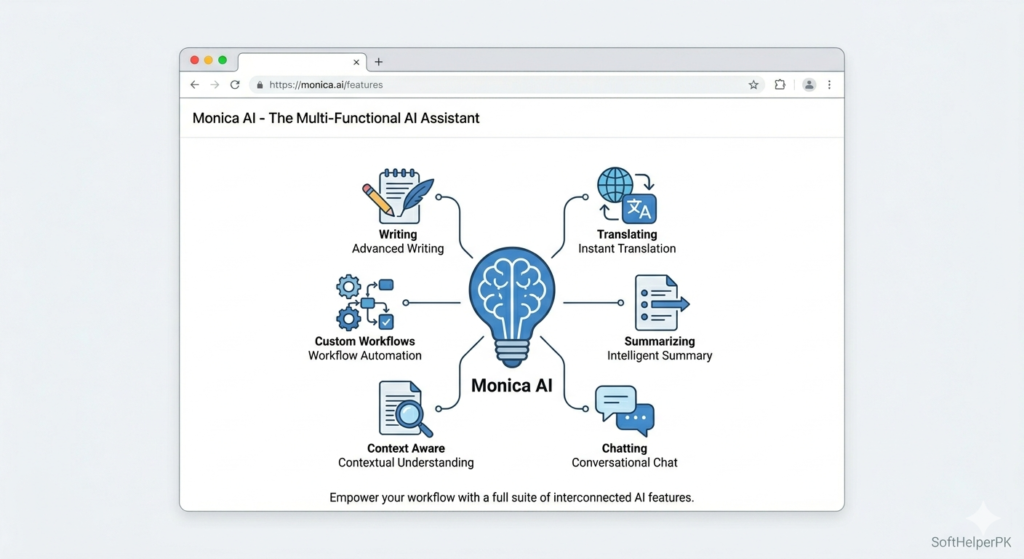
Monica is the one I’d point to if someone said “just give me one extension, I don’t want six.” It does writing, summarising, translating, chatting, browsing help — basically all of the above rolled into one toolbar icon.
Summarise a YouTube video before deciding if it’s even worth watching. Understand a dense page in seconds. Write a better email. Get unstuck on an idea. It’s broad rather than deep, but for most people that breadth is exactly what they need. Genuinely the strongest all-rounder of the best AI Chrome extensions on this list.
👉 Install Monica AI from the Chrome Web Store
Quick Word on Safety — Don’t Skip This
Real talk — there have been actual reports of fake AI Chrome extensions stealing personal data. Mimicking popular tools, looking legit, then doing damage once installed. Before you add anything to your browser, even from this list, check the Chrome Web Store listing yourself, read recent reviews, check what permissions it’s asking for, and make sure the developer name actually matches. If an extension wants access to stuff that has nothing to do with what it claims to do — that’s your red flag. Don’t ignore it because the icon looked nice.
So Which One Do You Actually Install?
Honestly, not all six. Pick based on what you actually do all day.
Live in meetings — Tactiq.
Do research, forget what you read — Glasp.
Write anything at all — Grammarly.
Want quick summaries everywhere — Merlin AI.
Want AI sitting beside whatever you’re reading — Sider AI.
Want just one extension to rule them all — Monica AI.
These best AI Chrome extensions cover most of what people actually do in a browser all day. You genuinely don’t need all six. Install one, actually use it properly for a week, see if it sticks, then maybe add another.
One thing worth saying — don’t install all six on day one. Your browser slows down, notifications stack up, and you end up using none of them properly. Pick the one that solves your actual annoying problem first.
If you want to take automation further than just the browser, check out my guide on what AI automation is and how it works in 2026 — good next step once these extensions are handling your daily browsing.
This article was researched and written with the assistance of AI tools and reviewed by Muhammad Usama.