
If you’ve already got Cursor or ChatGPT installed and you’re searching for more free AI coding tools 2026 has to offer — you’re thinking about this the right way. Most developers, beginners included, end up running two or three tools side by side rather than relying on just one.
A friend of mine learning to code hit ChatGPT’s daily limit mid-project last month, right in the middle of debugging something annoying, and had no backup plan. She just stopped for the day, frustrated, instead of simply switching to a different free tool that was sitting there the whole time. That’s honestly the main reason to know about more than one option — not because any single tool is lacking, but because having a backup means you’re never properly stuck.
Here are three more free AI coding tools 2026 genuinely worth having in your toolkit alongside whatever you’re already using.
1. Gemini — Best Backup When You Hit Other Limits
Free tier with daily usage limits.
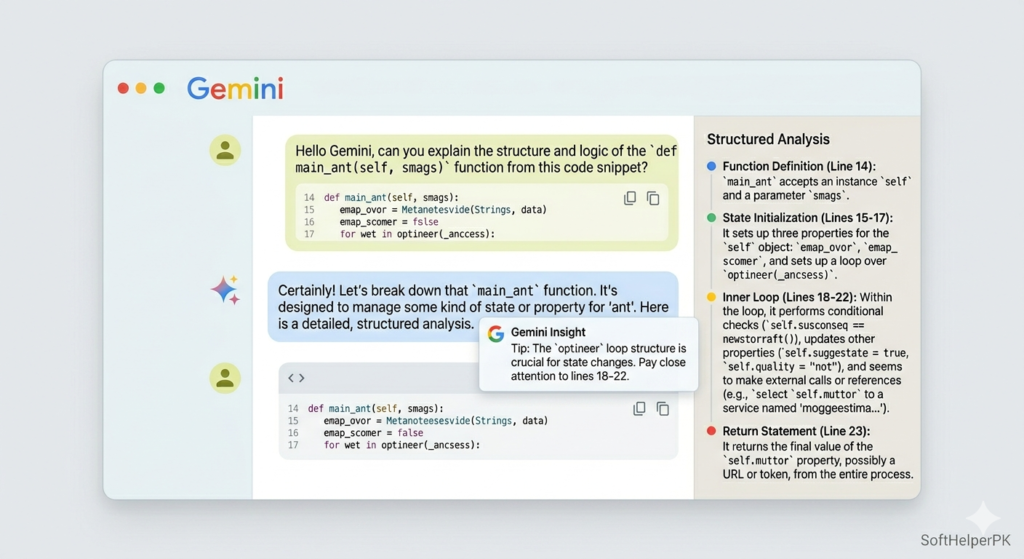
Gemini is Google’s conversational AI option, and it’s worth bookmarking specifically as insurance against running out of daily messages elsewhere. If you’re already using ChatGPT or Claude and find yourself capped out partway through a coding session, Gemini gives you somewhere else to go rather than simply waiting until tomorrow.
It handles the same kind of general coding questions as the other conversational tools — explaining errors, suggesting fixes, walking through unfamiliar syntax. It’s not dramatically different in approach from ChatGPT or Claude, and that’s actually the point. Having multiple free conversational tools means you’re rarely genuinely blocked on a day when you’re trying to push through something tricky.
Among free AI coding tools 2026, having all three major chat-based options — not just one — bookmarked is a smarter long-term strategy than betting everything on a single tool’s daily limit.
2. Replit — Best for Building Without Installing Anything
Free tier with limited compute resources.
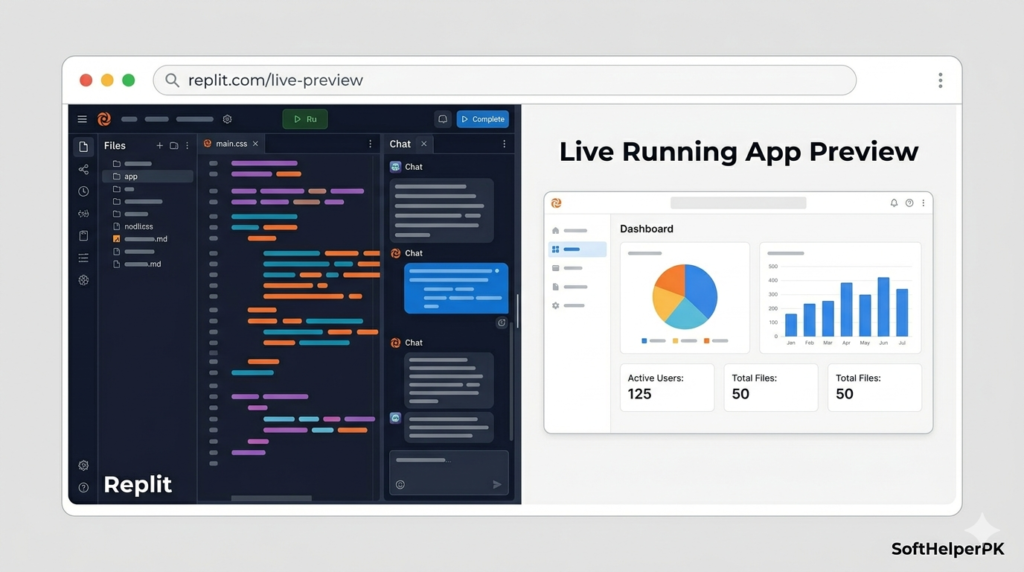
Replit has grown from a lightweight browser-based code editor into a genuinely capable full AI development environment, all running directly in your browser with nothing to install. This removes one of the biggest early obstacles for beginners specifically — setting up a local coding environment correctly before you’ve even written your first line of code.
You can describe what you want to build in plain language and Replit’s AI features help generate working code directly inside the browser, which is particularly good for quick experiments, learning projects, and prototypes rather than mature production applications. The free tier does come with limited compute resources, so larger or more demanding projects will eventually need more power than the free plan provides.
For anyone who wants everything — editor, AI assistance, and a place to actually run the code — in one place without any setup hassle, Replit is one of the strongest free AI coding tools 2026 specifically because of how low the barrier to entry is.
3. GitHub Copilot — Best for Inline Suggestions While You Type
Free tier available for individual use.
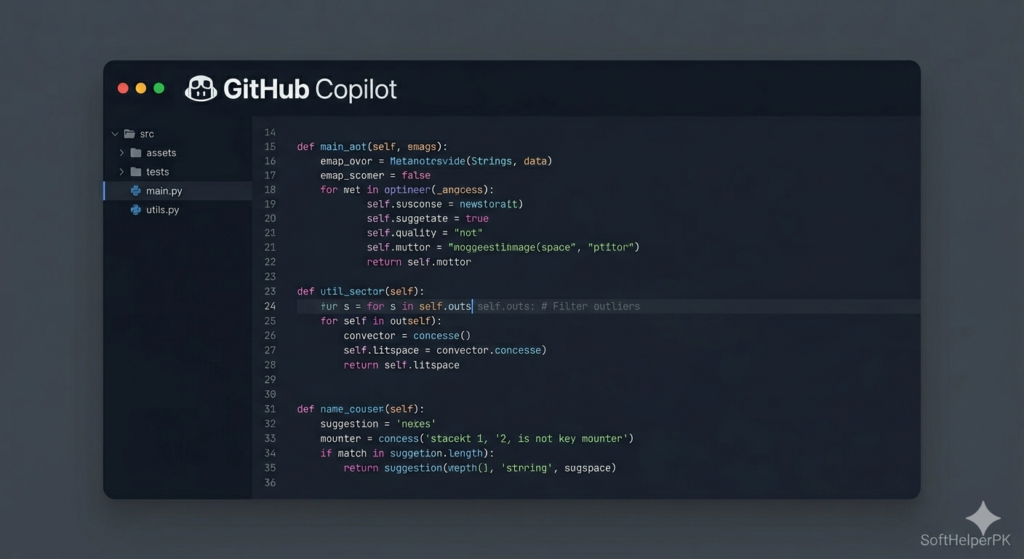
GitHub Copilot works a bit differently from the conversational tools above — instead of chatting back and forth, it quietly suggests code as you type directly inside your editor, predicting what you’re likely trying to write based on context. This can genuinely speed up the process of writing syntax, since you see suggested completions and can either accept them or keep typing your own version.
It integrates with a wide range of editors beyond just VS Code, including JetBrains IDEs and others, which makes it flexible if you end up using a different editor than what tutorials typically assume. The suggestions aren’t always perfect — it’s worth reviewing anything it suggests rather than accepting blindly, especially while you’re still learning to recognise what good code actually looks like.
For anyone who wants AI assistance living directly inside the editor without needing to copy and paste into a separate chat window, GitHub Copilot rounds out this list of free AI coding tools 2026 nicely as a different style of assistance from the chat-based options.
How These Fit Alongside What You’re Already Using
These three work best as additions rather than replacements for your main setup.
Gemini sits there as backup capacity for when ChatGPT or Claude run dry on a busy day.
Replit is worth opening specifically for quick experiments or projects where you don’t want to deal with local setup at all.
GitHub Copilot suits anyone who prefers quiet inline suggestions over a separate chat window, and pairs naturally alongside Cursor if you want comparison between the two.
These free AI coding tools 2026 genuinely cost nothing to try, and the smartest approach is layering two or three together rather than hunting for one perfect tool that does everything. Different tools shine in different moments — explaining a concept, generating a quick prototype, or just quietly finishing your sentence as you type.
One thing worth doing as you add new tools — keep a simple note of which tool you used for which part of a project. When something breaks later and you’re trying to remember why a piece of code looks the way it does, knowing which AI suggested it makes debugging considerably faster.
If you’re also exploring AI tools beyond coding specifically, check out my guide on what AI automation is and how it works in 2026 — useful once you’re comfortable enough to start automating parts of your own workflow.
This article was researched and written with the assistance of AI tools and reviewed by Muhammad Usama.

The distinction between Gemini as a chat backup and Copilot for inline suggestions makes this list useful beyond just naming more tools. When switching tools mid-debugging, a short note with the exact error, relevant code, and fixes already tried would help avoid starting from scratch. A comparison of the free-tier limits would also make it easier to choose a practical backup.