
If you’ve been hunting for the best free AI video generators in 2026 — you’ve probably already noticed most of what’s online looks the same. Same robotic motion, same generic faces, same slightly-off lighting that screams “AI made this in ten seconds.”
A friend of mine started a small TikTok page for her handmade jewellery business and kept trying random AI video tools to make product clips. Every result looked cheap — warped hands, products that didn’t quite match what she’d actually photographed, voiceovers that sounded like they were reading a phone manual. She nearly gave up on AI video entirely and assumed it just wasn’t good enough yet for real content.
The actual problem wasn’t the tools. It was the order she was using them in — generating video directly from a text prompt and hoping for the best, rather than building a solid image first and only then animating it. I went through three of the best free AI video generators available right now, in the order that actually produces usable results, and the difference was obvious immediately.
One honest note before we start — “free” here means a genuine free tier or free trial with real limits, not unlimited generation forever. I’ll tell you exactly what each one includes.
1. TikTok Symphony — Best for Vertical Videos and Talking Avatars
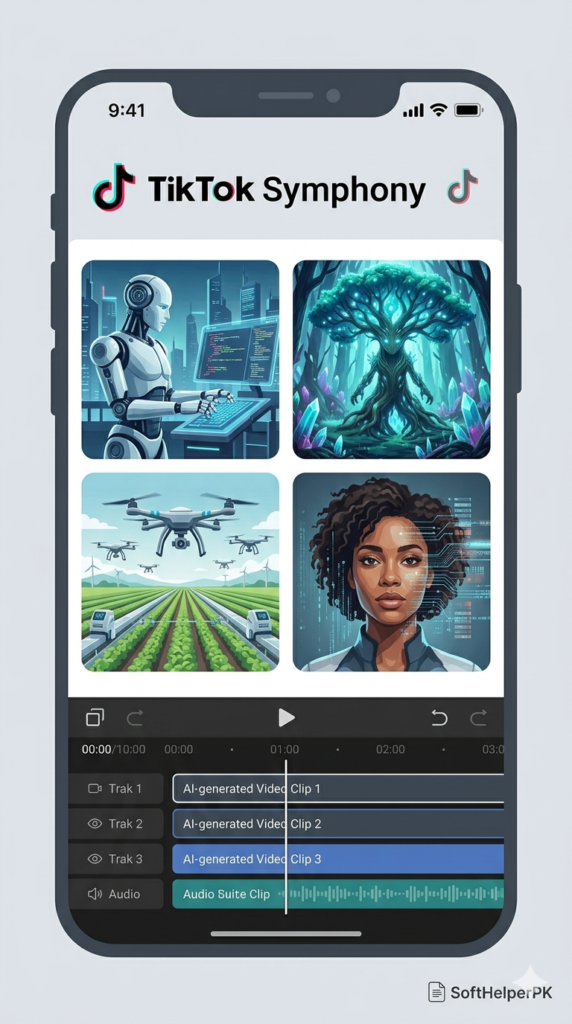
Free tier available (sign in with TikTok or Google account required).
TikTok Symphony looks like it was built for TikTok ads, and honestly, that’s exactly why it works so well — it’s designed around fast vertical content, presenters, products, and social videos specifically rather than trying to do everything.
The setup that actually produces good results: don’t generate video straight from a text prompt as your first move. Go to image generation first, write a prompt for the frame you want, and Symphony gives you four image options at once. Pick the closest match, then use the edit image tool to fix anything specific — a background, a product detail, an outfit — rather than starting the whole generation over. Once you’ve approved that image, send it into video generation. You’re now animating something you’ve already confirmed looks right, instead of hoping the video model guesses correctly from text alone.
The voice-over avatar feature is genuinely useful too. Choose a presenter based on appearance rather than the first voice you hear, since voices can be swapped afterward. Write your script, then filter the voice by language, accent, age, and gender, and adjust speed and volume. There’s also a product avatar option — pair an avatar with a product or object for quick demo-style content, which beats a flat static product photo for engagement.
Among the best free AI video generators, this is the one I’d reach for specifically for vertical, social-first content — Shorts, Reels, TikTok.
If you’re testing out the best free AI video generators for the first time, this is the easiest one to get a quick win with.
2. HeyGen — Best for Horizontal Video with Image-First Control
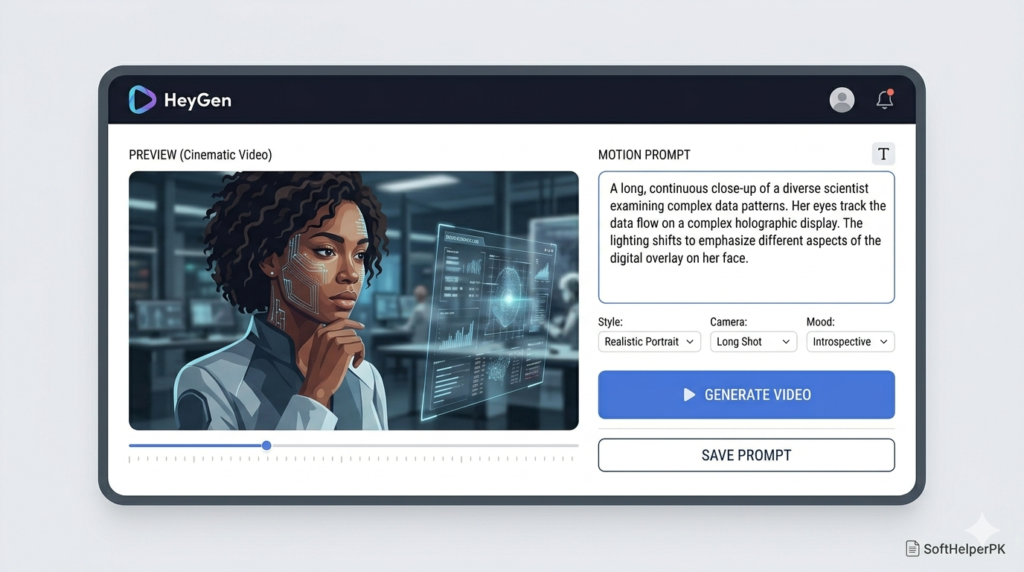
Free trial available (limited credits).
HeyGen flips the usual approach in a useful way — start with the image model, not the video model. Choose your format based on what the final video needs to be. Making a horizontal video? Generate a horizontal image. Need vertical instead? Generate vertical from the start. This avoids messy crops and awkward compositions further down the line, which is one of the most common reasons AI video looks off.
Write your prompt, generate a few image options, and download the strongest base. Think of this step as choosing your shot before the camera even starts moving. Once you’ve got an image you’re happy with, move into the video model. For your first test, use the lower resolution setting — upload your approved image, add a motion prompt describing how you want the scene to move, and use the prompt enhancer if your instruction feels too basic. It expands a simple idea into clearer direction for camera movement and scene behaviour.
The key discipline here — if the motion comes out weak, adjust the motion prompt. If the subject, style, or composition is wrong, go back to the image step rather than trying to repeatedly regenerate a flawed video. The mistake usually happened one step earlier, not in the video generation itself.
This is one of the best free AI video generators specifically because it forces a workflow that actually produces consistent, intentional results rather than random output.
This workflow alone is why so many people now call HeyGen one of the best free AI video generators for horizontal content specifically.
3. Google Vids with VO3.1 — Best for Higher Quality Final Passes
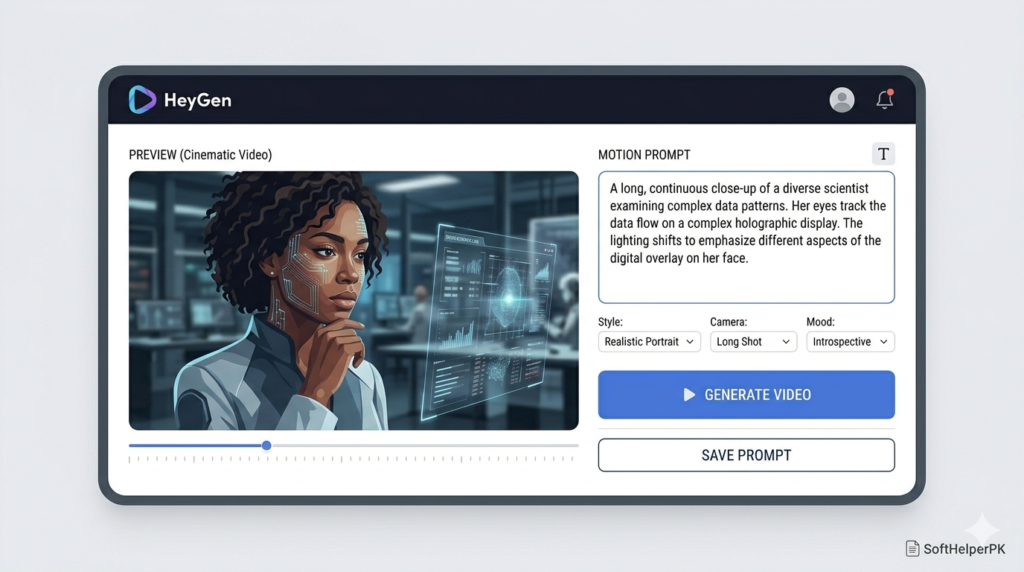
Free option with smaller limits (availability varies by account — Google is still rolling this out).
This isn’t the tool to open first. It’s the one to use once you’ve already got a scene you’re happy with and want a higher-quality finishing pass. Inside Google Vids, the part that matters is access to VO3.1 — a genuinely powerful video model that, at least for now, is available free on some accounts with reduced limits.
Add a text prompt, generate your clip, and bring it straight into the timeline. The timeline matters more than people expect — instead of collecting random AI outputs in a folder and hoping they fit together later, you can arrange pieces, test different orders, and actually see whether your generated shots work as a sequence.
You can also use image-to-video here. If you’ve already built a strong image elsewhere — including from the previous two tools on this list — bring it in and animate it directly. If you don’t have a base image yet, Google Vids includes an image generation option you can use to create one before sending it into the video step, giving VO3.1 a stronger starting point than text alone.
Don’t ask the model to solve character, composition, style, motion, and the full sequence simultaneously. Give it one clear shot at a time. Add stock video, text, and other elements around your generated clips afterward so the final project feels like an edited video rather than a pile of disconnected AI outputs. The built-in voiceover tool rounds this out — write your narration, pick a voice, and decide whether it plays scene-by-scene or across the whole video.
Of the best free AI video generators on this list, this is the quality-finishing step rather than the starting point.
Which One Should You Use First?
Choosing between the best free AI video generators really comes down to two questions — what shape video do you need, and how polished does it have to look?
Depends entirely on what you’re making and where you are in the process.
If you’re making vertical social content with a talking presenter — TikTok Symphony.
If you’re making horizontal video and want tight control over the starting image — HeyGen.
If you already have a strong scene and want the highest quality final pass — Google Vids with VO3.1.
These best free AI video generators all share one underlying lesson — the video model isn’t where good content gets decided. The image step is. Approve a strong frame first, then animate it, rather than asking the video model to guess everything from a text prompt and hoping for the best. That single change in order is the difference between content that looks obviously AI-generated and content that doesn’t.
One practical tip — keep your approved base images saved somewhere outside the platform you generated them in. If a tool changes its free limits or pricing later, you won’t lose the visual groundwork you’ve already built, and you can bring that same image into a different tool’s video step.
If you’re building out a content workflow beyond just video, check out my guide on what AI automation is and how it works in 2026 — useful for automating the posting and scheduling side once your videos are ready.
One response to “3 Best Free AI Video Generators You Need in 2026”