Introduction
A couple of years ago, if you wanted a cool image you either paid a designer or spent hours fighting with Photoshop. Not anymore. The best free AI image generators now turn a single line of text into artwork in seconds — and honestly, some of the results are scary good.
I’ve been messing around with a bunch of these for my own projects — thumbnails, social posts, blog images. Some blew me away. Some gave me people with six fingers. So I put together this honest list of the ones actually worth your time, all free.
If you want more AI tools beyond just images, check out our guide on the best free AI tools too.
Let’s get into it.
Why AI Image Generators Are Worth It in 2026
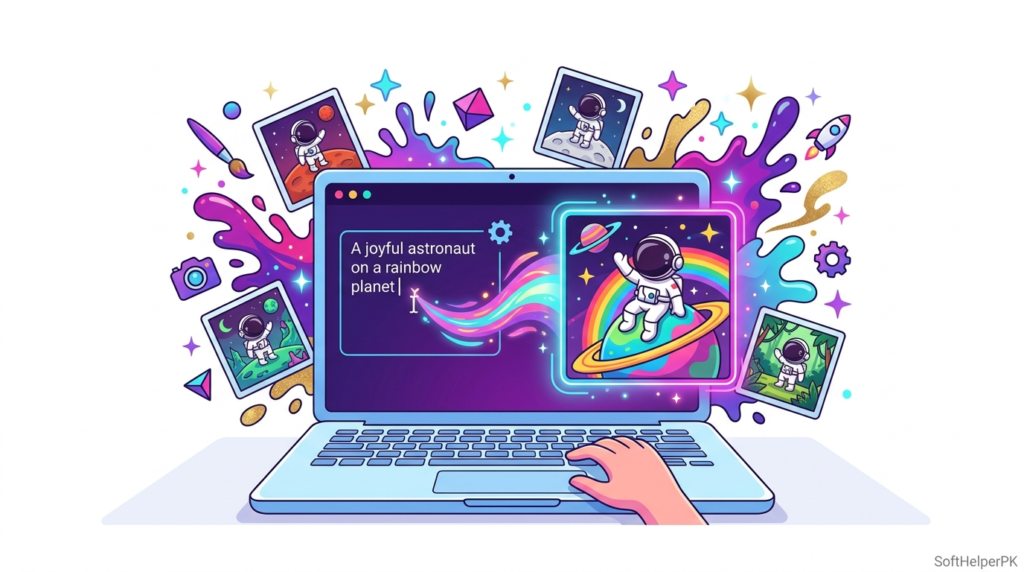
Look, not everyone can draw or afford a designer. That’s the whole point. These tools let a student, a small business owner, or a random guy with an idea make professional-looking images for free.
And they’ve gotten way better. A year ago AI images looked melted and weird. Now? Half the time you can’t even tell. For social media, blogs, and quick projects, the best free AI image generators save you both money and hours.
1. DALL-E (via ChatGPT) — Easiest to Start
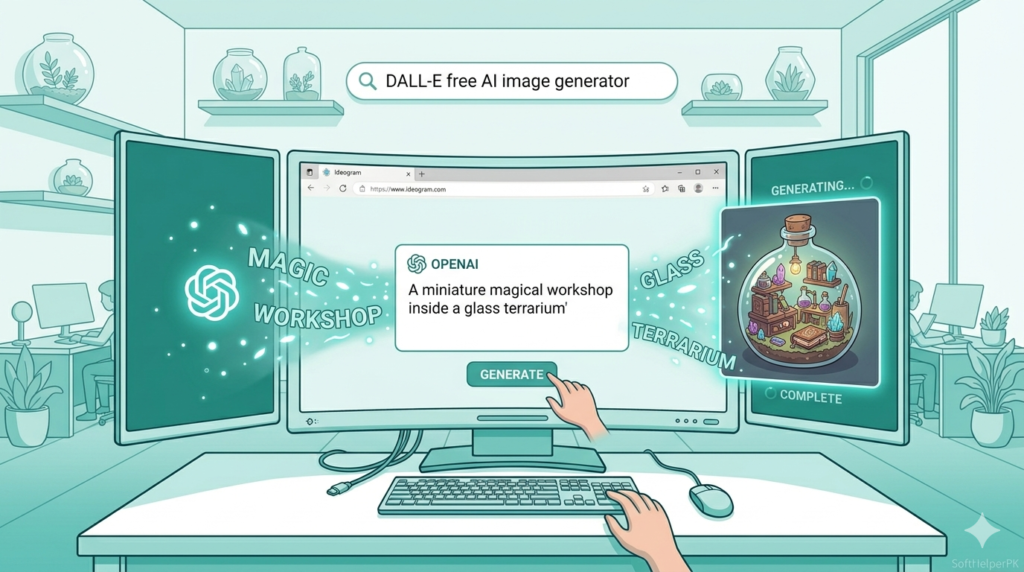
DALL-E is built right into ChatGPT now, so if you already use it, you can make images without signing up anywhere new. Just describe what you want.
I use this one the most just because it’s convenient. The images come out clean and it understands plain English really well. Downside — the free version limits how many you can make per day, and it plays it safe, so you won’t get anything too wild.
Try it: chat.openai.com
2. Leonardo AI — Best for Detailed Art
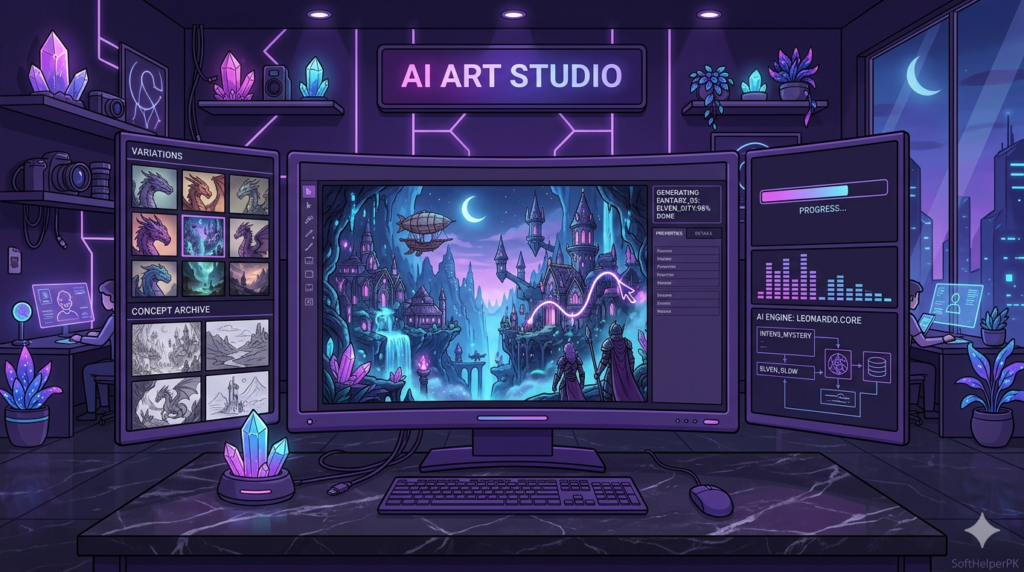
Leonardo is the one I reach for when I want something that actually looks like real digital art — game characters, fantasy scenes, detailed stuff.
The free plan gives you daily tokens to generate images, which resets every day. Honestly the quality surprised me. The catch is the learning curve — there are a lot of settings, and if you just want a quick image it can feel like too much.
Try it: leonardo.ai
3. Bing Image Creator — Best Totally Free Option
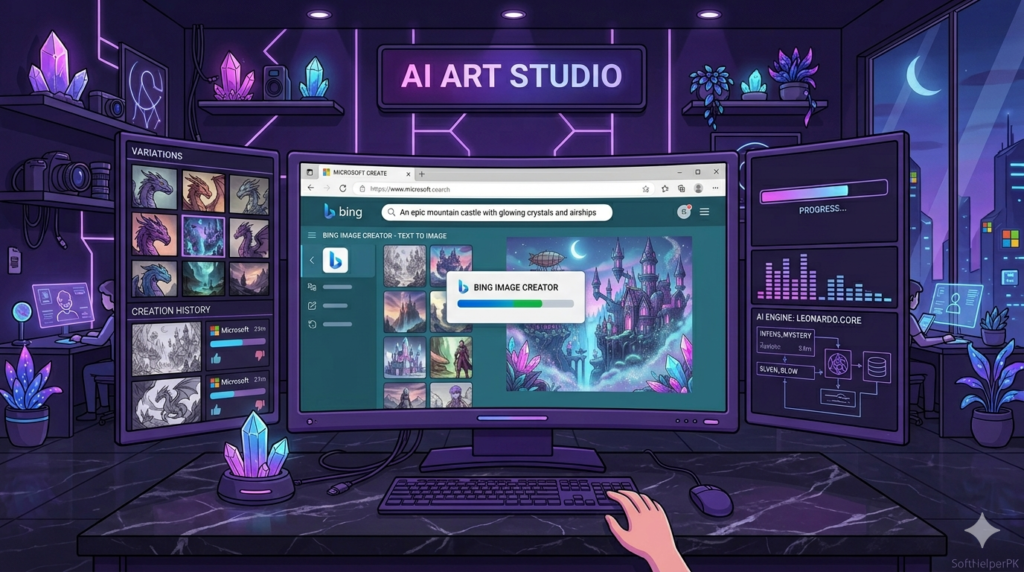
This one runs on DALL-E tech but Microsoft made it completely free inside Bing. No daily payment, no catch.
I’ve used it when I just need something fast and free. It’s genuinely good for the price (zero). The downside is you sometimes wait in a queue when it’s busy, and like DALL-E, it’s pretty strict about what it’ll make.
Try it: bing.com/create
4. Ideogram — Best for Text Inside Images
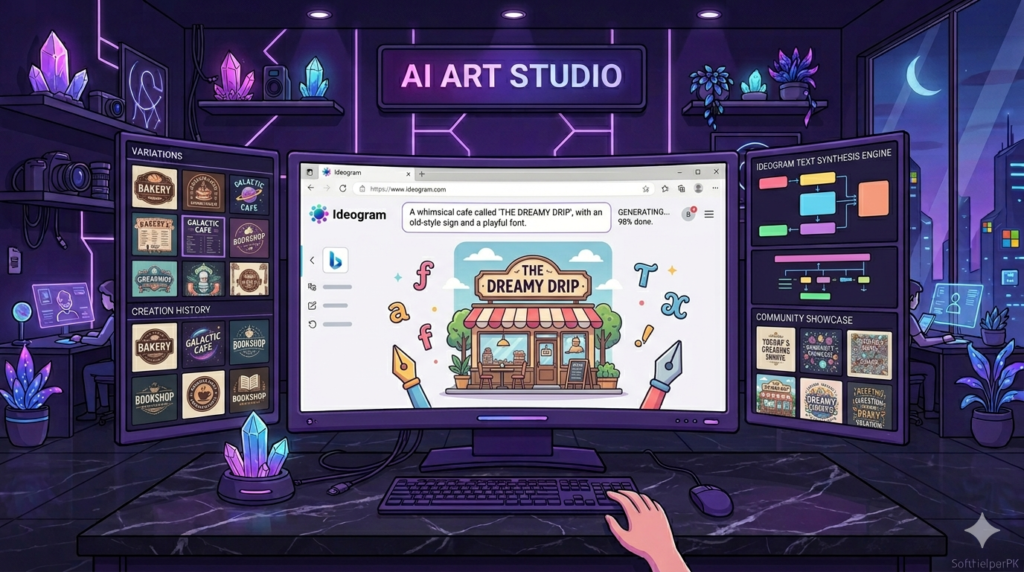
Here’s the problem with most AI tools — ask for text in the image and you get gibberish letters. Ideogram actually fixes that. It writes real, readable words inside images.
I tried it for a poster with a slogan and it nailed the text on the second try, which honestly shocked me. Great for logos and posters. Downside — for pure artwork, other tools look a bit nicer.
Try it: ideogram.ai
5. Canva AI — Best for Social Media
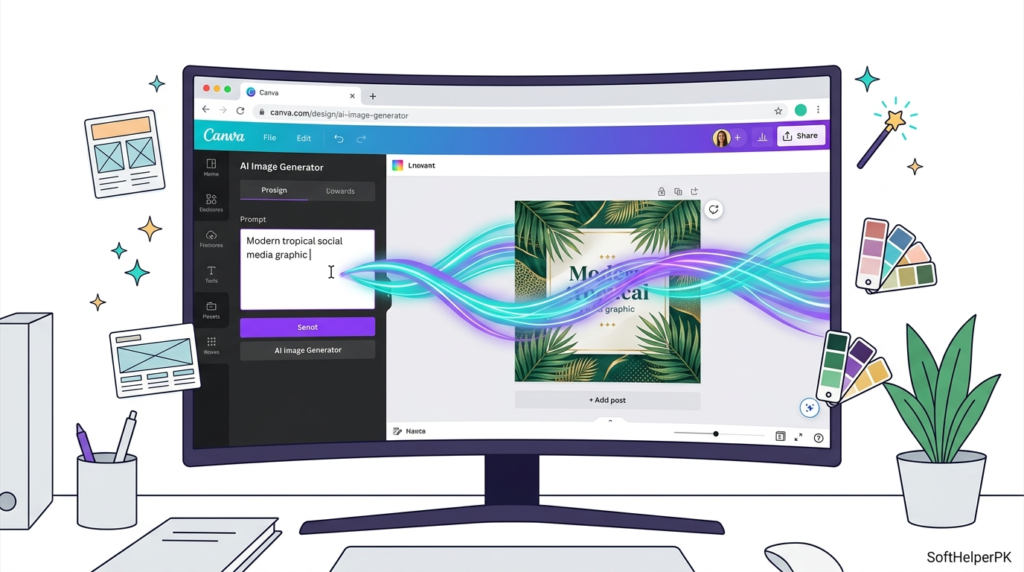
If you already use Canva, its AI image tool is right there. Type what you want and drop it straight into your design.
This is my go-to for social media graphics because everything’s in one place — generate the image, add text, post it. The free version has limits on AI generations, but for casual use it’s plenty.
Try it: canva.com
6. Stable Diffusion — Best for Full Control
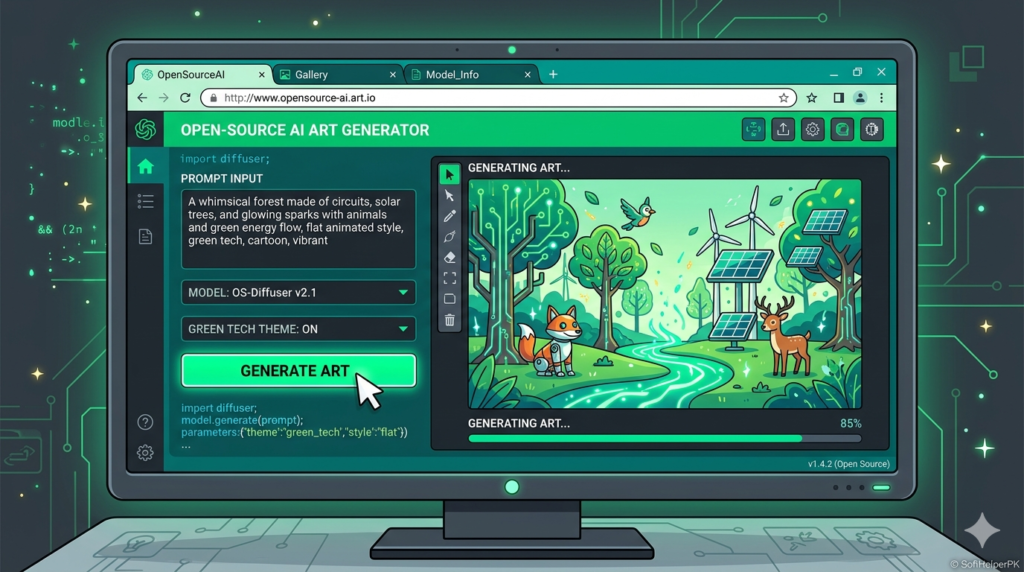
Stable Diffusion is the open-source one. It’s completely free and you can even run it on your own PC if it’s powerful enough. Total control, no limits.
I’ll be honest — this is the most technical one here. Setting it up takes effort and a decent graphics card. But if you’re a tinkerer who wants zero restrictions, nothing beats it.
Try it: stability.ai
Which One Should You Pick?
Don’t overthink it. Quick guide:
Just starting out and want it easy? DALL-E or Bing Image Creator. Want detailed art? Leonardo. Need readable text in your image? Ideogram. Making social media posts? Canva AI. Want total control and no limits? Stable Diffusion.
Honestly, I use a mix depending on the job. Students juggling projects might also like our list of the best free software for students.
Frequently Asked Questions (FAQs)
Are AI image generators really free?
Yes, all six have free versions. Some limit how many images you make per day, but you can do plenty without paying.
Which free AI image generator is best for beginners?
Bing Image Creator and DALL-E are the easiest — just type what you want, no setup needed.
Can I use AI images commercially?
It depends on each tool’s rules. Most allow personal and basic commercial use on free plans, but always check their terms before selling anything.
Why do AI images sometimes look weird?
AI still struggles with hands, faces, and text. If an image looks off, just regenerate it or tweak your description — usually fixes it.
Final Thoughts
The best free AI image generators have honestly changed the game for anyone who can’t draw or hire a designer — which is most of us. I make images for my projects every week now without spending a rupee.
My advice? Don’t try all six at once. Pick one that fits what you need, play with it for a day, and you’ll be making images you’re actually proud of. Try one today — you’ll be surprised what you can create.
2 responses to “6 Best Free AI Image Generators You Can Use in 2026”