
In today’s digital world, having the best free PC software installed on your computer can significantly improve productivity, security, and creativity. At SoftHelperPK, we understand that not everyone wants to spend money on premium tools when powerful free alternatives exist. That’s why we’ve created this essential list of the best free PC software for 2026.
Whether you’re a student, freelancer, gamer, or office professional, these tools will help you browse securely, manage files efficiently, edit videos, protect passwords, and produce high-quality audio — all without spending a single rupee.
Let’s explore the top 5 picks.
Table of Contents
Why is Free PC Software Essential in 2026?
The demand for reliable and secure best free PC software continues to grow in 2026. With increasing cybersecurity threats, remote work, and digital content creation, every PC user needs dependable tools.
Here’s why free software matters more than ever:
- 💰 Cost-effective solutions for students and startups
- 🔐 Enhanced online privacy and security
- 🎬 Creative tools for video and audio production
- 📁 Efficient file management and compression
- 🚀 High performance without heavy system load
The right best free PC software can transform your PC into a powerful workstation.
1. Brave Browser (Private & Fast Browsing)
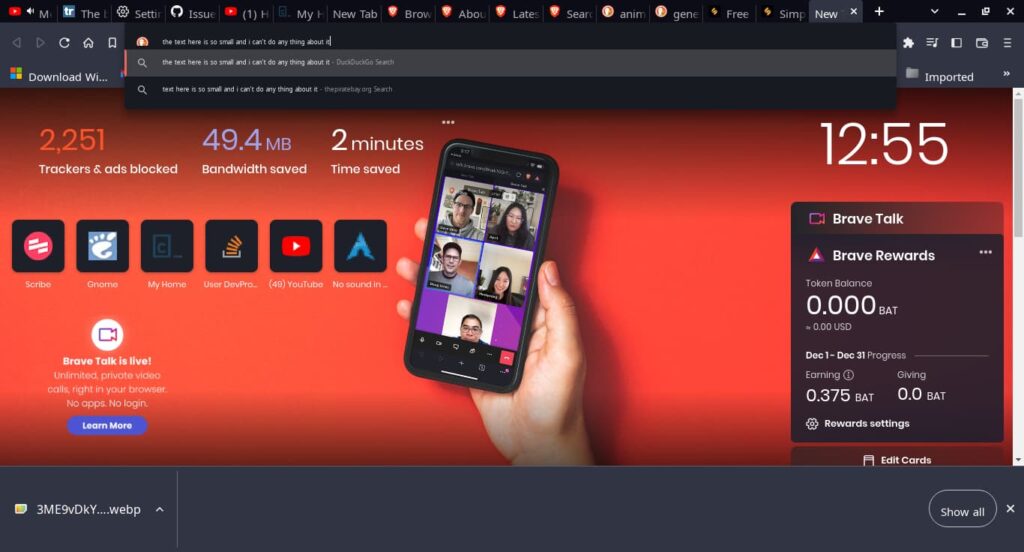
When it comes to privacy-focused browsing, Brave Browser stands out as one of the best free PC software options available today.
Unlike traditional browsers, Brave blocks ads and trackers by default. This results in faster page loading and improved privacy.
Key Features:
- Built-in ad and tracker blocking
- Faster browsing speed
- HTTPS Everywhere integration
- Private browsing with Tor
- Crypto wallet support
If online privacy is important to you, this is easily one of the best free PC software tools you should install in 2026.

2. 7-Zip (The Best Free File Archiver)
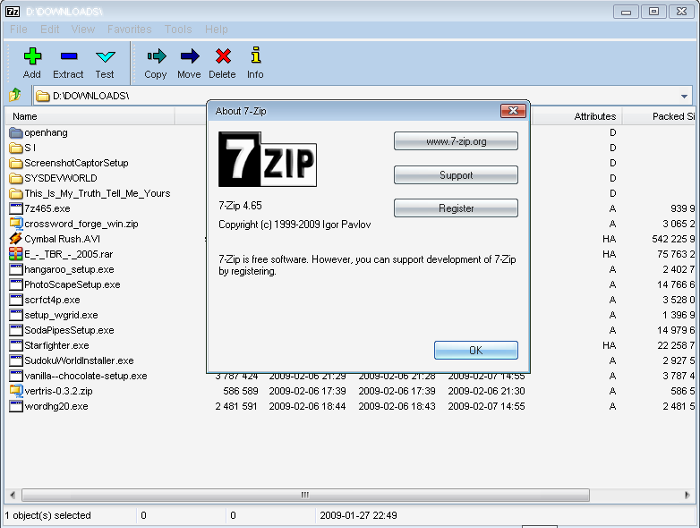
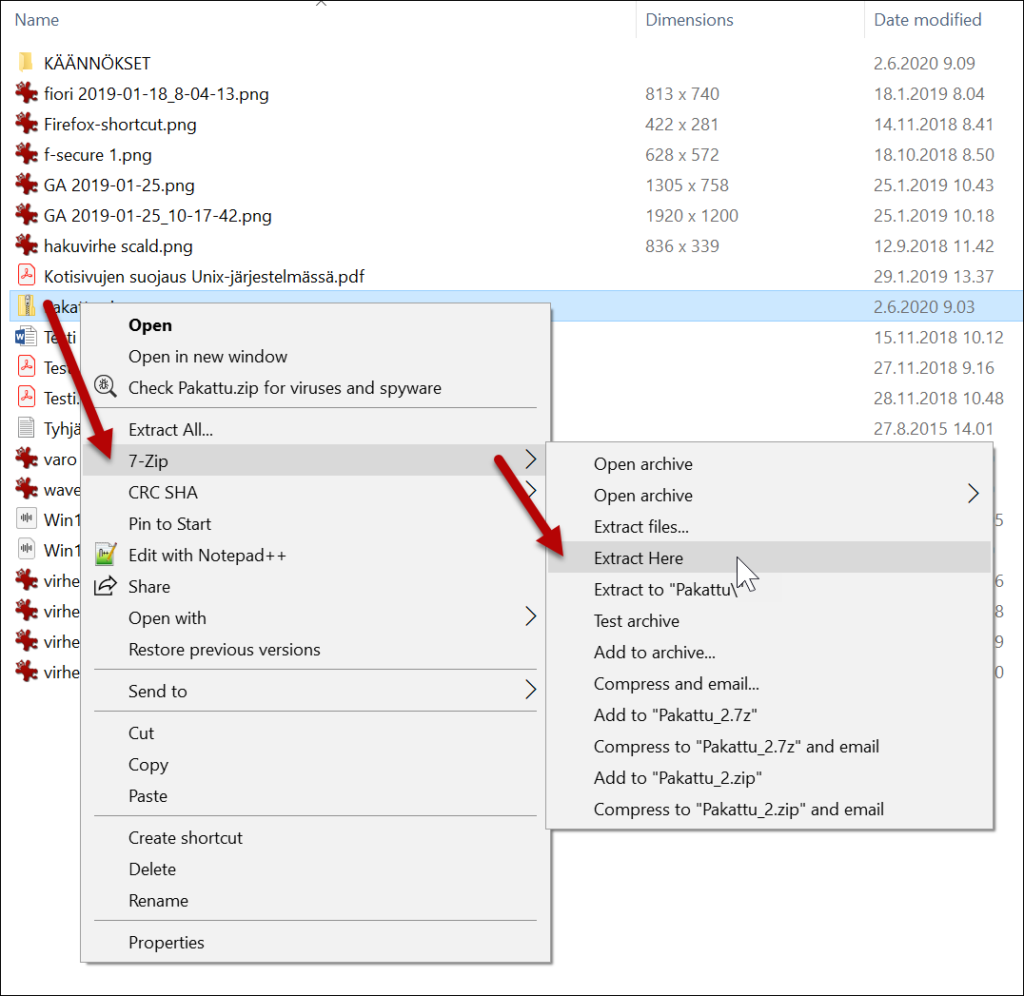
If you frequently handle compressed files, 7-Zip is a must-have. It’s widely recognized as the best free PC software for file compression and extraction.
It supports multiple formats including ZIP, RAR, TAR, and its own highly efficient 7z format.
Why Choose 7-Zip?
- High compression ratio
- AES-256 encryption for security
- Lightweight and fast
- Completely open-source
For students and professionals managing large files, 7-Zip remains one of the best free PC software utilities available.
3. Shotcut (Powerful Free Video Editor)
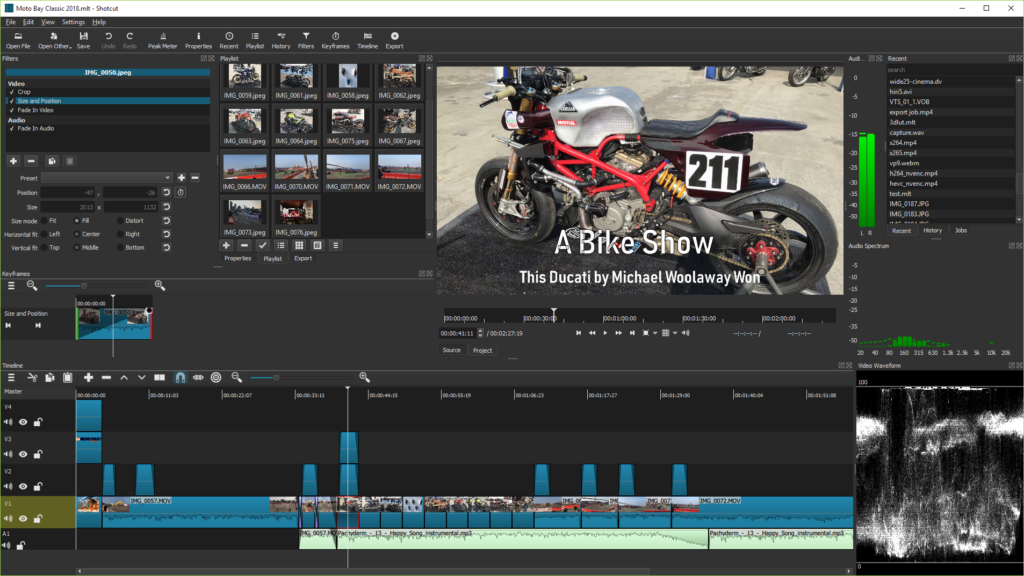
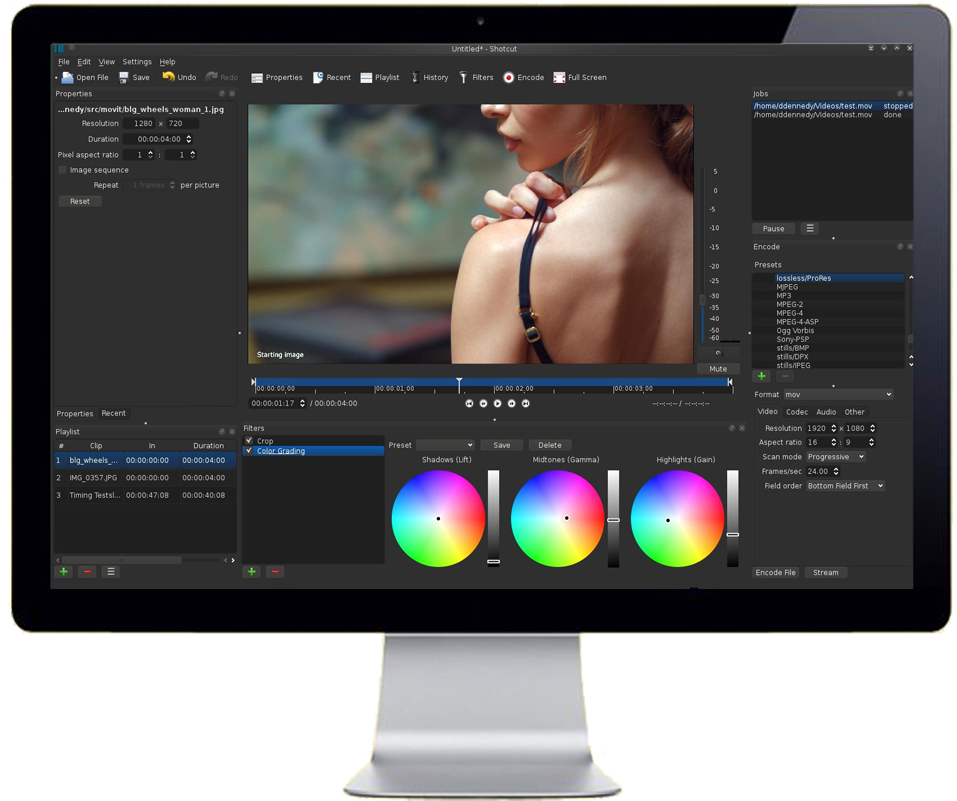
Video content is booming in 2026, and Shotcut is an excellent choice for beginners and students. It’s a professional-grade video editor that costs absolutely nothing.
As part of our best free PC software list, Shotcut delivers advanced editing features without watermarks.
Top Features:
- Drag-and-drop interface
- Multi-format timeline support
- 4K video editing
- Wide range of filters and transitions
- No watermark
If you’re a content creator, check out our internal guide:
👉 Read our student software guide: https://softhelperpk.com/essential-software-for-students
Shotcut proves that the best free PC software can compete with paid editors.
4. Bitwarden (Secure Password Manager)
Cybersecurity threats are increasing every year. That’s why Bitwarden earns its place among the best free PC software for 2026.
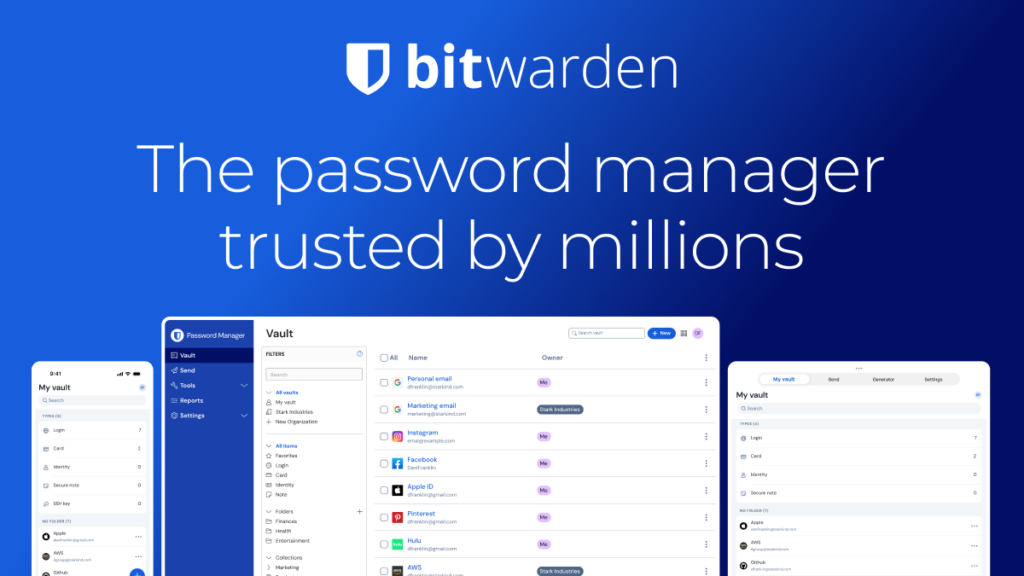
Bitwarden securely stores your passwords in an encrypted vault and helps generate strong passwords.
Benefits:
- End-to-end encryption
- Secure password generator
- Cross-device syncing
- Open-source security model
Instead of reusing weak passwords, install Bitwarden and boost your online safety instantly. It’s truly one of the best free PC software tools for digital security.
5. Audacity (Free Audio Editing for Everyone)
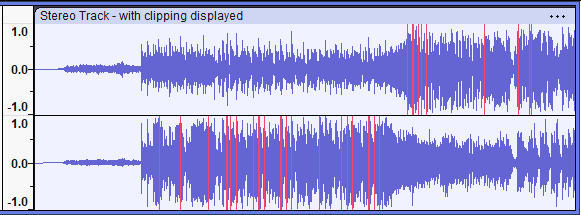
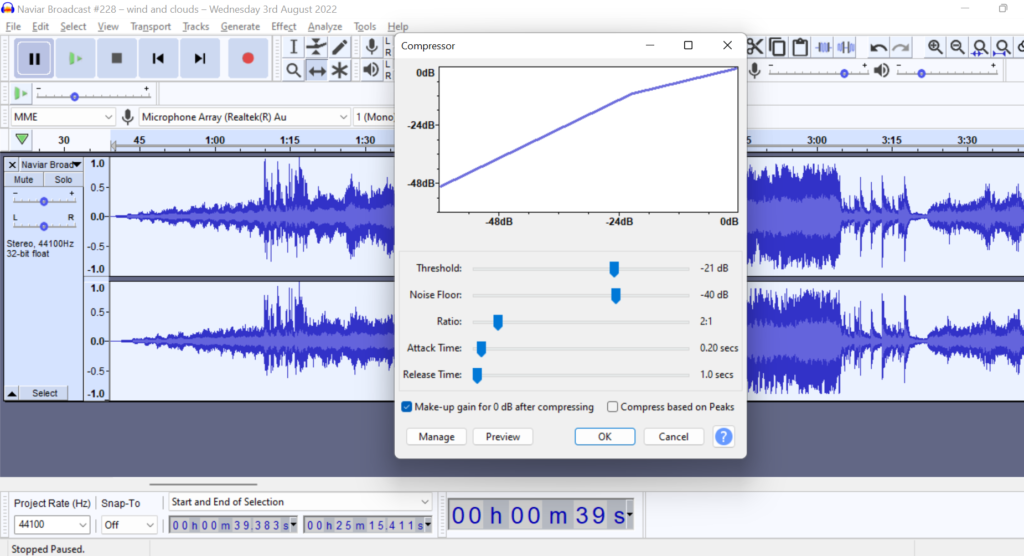
For podcasting, music production, or voice editing, Audacity remains a legendary name. It’s easily one of the best free PC software tools for audio editing.
What Makes Audacity Great?
- Multi-track audio editing
- Noise reduction tools
- Plugin support (VST, LADSPA)
- Ideal for podcasts and music
Whether you’re launching a podcast or editing lectures, Audacity is among the best free PC software options for creators.
How to Choose the Right Free Software for Your Needs?
Not all tools serve the same purpose. When selecting the best free PC software, consider:
- 🔍 Your primary goal (editing, browsing, security?)
- 💻 System compatibility
- 🔐 Security and privacy standards
- 📈 Long-term usability and updates
If you’re unsure which software suits your needs, feel free to Contact Us for tech support:
👉 https://softhelperpk.com/contact-us
At SoftHelperPK, we help users choose the best free PC software tailored to their requirements.
Frequently Asked Questions (FAQs)
1. Is free PC software safe to use?
Yes, if downloaded from official websites like the ones listed above. Always avoid third-party download sources.
2. Can free software replace paid software?
In many cases, yes. The best free PC software listed here offers features comparable to premium tools.
3. Does free software contain ads?
Some do, but tools like Brave block ads, and others like 7-Zip and Shotcut are completely ad-free.
4. How often should I update free software?
Always keep your best free PC software updated to ensure security patches and new features.
Conclusion: Elevate Your PC Experience with Free Software
Choosing the best free PC software in 2026 doesn’t mean compromising on quality. From secure browsing with Brave to powerful editing with Shotcut and Audacity, these tools can completely transform your PC experience.
At SoftHelperPK, we’re committed to bringing you trusted recommendations that boost productivity and security. Install these tools today and experience the power of the best free PC software — absolutely free.