
If you’ve been looking for the best free photo editing software in 2026 — you’ve probably already looked at a Photoshop subscription and decided £20 a month for something you’ll use a few times a week feels excessive.
A neighbour of mine runs a small online shop selling handmade candles and needed decent product photos and social media graphics. She nearly signed up for Photoshop just to crop and brighten a few images. I told her to hold off — there are genuinely capable free alternatives that do almost everything most people actually need, without any subscription at all.
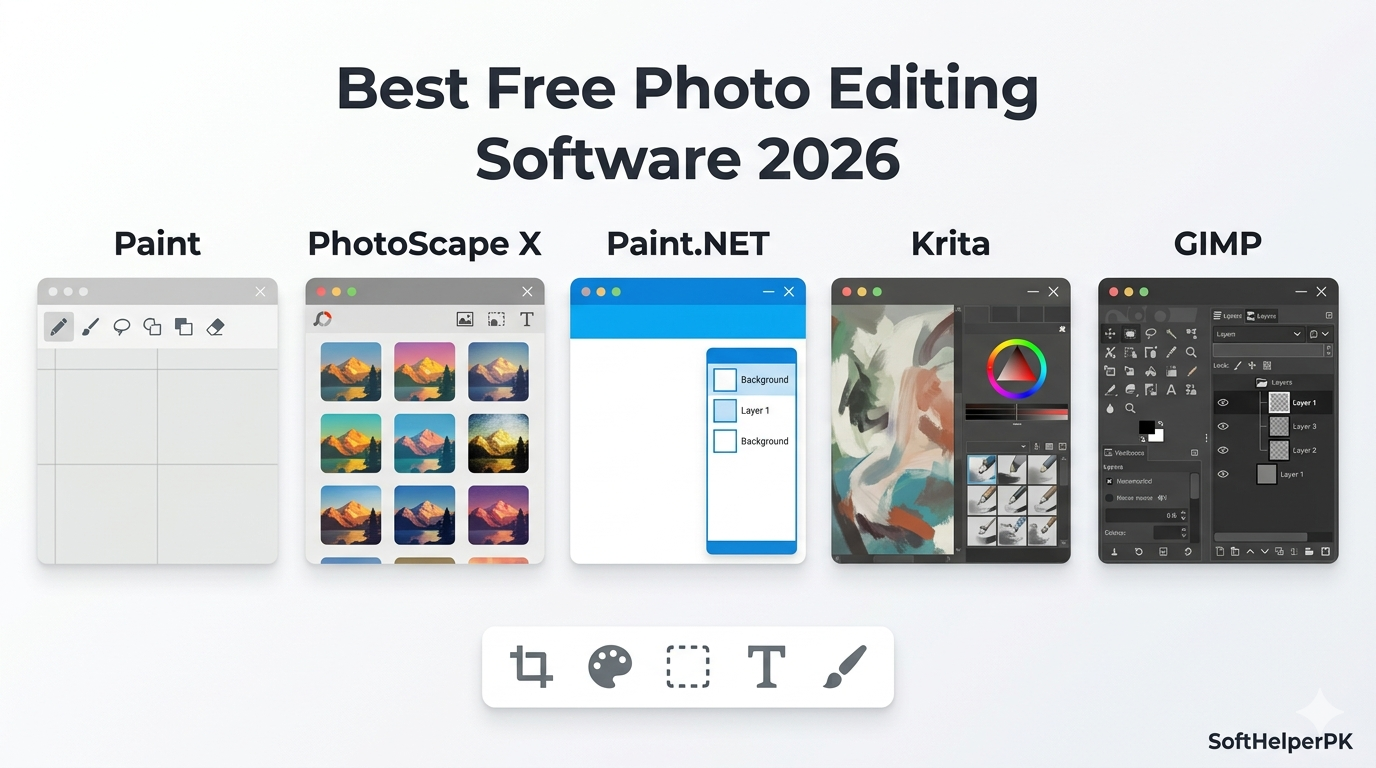
I went through five of the best free photo editing software options available for Windows, Mac, and Linux — ranked from genuinely useful for quick edits all the way up to a full Photoshop replacement. Here’s what each one is actually good for.
1. Microsoft Paint — Best for Quick, Simple Edits
Free. Built into Windows.
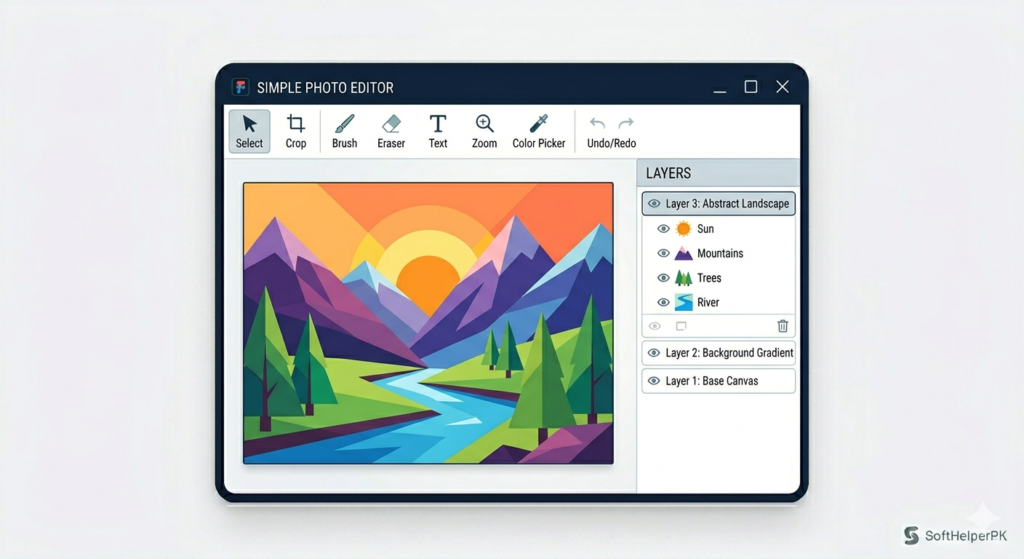
Paint has been something of a running joke in the Windows community for decades, but the version in 2026 is genuinely not what it used to be. Alongside the basic tools for cropping and drawing, it now includes a background removal feature that actually works reasonably well, support for working with layers for the first time ever, and a proper dark mode.
There’s also an AI image generator built in now — that part isn’t free, though you do get 50 credits to try it before needing to pay for more. The core editing tools, however, remain completely free with no catch.
This isn’t built for complex professional work, and it’s not trying to be. But if you just need something built-in, uncomplicated, and already sitting on your computer for quick crops, basic adjustments, or simple drawing, Paint genuinely earns its spot among the best free photo editing software for casual use.
👉 Microsoft Paint comes pre-installed on Windows
2. PhotoScape X — Best for Variety of Quick Tools
Free (with an optional Pro version for around £30-40).
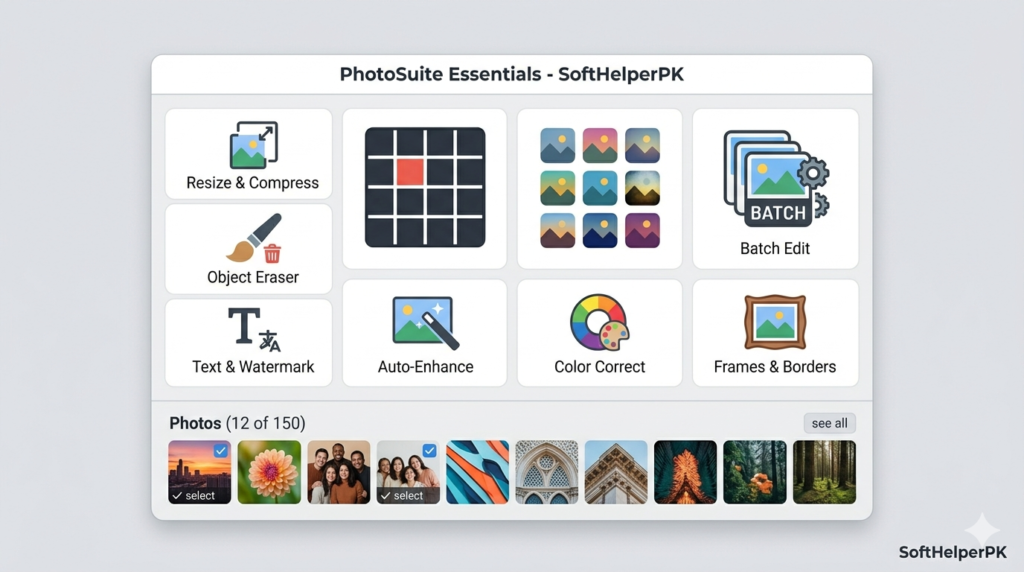
PhotoScape X packs in a genuinely impressive range of features for a free tool — a screenshot tool, GIF and collage creation, RAW image support, a large set of filters and effects, a background removal cutout tool, and batch editing options for working on multiple images at once.
When you first open it, the interface walks you through most of the available tools alongside built-in tutorials, which makes the learning curve gentler than most editing software. Click on a feature like borders or filters and it often shows you a quick tutorial demonstrating exactly how to use it.
For most people, the free version covers everything they’ll ever need — the Pro upgrade mainly adds extras that casual users won’t miss. It’s available through the Microsoft Store for Windows and the Mac App Store for macOS, making it one of the more accessible options among the best free photo editing software for anyone who wants variety without complexity.
3. Paint.NET — Best Lightweight Option for Windows
Free (Windows only, donation optional).
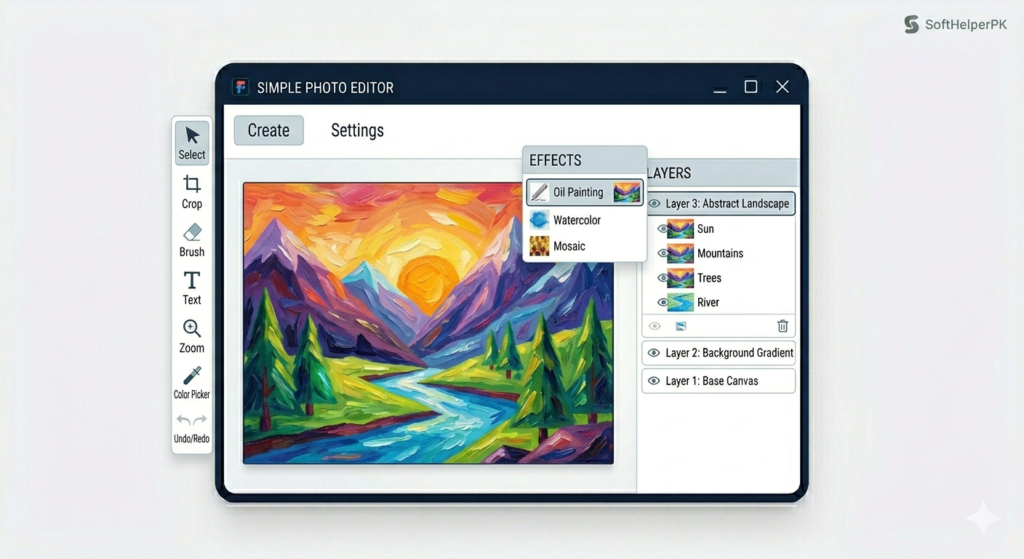
Paint.NET has quietly been a favourite for over twenty years, originally built as a more powerful alternative to Microsoft Paint back in 2004. It remains lightweight while packing in genuinely useful features — full layer support, a solid range of special effects, and an active community that’s built plugins extending its functionality well beyond the base install.
The interface places most tools in a toolbar on the left, with additional effects and adjustments in the top menu bar. One particularly nice touch is the artistic effects category, including an oil painting effect that gives photos a genuinely convincing painted look in a couple of clicks.
It’s Windows-only, which is the main limitation, but for Windows users specifically wanting something more capable than Paint without the steep learning curve of professional software, it’s consistently rated among the best free photo editing software for everyday editing tasks.
4. Krita — Best for Digital Art and Illustration
Free and open source. Windows, Mac, and Linux.
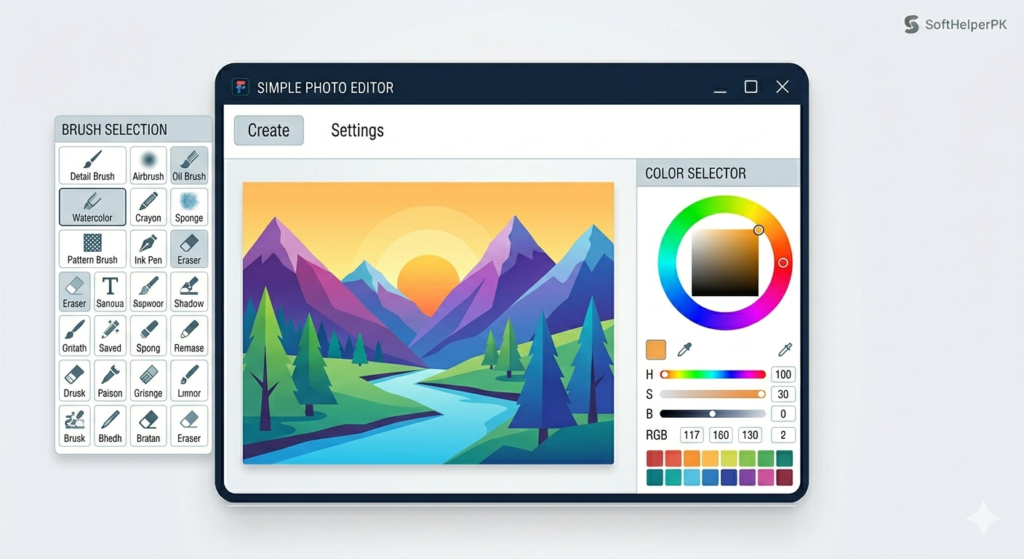
Krita is built primarily for digital painting and illustration rather than pure photo editing, but it includes a genuinely large set of image editing tools alongside its art-focused features. It comes with over 100 professionally made brushes built in, full layer support, vector templates from its library, and tools for masking, special effects, and filtering.
The interface places most working tools along the left side, with an advanced colour selector and quick layer controls on the right. Pressing T expands your canvas by hiding the sidebars temporarily, giving you more room to actually work on the image itself.
Worth knowing — Krita has a steeper learning curve than the previous three options on this list, and beginners can find the sheer number of tools and features a bit overwhelming at first. There’s a comprehensive manual available on their site to help with that. For anyone leaning toward illustration as well as photo editing, this is genuinely one of the best free photo editing software options available, just with more to learn upfront.
5. GIMP — Best Overall Free Photoshop Alternative
Free and open source. Windows, Mac, and Linux.
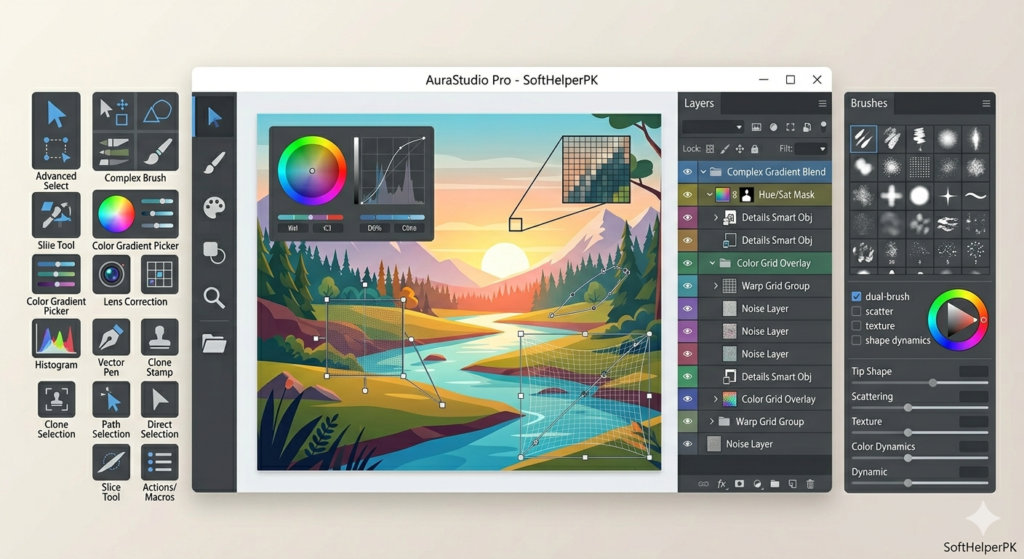
GIMP is the most complete free photo and image editing software available, and has been since its initial release back in 1996. It includes proper layer management, an extensive toolset, advanced filters and effects, full colour adjustment and transformation tools, and compatibility with most popular image formats — including Photoshop’s own PSD files.
The interface has a reputation for feeling a bit clunky, particularly to longtime Photoshop users expecting a different layout. The default toolbox sits on the left with layers and brushes on the right, though GIMP also offers a single-window mode for anyone who prefers a more traditional layout over the default floating windows.
It genuinely holds its own as a complete Photoshop replacement for the vast majority of everyday editing needs, and remains the most full-featured of the best free photo editing software options on this list by a clear margin. Tutorials are available directly on their site if you’re getting started.
Which One Should You Actually Use?
Depends entirely on how much editing power you actually need.
If you just want quick, simple edits without installing anything extra — Microsoft Paint.
If you want variety and built-in tutorials without complexity — PhotoScape X.
If you’re on Windows and want something capable but lightweight — Paint.NET.
If you’re interested in digital art alongside photo editing — Krita.
If you want the most complete free alternative to Photoshop — GIMP.
These best free photo editing software options genuinely cover everything from a quick crop to professional-level editing, all without a subscription. Most people are surprised how far the free tier alone takes them once they actually try one of these instead of assuming they need to pay.
One practical tip — if you’re new to any of these, save your work in the software’s native file format (like .xcf for GIMP or .pdn for Paint.NET) alongside your exported JPEG or PNG. The native format keeps your layers and editing history intact, so you can go back and adjust things later instead of starting from scratch.
If you’re also working on logos or branding alongside your photos, check out my guide on the best AI logo makers in 2026 — useful for rounding out a complete free creative toolkit.
This article was researched and written with the assistance of AI tools and reviewed by Muhammad Usama.