
If you’ve been searching for the best AI logo makers in 2026 — you’ve probably noticed something already. A lot of these tools advertise themselves as “free” right up until the moment you actually want to download your finished logo, and then suddenly there’s a price tag.
A cousin of mine launched a small online store last year and spent an entire evening designing a logo on one of these tools, only to discover at checkout that downloading it in actual usable resolution cost £25. She’d assumed “free logo maker” meant exactly that. It didn’t — not entirely, anyway.
So before going through the best AI logo makers available right now, here’s the honest version — what’s genuinely free, what’s a trial dressed up as free, and what’s worth paying for if you’re serious about your brand.
1. Looka — Best Premium Option (Paid, Not Free)
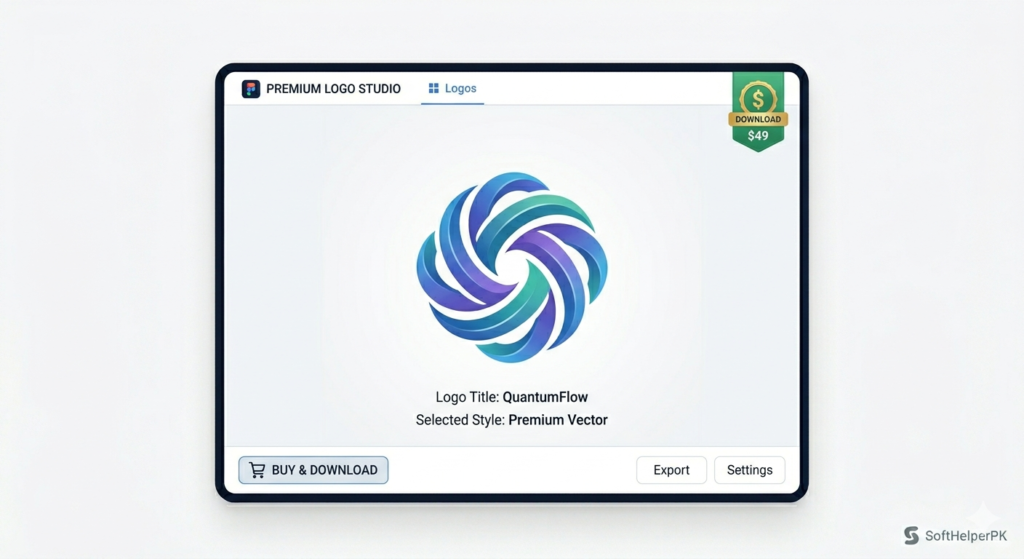
Free to design and preview. Paid to download — pricing starts around £20 for a basic logo package.
Looka is the one that genuinely makes people stop and assume you hired a professional designer. Type in your brand name, pick your industry, select a few style preferences, and the AI builds logos that feel intentional and balanced rather than throwing random icons together. The typography looks professional, the spacing feels considered, and the icons it suggests actually make sense for the niche you’ve entered.
What sets Looka apart from a basic logo generator is that it builds a full brand identity, not just a single image. You get designs that carry consistently across social media, business cards, websites, and packaging — your logo doesn’t just exist as one file, it works everywhere your brand shows up.
Be clear about the cost before you start — this isn’t free. It’s built for startups, e-commerce brands, agencies, and personal brands that want credibility from day one and are willing to pay for it. Among the best AI logo makers on this list, this is the premium pick, and it’s worth the price if quality matters more to you than saving money.
2. Wix Logo Maker — Best Free Option for Beginners
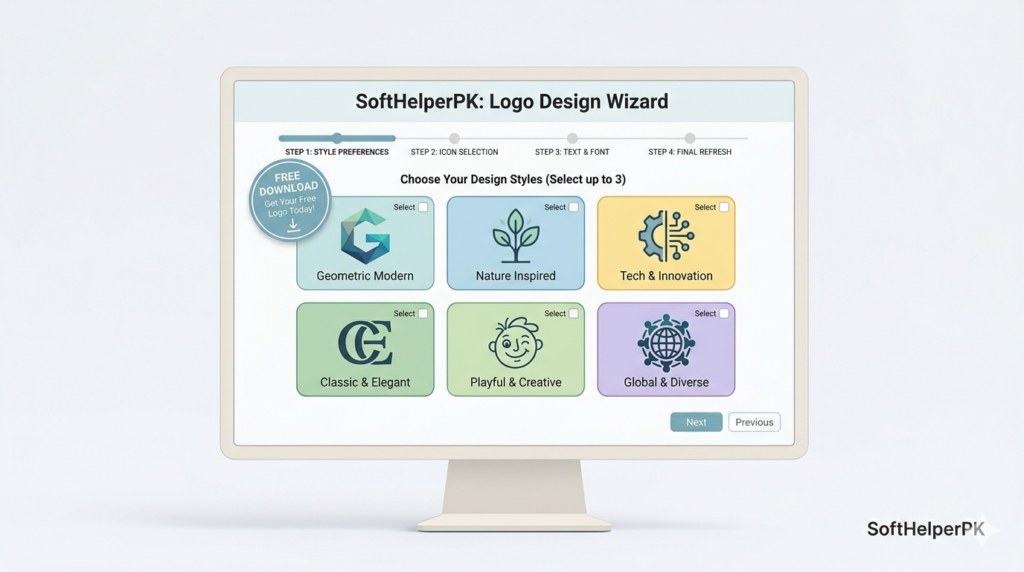
Free to use, including a free downloadable logo in standard resolution. Paid tiers exist for higher resolution and extra formats.
Even if you’ve never touched Wix for building a website, this logo maker deserves attention on its own. It walks you through the process like a creative director asking the right questions — what’s your brand about, what personality should it have, clean and modern or bold and expressive. The results feel polished and safe in the best possible way.
This is the kind of tool where you sit down for ten minutes and walk away with something that genuinely looks ready to publish. Customisation stays simple without feeling restrictive — fonts, colours, and layout are all adjustable, and none of it feels overwhelming for someone doing this for the first time.
The genuinely free tier here actually gives you a usable logo, which is more than some of the others on this list offer. For small businesses and creators who want clean, trustworthy branding without friction or a surprise paywall, Wix is one of the best AI logo makers that actually delivers on “free.”
3. Tailor Brands — Best for Business Structure (Paid, Free Preview Only)
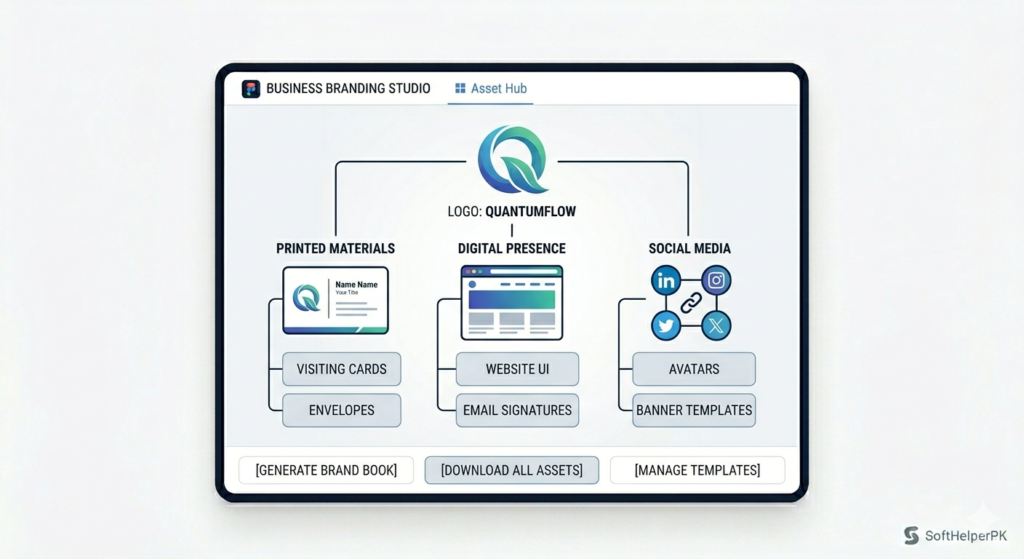
Free to design and preview. Paid subscription required to download — plans typically start around £5-10 per month.
Tailor Brands feels like it was built for entrepreneurs rather than designers, and that focus shows immediately. The goal isn’t artistic experimentation, it’s business clarity. You choose how you want your logo structured, and the AI builds something modern and minimal that’s ready for real-world use rather than flashy or overly creative.
What stands out is how everything connects beyond the logo itself — it’s positioned as part of a bigger branding system designed to feel consistent across platforms and formats. This suits people launching genuine businesses — online stores, consulting brands, service companies — who want their branding to feel organised rather than experimental.
You won’t get unlimited creative freedom here, and that’s somewhat the point — it keeps things focused and professional. But know going in that the subscription is required to actually use your logo anywhere, so factor that into your decision among the best AI logo makers if budget is tight.
4. Canva — Best Free Flexible Option
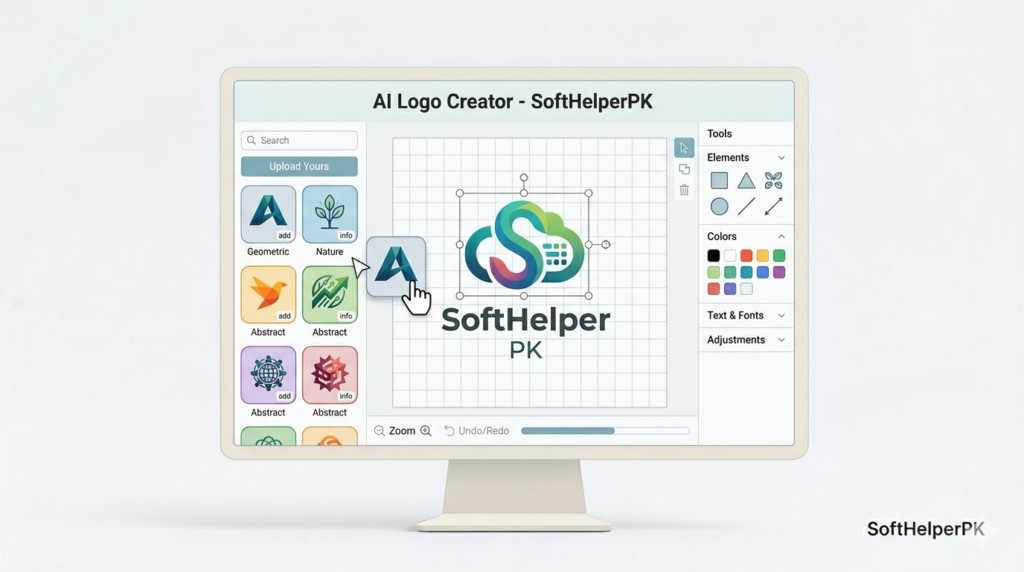
Genuinely free to design and download a basic logo. Paid Pro tier unlocks premium elements and templates.
If you’ve designed anything online before, you’ve probably used Canva at least once, and there’s a reason it’s everywhere. Canva’s logo maker is incredibly accessible — you start from a template, but you’re never stuck with it. Tweak, adjust, remix, and refine fonts, spacing, colours, and shapes in real time until it actually feels like yours rather than a generic template.
This is a strong option for creators, YouTubers, influencers, and small businesses who want to design a logo and immediately use it everywhere — thumbnails, social media banners, flyers, all without leaving the platform.
The one thing to genuinely watch for is originality. If you don’t customise enough, your logo can end up looking familiar to dozens of others using the same starting template. Take the time to actually adjust it and Canva delivers surprisingly clean results for free. Among the best AI logo makers, this is the one I’d point complete beginners toward first specifically because the free tier is real and usable.
5. Logo Mocker — Best for Quick Free Drafts
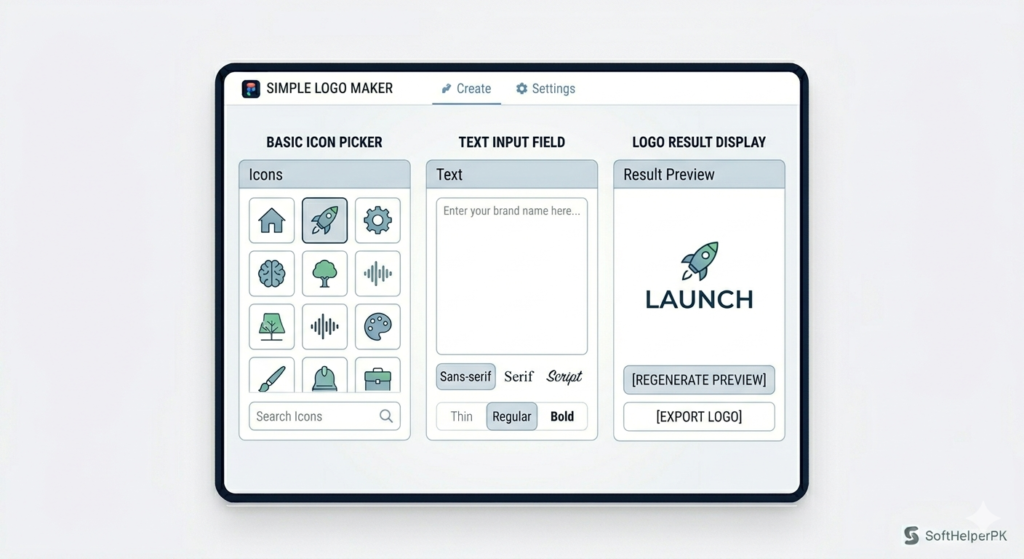
Free, with basic export included.
This one is simple, fast, and straight to the point. Logo Mocker is what you reach for when you need a logo idea quickly — testing a business name, launching a temporary project, or just wanting to see what your brand could look like before committing to anything more polished.
Choose an icon, adjust the text, play with colours, and you’re done. There’s no learning curve and no distractions. The AI behind it isn’t as advanced as the other options on this list, but that’s not really the point — this tool isn’t trying to be fancy, it’s trying to be genuinely useful for quick drafts.
If you’re early in the process and just need something clean and functional without spending money or significant time, Logo Mocker rounds out the best AI logo makers list nicely for that specific use case.
Which One Should You Actually Use?
Depends entirely on your budget and how serious the brand is.
If you want the most premium result and are happy to pay for it — Looka.
If you want a genuinely free, usable logo with no surprise paywall — Wix Logo Maker.
If you’re building a structured business and don’t mind a small monthly subscription — Tailor Brands.
If you want maximum flexibility and a real free tier — Canva.
If you just need a quick free draft to test an idea — Logo Mocker.
These best AI logo makers split fairly cleanly into two categories — genuinely free tools like Wix, Canva, and Logo Mocker, and premium tools like Looka and Tailor Brands that let you design for free but charge to actually use the result. Neither approach is wrong, but knowing which category you’re in before you spend an hour designing saves you the frustration my cousin ran into.
One practical tip — whichever tool you use, download your logo in multiple formats and sizes the moment you’re happy with it, including a transparent background PNG and a high-resolution version. Going back to recreate it later, especially on a tool with a paywall, is far more annoying than saving the right files the first time.
If you’re building out a full brand beyond just the logo, check out my guide on the best free AI image generators in 2026 — useful for creating supporting graphics and social media visuals to match.
[…] you’re also working on logos or branding alongside your photos, check out my guide on the best AI logo makers in 2026 — useful for rounding out a complete free creative […]