
How to use AI for students free 2026 — that’s exactly what this guide covers.
My little sister started university last September. Within two weeks she was texting me saying she was already drowning — three essays due, a presentation, readings she hadn’t touched. I told her to try a few AI tools. She looked at me like I was suggesting she cheat. “That’s not allowed,” she said.
I had to explain the difference. Using AI to cheat — submitting AI-written work as your own — yeah, that’s a problem. Using AI to understand things faster, organise your notes, prepare for exams, check your writing — that’s just studying smarter. Same way a calculator doesn’t make you bad at maths.
By the end of her first semester she was using three different free AI tools regularly and her grades had genuinely improved. Not because AI did her work. Because she stopped wasting time on the parts that don’t require her brain.
So here’s what actually works.
1. Is It Okay to Use AI as a Student?
This comes up every time so let’s get it out of the way.
Using AI to do your assignment and submitting it as your own work — that’s academic dishonesty. Most universities have policies on this now and detection tools are getting better. Don’t do that.
But using AI for students to explain concepts you’re struggling with, to check your grammar, to summarise long readings, to organise your notes — that’s completely fine. Nobody says you can’t use a dictionary. Nobody says you can’t ask a tutor to explain something. AI is the same category.
The line is: did you do the thinking? If yes, AI helping you express or organise that thinking is fair game. If AI did the thinking and you just handed it in — that’s where the problem is.
With that cleared up — here’s what’s actually worth using in 2026.
2. ChatGPT — Best Free AI for Students 2026
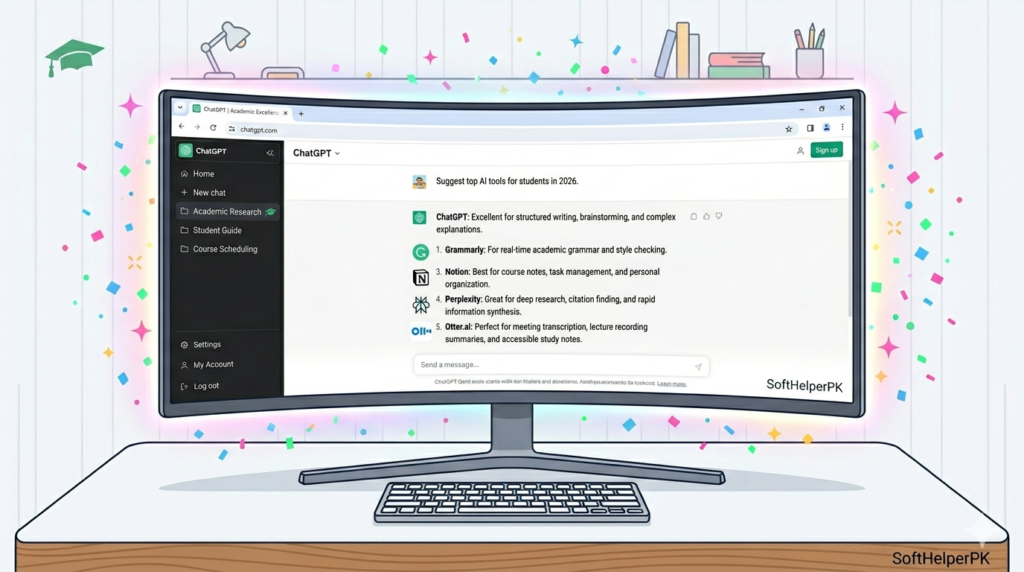
Free. No credit card. Works on phone and desktop.
This is the one I’d tell any student to start with. Not for writing essays — for understanding things.
You’re reading a chapter on macroeconomics and nothing is clicking. Paste the confusing paragraph into ChatGPT and say “explain this like I’m 16.” It rewrites it in plain English. You can ask follow-up questions. You can say “give me an example.” It’s like having a tutor available at 2am who never gets impatient.
I watched my sister use it to understand a legal concept she’d read four times and still couldn’t grasp. ChatGPT explained it with an analogy about renting a flat. Clicked immediately.
Also useful for exam prep. “Give me 10 practice questions on the French Revolution.” “Quiz me on cell division.” It generates questions, checks your answers, explains where you went wrong. Free revision tool that never runs out of patience.
Go to chatgpt.com — sign up with Google — done in two minutes.
3. Notion AI — For Notes and Organisation
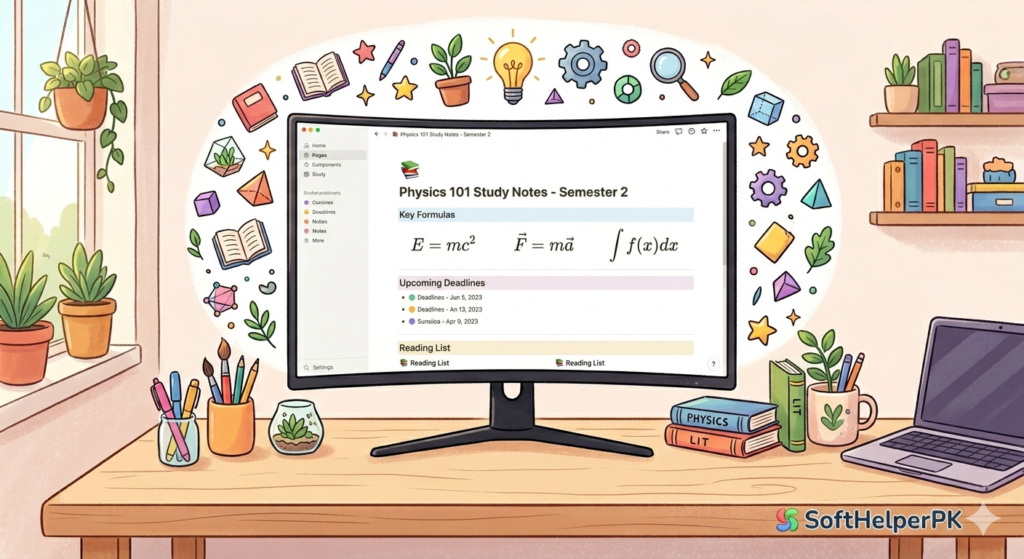
Free tier available. Works on everything.
Notion is where a lot of students already keep their notes. The AI layer on top turns it into something genuinely useful.
You paste in your lecture notes — messy, incomplete, written in a rush — and ask it to tidy them up, add structure, pull out the key points. It does it in seconds. What used to be an hour of rewriting notes after a lecture takes five minutes.
You can also ask it to create a revision summary from a set of notes. Or build a study schedule. Or turn a wall of text into a table. The free plan has limits on AI usage but for a student doing normal amounts of work, it’s enough.
The setup takes a bit longer than ChatGPT — you need to actually build your note system inside Notion. But once it’s set up, it’s the kind of thing you use every single day without thinking about it.
4. Grammarly — For Writing and Proofreading
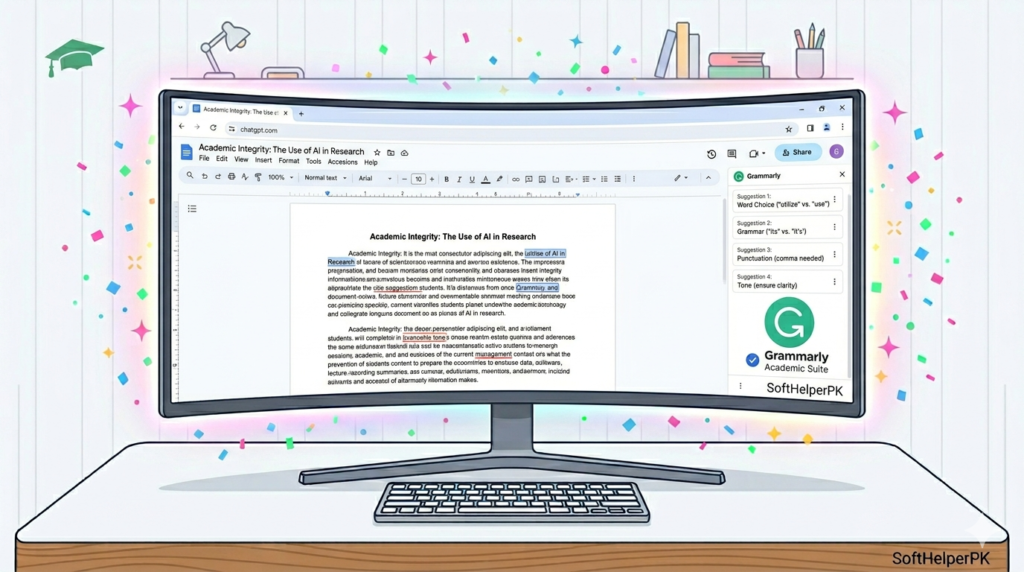
Free version is genuinely useful. Browser extension, Word plugin, works everywhere.
Every student writes. Essays, reports, emails to professors, dissertations. Grammarly sits in the background and catches things you miss — not just spelling, but awkward sentences, wrong punctuation, unclear phrasing.
The free version covers the basics really well. It underlines problems, explains why something is wrong, suggests a fix. You still decide whether to accept the suggestion — which means you’re actually learning as you go, not just blindly accepting changes.
The paid version does more — tone suggestions, plagiarism checking, more detailed style feedback. Worth it if you write a lot. But the free version alone will catch a solid chunk of errors that would otherwise cost you marks.
Install it as a Chrome extension — it then works on Google Docs, your university portal, emails, everywhere automatically.
5. Perplexity AI — For Research and Finding Sources
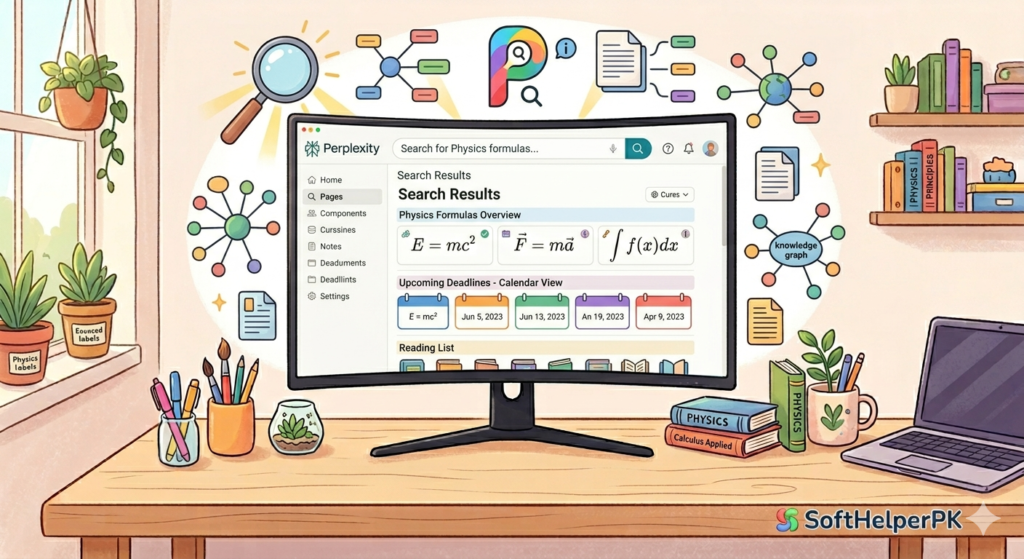
Free. Probably the most underrated tool on this list.
Most students use Google to research. You get ten blue links, click through three of them, skim, try to piece things together. Takes ages.
Perplexity reads across multiple sources and gives you a summarised answer with citations included. You can see exactly where each piece of information came from. That’s massive for academic work — you get the summary but you also get the sources you can actually reference.
For how to use AI for students free in 2026, Perplexity is the one that most directly replaces the worst part of studying — the hours of searching and reading that don’t always lead anywhere useful.
Ask it “what were the main causes of the 2008 financial crisis” and you get a clear answer with sources listed. Click the sources to verify. Use them in your essay. Done.
Go to perplexity.ai — no signup needed to start.
6. Otter.ai — For Recording and Transcribing Lectures
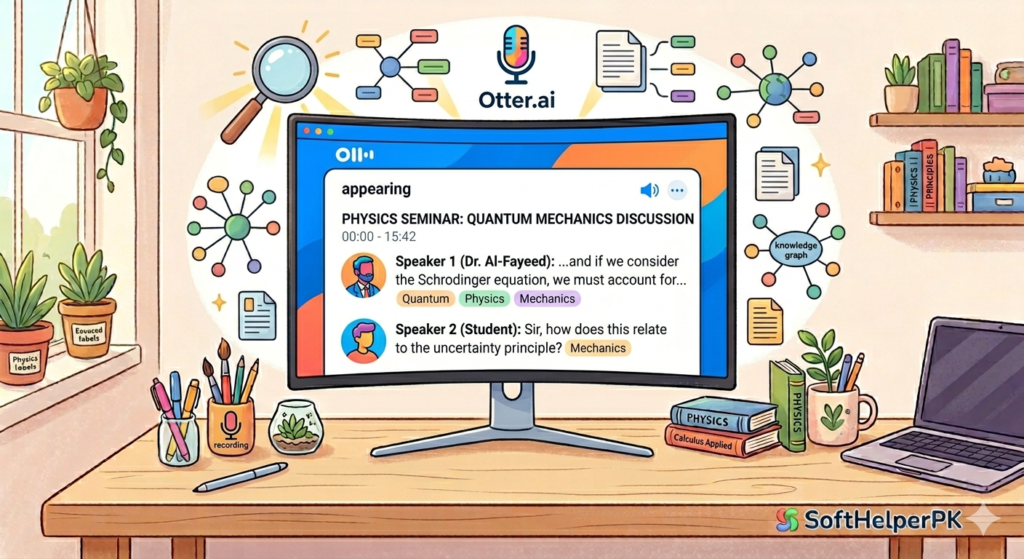
Free plan gives you 300 minutes per month of transcription.
This one changed things for a lot of students I know. You sit in a lecture, you’re trying to write notes and listen at the same time, and you end up with half of each. Otter records the audio and converts it to text in real time.
After the lecture you have a full transcript. Search it for specific terms. Highlight the important bits. Share it with coursemates. It’s not perfect — it mishears things occasionally, especially with accents or technical terms — but it gets enough right that it’s genuinely useful.
Check your university’s recording policy before using it. Most allow personal recordings for study purposes but it’s worth knowing the rules.
Free plan is 300 minutes a month which is roughly five hours of lectures. For most students that’s enough. Go to otter.ai to sign up.
7. How to Use AI for Students Free 2026 — Which One First?
Honestly — just pick one and actually use it rather than installing five and using none.
If you struggle to understand your course material — ChatGPT first. It’s the most flexible and you’ll find uses for it immediately.
If your problem is organisation and keeping track of everything — Notion AI.
If writing is your weak spot — Grammarly straight away, it installs in thirty seconds.
If you spend too long researching — Perplexity will save you hours.
If lectures are your problem — Otter.ai.
The way I think about using AI for students free in 2026 — it should be doing the boring, repetitive parts of studying so your brain can focus on the parts that actually matter. Understanding. Thinking. Applying. That’s what gets you the grade. AI just clears the path to get there faster.
One tip — don’t use more than two tools at once when you’re starting out. Pick the one that solves your biggest problem. Use it properly for two weeks. Then think about adding another.
And if you want to explore more free tools beyond studying, check out my guide on the best free AI tools in 2026 — there are some genuinely useful ones for productivity and creative work too.
2 responses to “How to Use AI for Students Free 2026 (Complete Guide)”